8
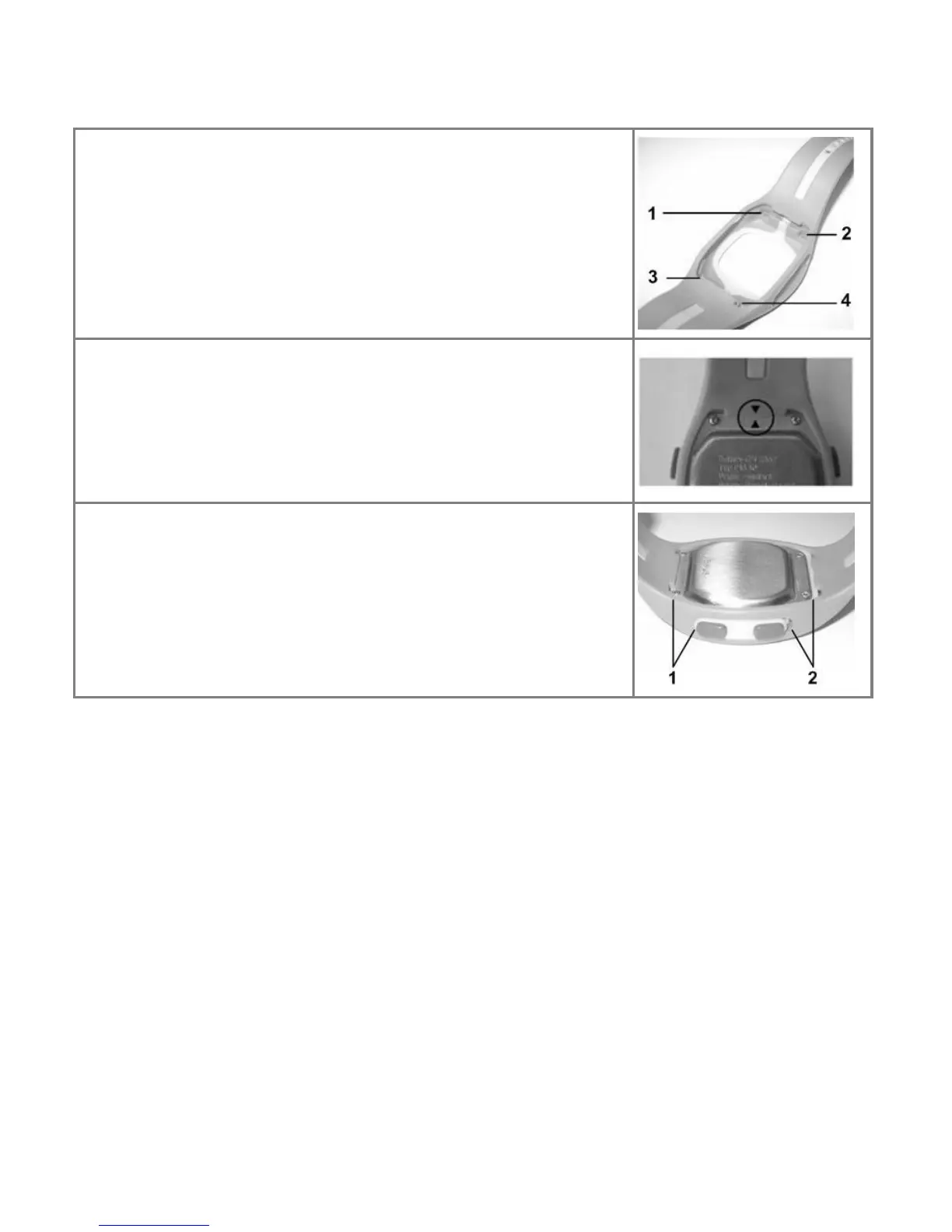
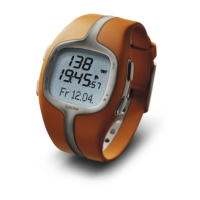
Locking pins are located on the corners of the
watch case. The wrist band has the corre-
sponding fasteners (1), (2) (3) and (4).
Insert the watch case in the wrist band. Please
note that both triangulars (see picture) have to
fit perfectly. Carefully place the base that sur-
rounds the side buttons on the buttons them-
selves.
You must be sure that the locking pins perfectly
adjust to the fasteners in the wrist band. The
casing must be directly attached to the wrist
band (1) without any space (2). Otherwise, the
danger exists that the watch could separate.
Please note: Only change the wrist band, if necessary. Excessive
swapping stresses the material.
Activating the heart rate monitor from the power saving
mode
You can activate your heart rate monitor by pressing any key. If the
heart rate monitor has not received any signal for approx. five
minutes, it switches to the power saving mode. At that point, only the
current time will be displayed. Press any key in order to reactivate
the watch.


 To Next Page