18
WATCH SETTINGS
Overview
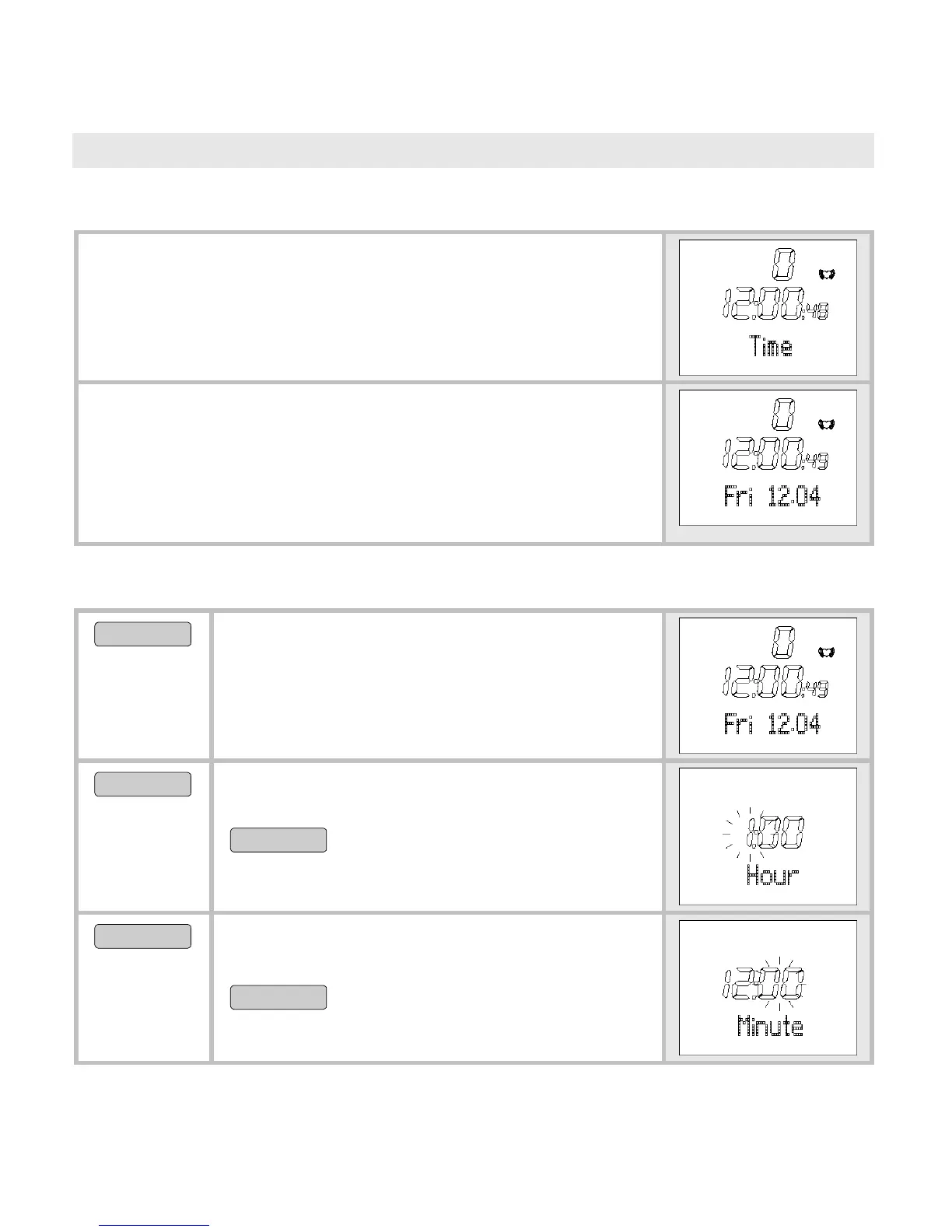
In the Time menu you can:
Set the time and the date.
Set the alarm clock.
When you are in the Time menu the heart rate
monitor automatically activates the main display.
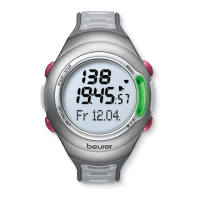
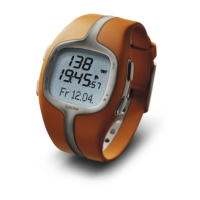
In this mode both the weekday and the current
date are displayed. On the display:
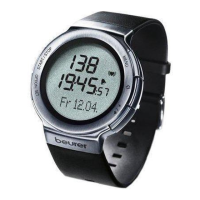
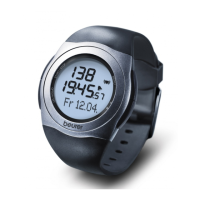
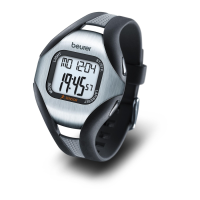
Fri 12.04
(Friday 12th April).
Set time of day and date
MENU
Switch to the menu
Time.
START/STOP
5 sec
Set Time is shown briefly. Hour is
displayed. The hour setting blinks.
START/STOP
Set the hour (0-24).
OPTION/SET
Minute is displayed. The hour setting
blinks.
START/STOP
Set the minute (0-59).


 To Next Page