24
RESULTS
Overview
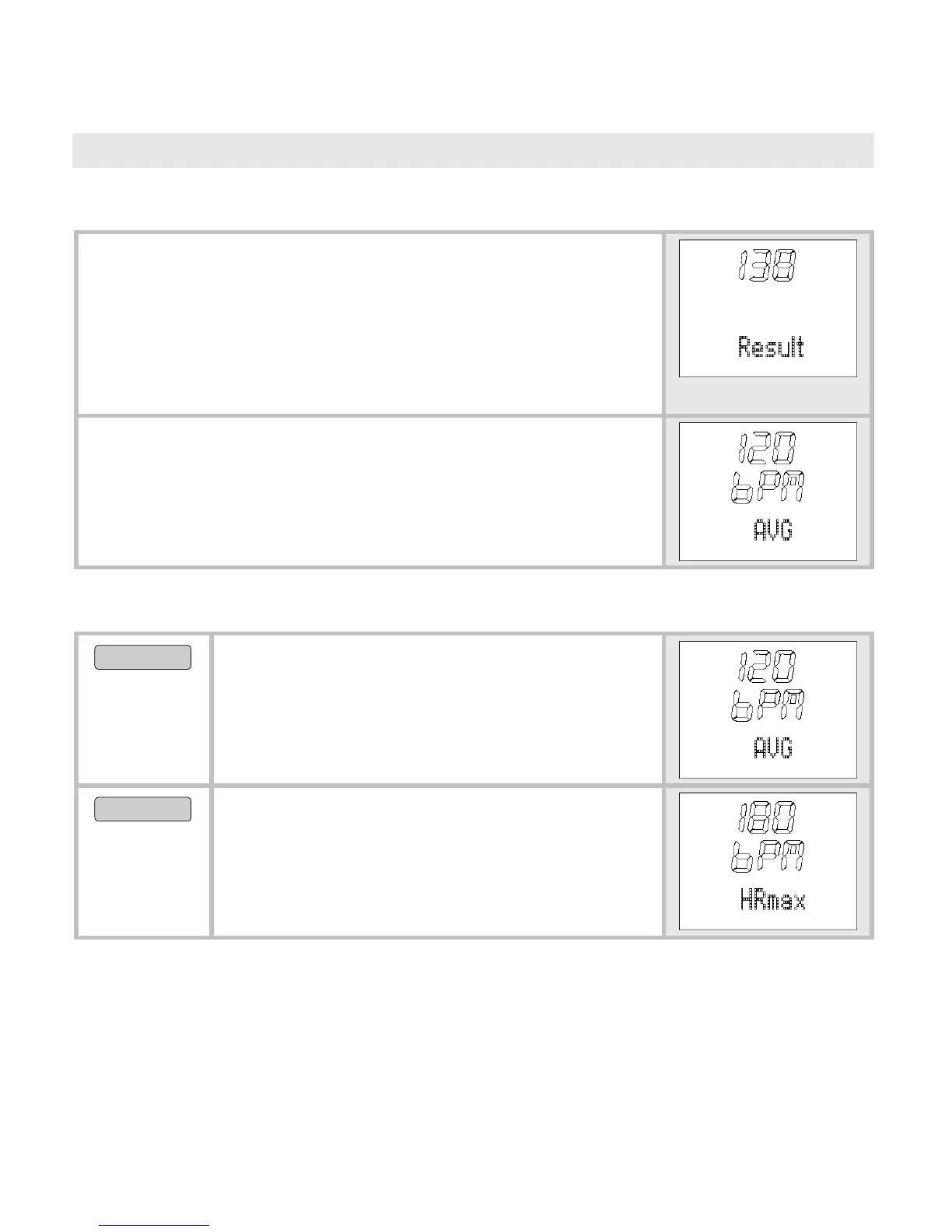
In the menu Result you can:
Display your training data: mean and maxi-
mum heart rate, times within and outside of
the training zone as well as calorie consump-
tion and fat burning.
Once you are in the menu Result, your HR moni-
tor automatically switches to the main display.
This displays
bPM AVG.
Display training data
MENU
Switch to the menu
Result.
bPM AVG (average training heart
rate) is displayed.
OPTION/SET
HRmax (maximum training heart
rate) is displayed.


 To Next Page