12
Menus
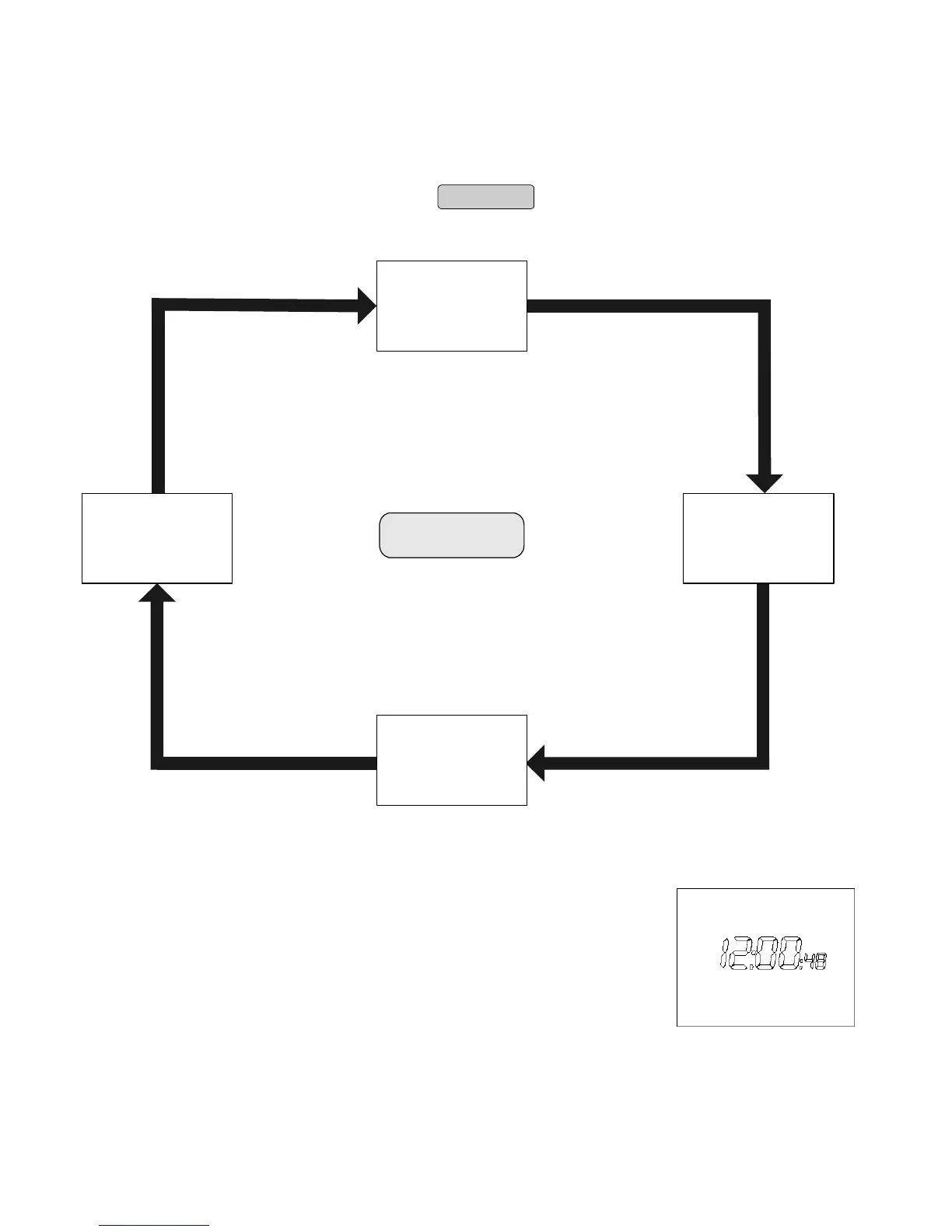
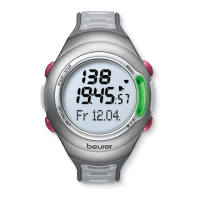
You can switch menus with the
MENU
Button.
Time
Training
Result
Setting
MENU
Power saving mode
If your heart rate monitor has not received any
signal for approx. five minutes, it switches to the
power saving mode. In that case, only the current
time will be shown. Press any key to reactivate the
HR monitor.


 To Next Page