11
G
B
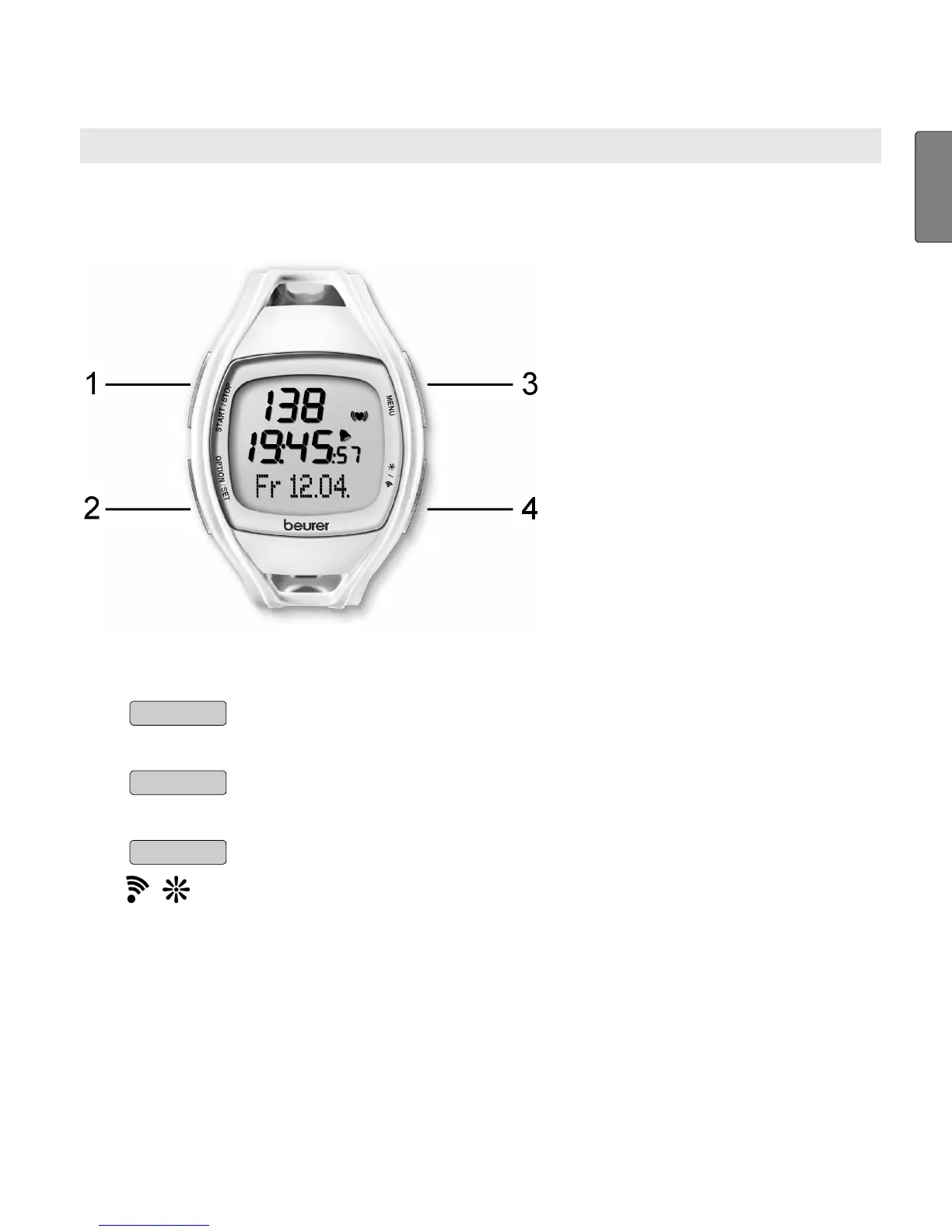
GENERAL OPERATION OF THE HR MONITOR
Buttons on the HR watch
1
START/STOP
Starts and stops functions and adjusts values. Press
and holding accelerates the entry.
2
OPTION/SET
Switches between the functions within one menu and
confirms settings.
3
MENU
Switches between the different menus.
4
/
Pressing quickly illuminates the display for five sec-
onds.
Pressing and holding activates/deactivates the
acoustic alarm when exiting the training zone.



 To Next Page