24
Record laps
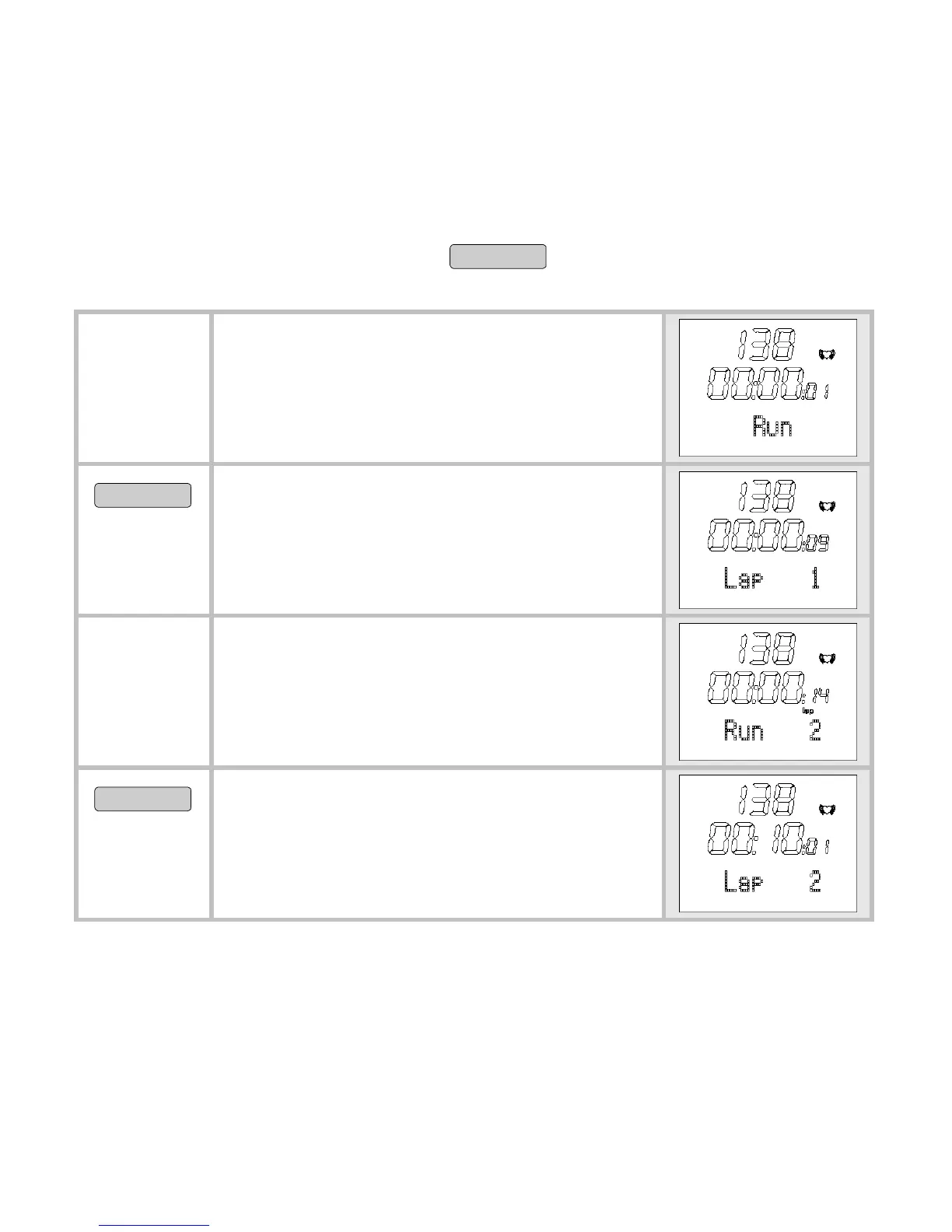
While the recording of your entire training is in progress, you can
record individual laps. The first lap recording starts after every reset
as soon as you press the button
START/STOP
. The time continues to run
as the laps are recorded.
You are in the menu Training and
your training is currently being re-
corded.
Run is displayed.
OPTION/SET
Time a new lap. The display shows
the time and number of the last lap
timed for five seconds, for example
Lap 1.
The display automatically switches
back to
Run and shows the number
of the current lap, for example
Run 2.
OPTION/SET
Record additional training laps as
needed. You can record up to a total
of 50 laps. Each lap may last a ma-
ximum of 10 hours.



 To Next Page