15
G
B
BASIC SETTINGS
Overview
In the menu Setting you can:
Enter your personal data (user). Based on this
data, your HR monitor determines your calorie
consumption and your fat burning during train-
ing!
Set your training zone (limits). See chapter
"General Information on Training" for explana-
tions on how to set the training zones. Your
HR monitor issues an acoustic and visual
alarm during your training when the training
zone is exited.
Change the units of measurement (units) for
height and weight.
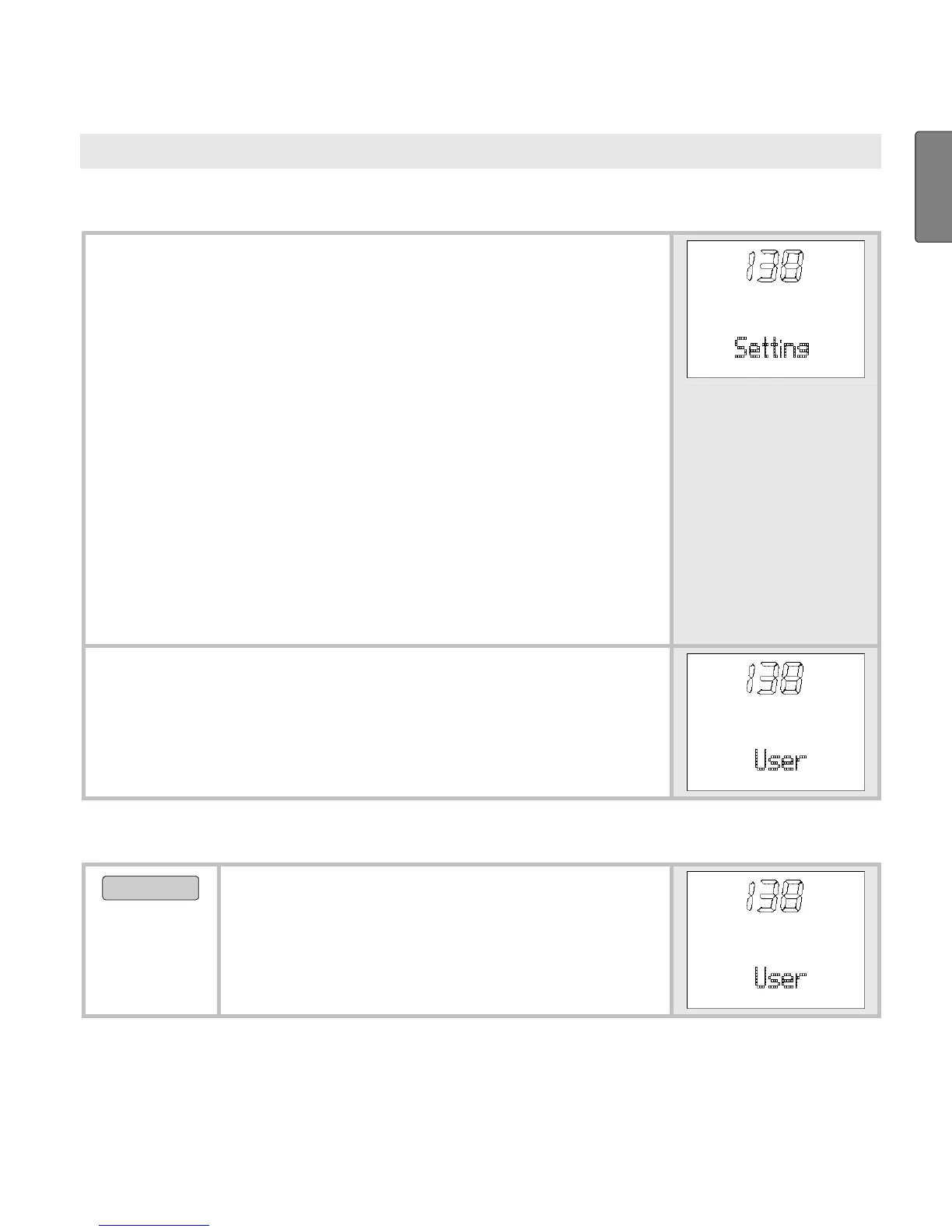
Once you are in the menu Setting, your HR
monitor automatically switches to the main dis-
play. This displays
User.
Enter personal data
MENU
Switch to the menu
Setting.



 To Next Page