30
Conduct fitness test
The units displayed "m" or "mile" result from the basic settings. In
the chapter "Basic Settings", section "Setting units", you can read
how to change these units.
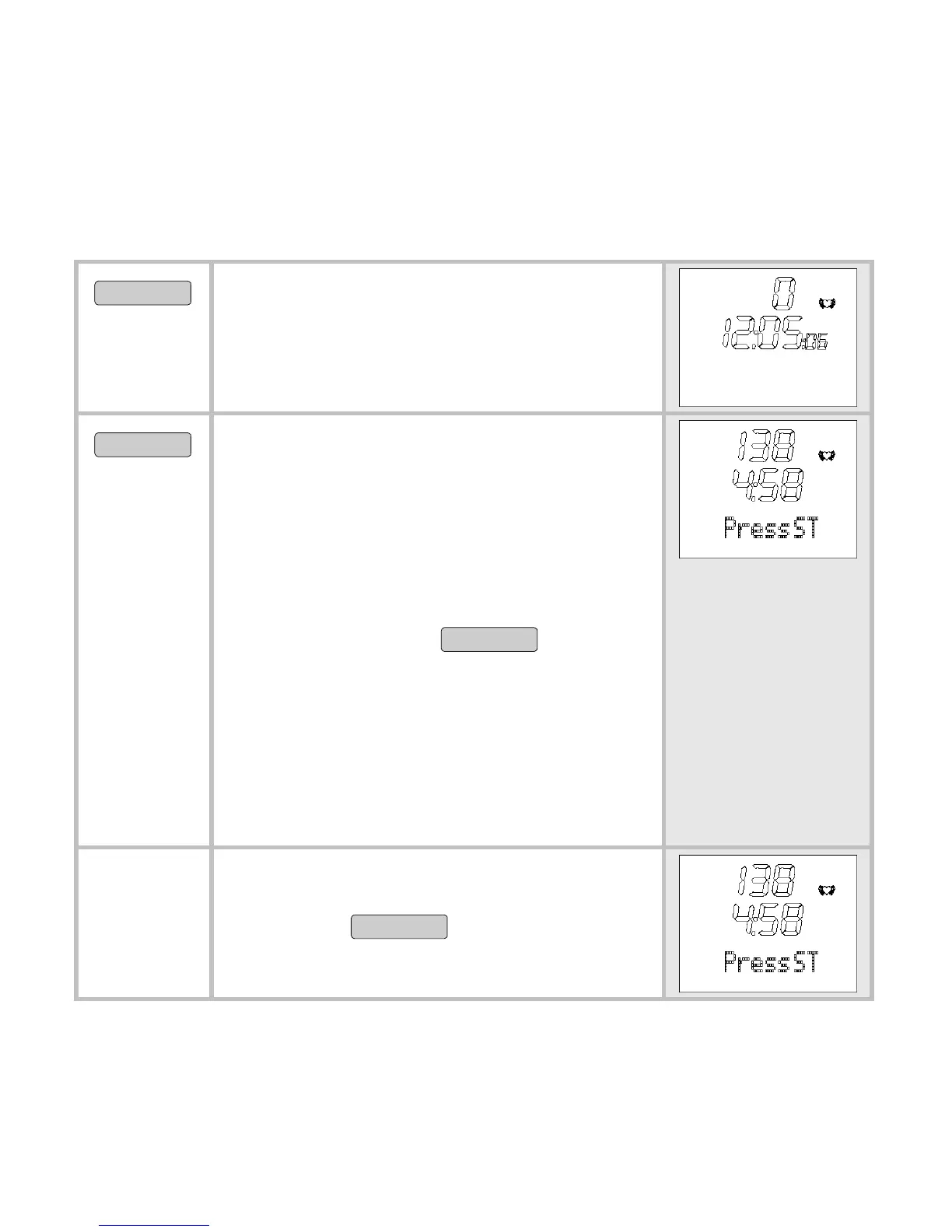
MENU
Switch to the menu FitTest.
Fasten the chest strap, so that your
heart rate can be measured.
START/STOP
The scrolling display appears
PressSTART to begin. Now you
have five minutes to warm up. Your
HR monitor signals the end of the 5-
minute warmup phase with a beep.
In the event you would like to
shorten the warmup phase, you can
press the button
START/STOP
to switch
to the next screen.
Briskly walk exactly 1600m (1 mile).
For this, choose a level route of ex-
actly 1600m. Ideally, you will walk
four stadium laps (4 times 400m =
1600m).
The scrolling display Press STOP
after 1600 m
reminds you to press
the button
START/STOP
after 1600m.



 To Next Page