english
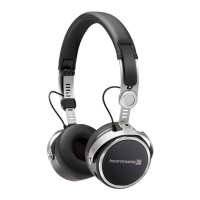
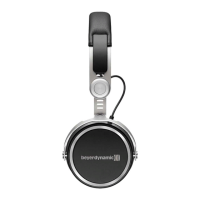
Amiron wireless – Headphones
13
Charging
• For charging the rechargeable battery use the supplied USB charging cable only.
• Connect the Amiron wireless with this USB charging cable to any USB compliant
USB port supplying voltage (e.g. USB power supply).
• During charging the LED 3 is flashing red.
• As soon as the LED 3 is permanently illuminated red, the rechargeable battery is
completely recharged.
• Detach the USB charging cable after the charging process.
Activating and deactivating aptX™ HD
• Activating aptX™ HD:
Switch on the Amiron wireless.
Then perform the following steps within two seconds:
– Hold button 3.
– Drag one finger upwards on the touch pad 1.
– Release button 3.
• Deactivating aptX™ HD:
Switch on the Amiron wireless.
Then perform the following steps within two seconds:
– Hold button 3.
– Drag one finger downwards on the touch pad 1.
– Release button 3.
Activating and deactivating voice messages
• Activating / deactivating voice messages:
Switch on the Amiron wireless.
Then perform the following steps within two seconds:
– Hold button 3.
– Briefly tap the touch pad 1 twice with one finger.
– Release button 3.
• Toggle between two callers:
Press the centre of the touch pad 1 for
approx. two seconds.
2 sec












 To Next Page