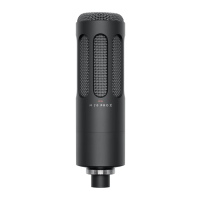
FOX – Professional USB studio microphone
10
Please note:
Not every smaphone is suitable for the use with a USB device.
Please check in advance whether your smaphone is compatible with USB
microphones.
8. How to adju the level
• Set the microphone gain to “Low” when recording close up or very loud sound
sources. This will reduce the level by 20 dB in general.
• Detailed level settings can be made in the “Sound settings” menu (Windows®)
or “Syem settings” (Mac®). Simply select FOX.
• In the detailed overview (Windows and Mac) the level can be set separately.
• A level setting also has an eect if “ASIO4ALL” is used.
9. Setting up FOX in a DAW
• Attention: Windows® audio drivers are oen not compatible with DAWs (Digi-
tal Audio Workations).
• When using FOX with a DAW, we recommend to download the “ASIO4ALL”
driver at http://www.asio4all.org/.
• Sta DAW.
• Opent the input/output options (IO settings).
• Here, you can create new inputs and outputs or define them.
• Set up a mono channel for the input and select FOX.
• Set up a ereo channel for the output and also select FOX.



 To Next Page