FOX – Professional USB studio microphone
8
4. Application
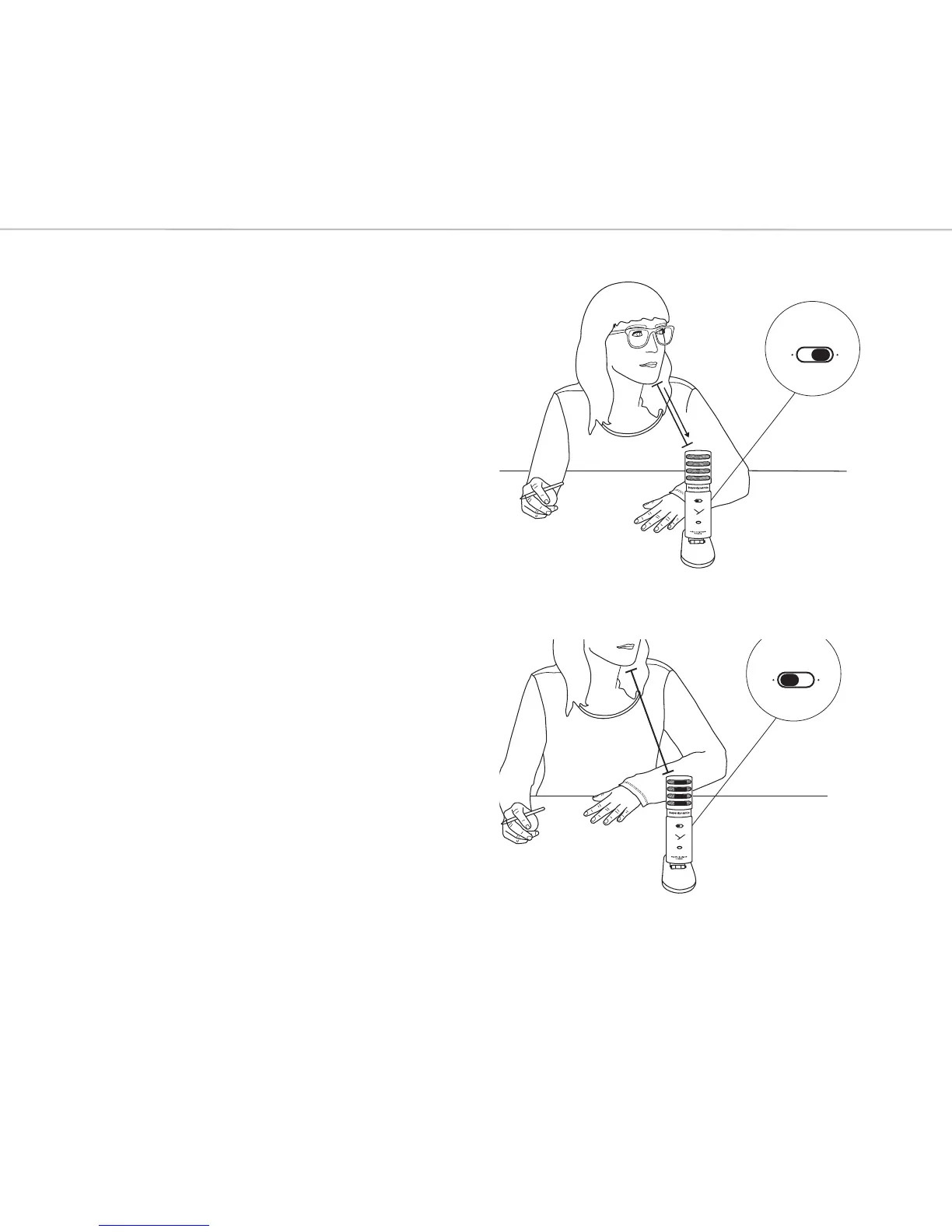
Gain Sensitivity: In case you are
recording loud sources or positioned the
microphone close to you´re mouth,
switch to „Low“ Gain. Are you recording
quiet sources or from a diance, switch
to “High” Gain.
Monitor Mix: Turn the Mix Control to the
le if you only want to lien to your
computers signals. Fully turn it to the right
if you only want to lien to your own
recording signal. Mix both signal
seamlessly until they’re balanced for the
peect recording.
Mute: To mute the microphone signal,
press the „Mute“ button. The LED blinks as
long as the microphone is muted. The
headphone output works during it’s
muted.
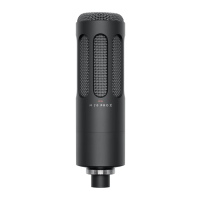
Pick Up Direction: Due to the cardioid
pickup pattern, the microphone only
picks up sound in front of it, therefore
please only address the front side (Head-
phone Volume, Headphone Output, …).






 To Next Page