MCS 20 – MCS 263 System Unit
56
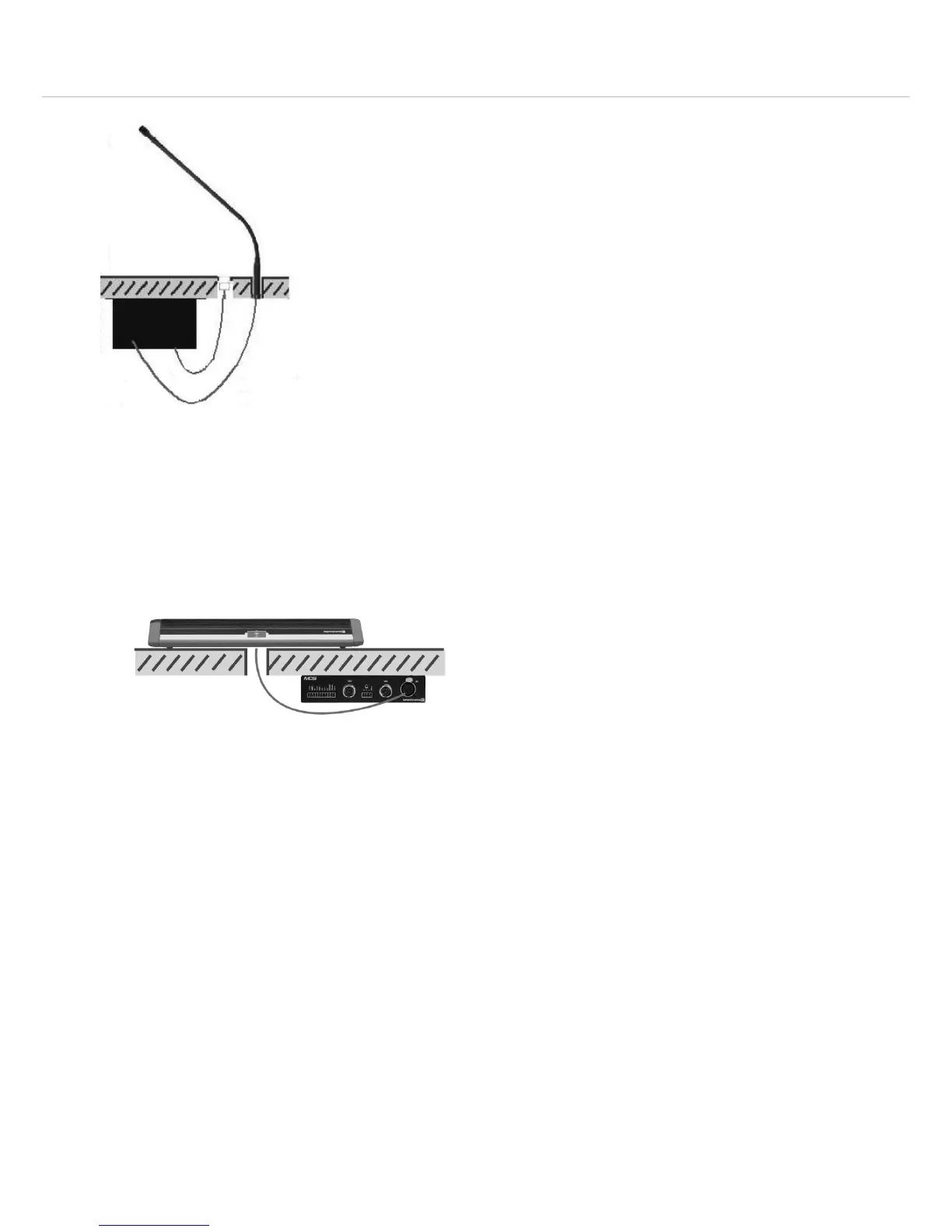
Installation with MPR 211 microphone
• Provide an appropriate hole for the connection of the
MPR 211 in the tabletop.
• Mount the system unit with the mounting clips and
appropriate (or supplied) screws to the tabletop.
• Connect the connecting cable of the MPR 211 to the
5-pin XLR connection
.
• In this way the MPR 211 microphone becomes an
additional conference microphone unit.
• For the pin assignment please refer to the chapter
5. “Technical specifications”.
Installation into an armrest
• Provide appropriate holes for the button, microphone
and loudspeaker in the armrest.
• Mount the system unit with the mounting clips and
appropriate (or supplied) screws under the armrest.
• Connect the button to the “MIc” connection of the
terminal strip .
• Connect the gooseneck microphone to the 5-pin XLR
connection
.












 To Next Page