MCS 20 – MCS 263 System Unit
55
english
*When this switch is set to “OFF”, the maximum number of simultaneously open delegate microphone units is more
than 8. This results is an increased power consumption.
3.4.3 Installation
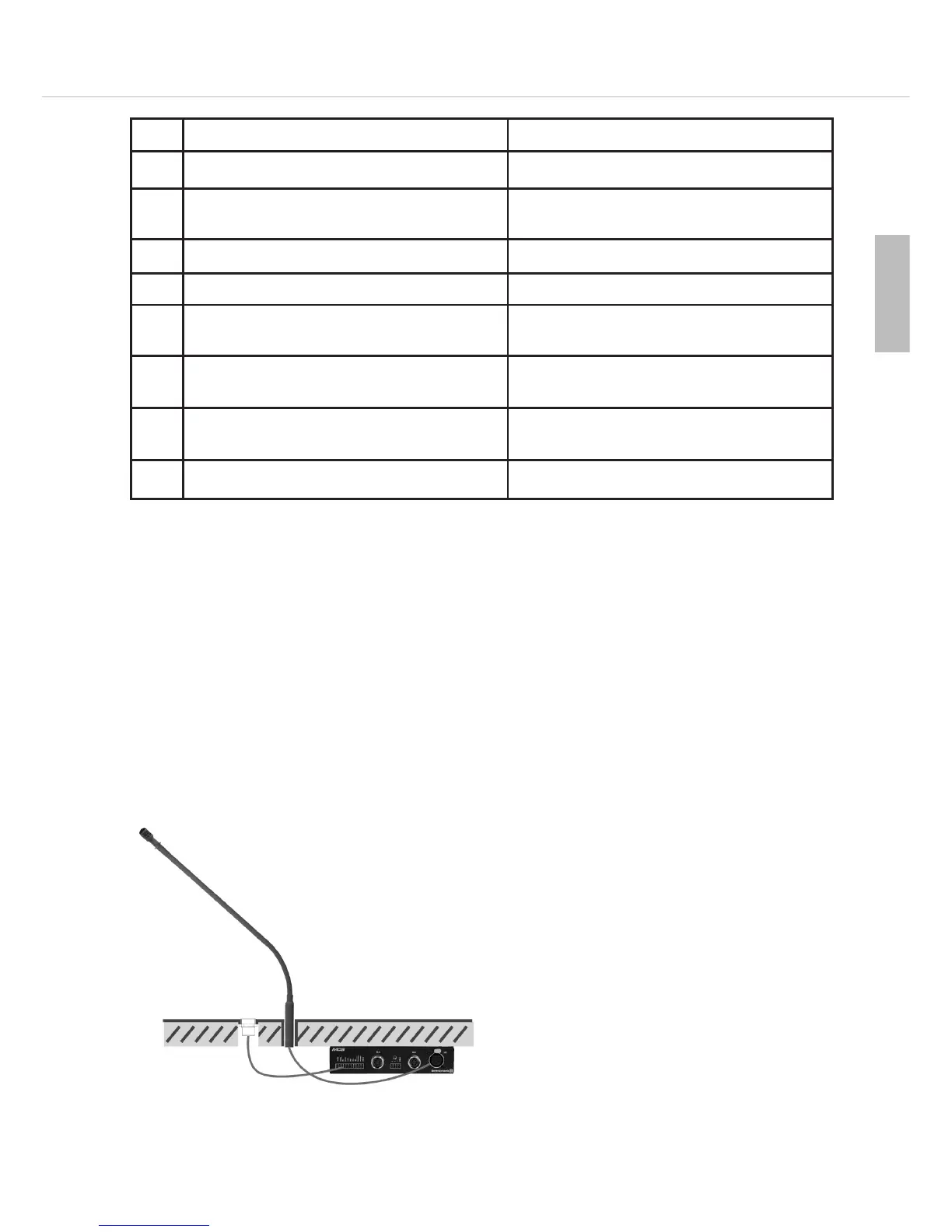
The MCS 263 system unit provides removable mounting clips for installations under the table or in armrests.
Installation under the table
• Provide appropriate holes for the button, microphone
and loudspeaker in the tabletop.
• Mount the system unit with the mounting clips and
appropriate (or supplied) screws to the tabletop.
• Connect the button to the “MIc” connection of the
terminal strip .
• Connect the gooseneck microphone to the 5-pin XLR
connection
.
ON OFF
1* Microphone unit is counted to the limit Microphone unit is not counted to the limit
2* Microphone unit is counted to the limit in the
“VOICE” operation
Microphone unit is not counted to the limit in the
“VOICE” operation
3* Limit refers to microphone unit Limit does not refer to microphone unit
4* “VOICE” operation allowed “VOICE” operation not allowed
5* Microphone unit cannot be cleared; can be turned
on in all operating modes - observe switch 3
Microphone unit can be cleared
6 Clear button activated, only when used as sub-
chairman
Clear button not activated
7 Prior button activated, only when used as sub-
chairman
Prior button not activated
8 Microphone button enabled in “VOICE” operation Microphone button disabled in “VOICE” operation












 To Next Page