Orbis – Quick Start Guide
15
english
2. Operation
How to connect the control unit
• Verify that the voltage rating of the power supply unit matches that of the AC mains outlet you are
to use. Caution: If you connect the unit to the wrong voltage you may seriously damage it.
• Connect the supplied power supply unit to the DC connection and the mains. The Orbis CU
control unit has no separate on-off switch and will be in the mode in which it had been when it was
disconnected. The corona displays the mode:
Red = standby mode
White = online mode
Flashing white = booting
• If the control unit is in the standby mode, briefly press the rotary encoder on the front. The
control unit will switch to the online mode and the corona , the beyerdynamic logo and the “Orbis”
lettering will illuminate white. The current menu settings will be displayed for a few seconds as well.
• To switch the control unit to the standby mode press the rotary encoder for approx. 5 seconds.
The corona will illuminate red.
• When required, connect the balanced XLR or unbalanced RCA phono output to the balanced or
unbalanced output of a mixer amplifier or mixing console. Adjust the volume via the amplifier or
mixing console.
• The Orbis conference system is configured via the rotary encoder on the front of the Orbis control
unit. By pressing and turning you can enter the individual menus to select and store settings by
pressing and turning as well.
• The selected menu will flash white. By turning the rotary encoder you can select a setting within
the menu and store it by pressing the rotary encoder. The selected setting will illuminate white.
• The menu settings are permanently stored in the control unit even when the Orbis CU control unit
is disconnected from the mains.
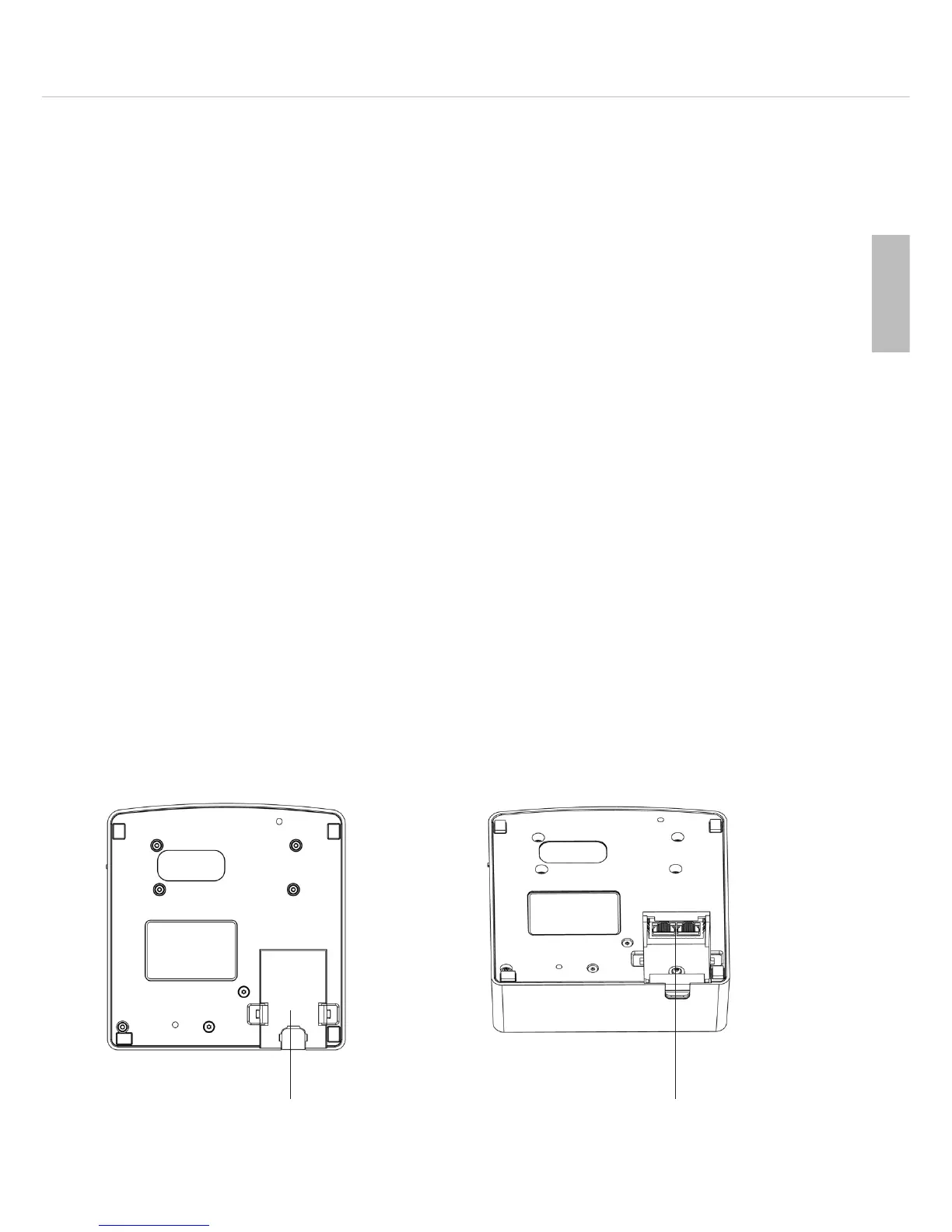
Connection Orbis MU 23 / MU 21 desktop microphone units
• Press the lateral flaps of the cable cover inwards and remove the cable cover .
• Connect the connecting cables to the In/Out sockets .












 To Next Page