3
FRONT PANEL
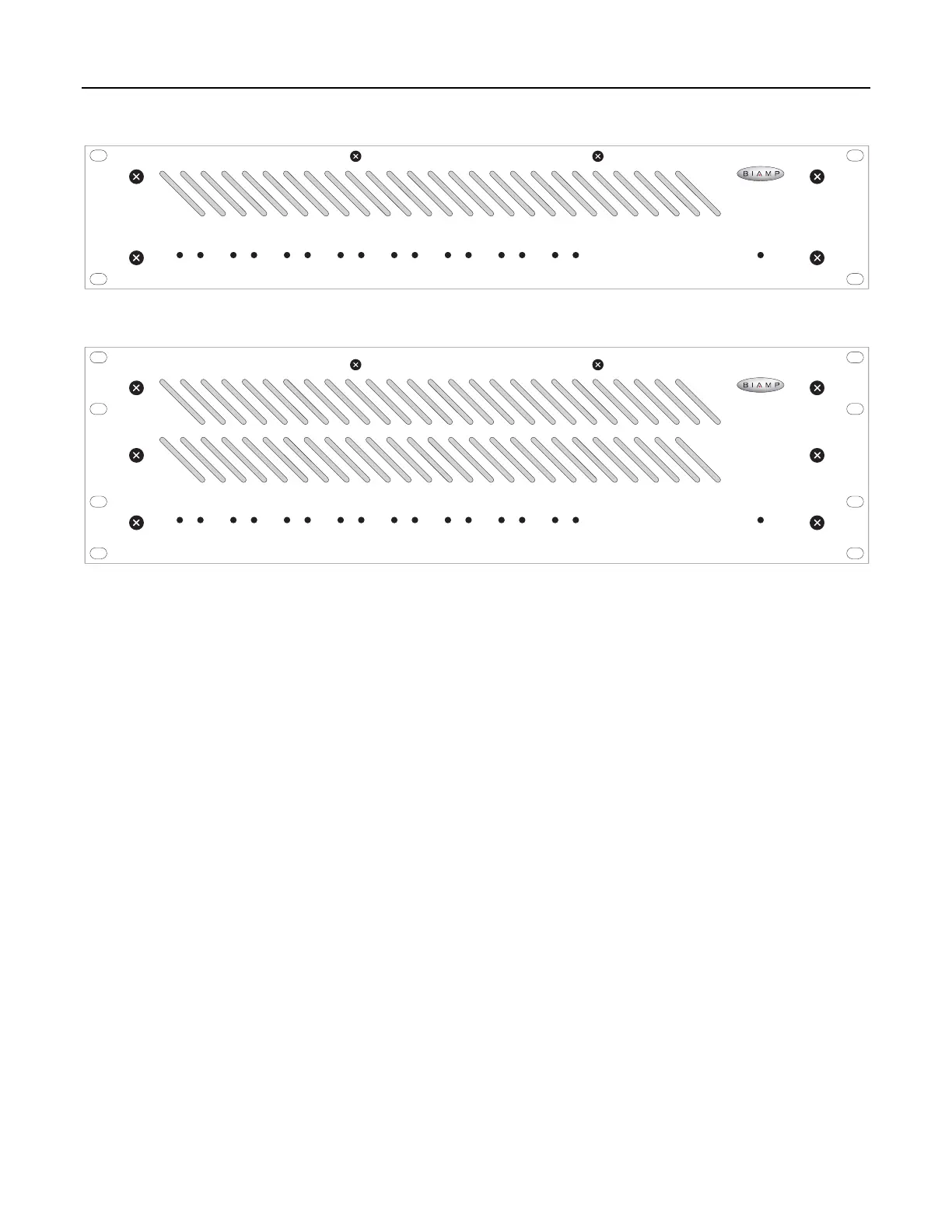
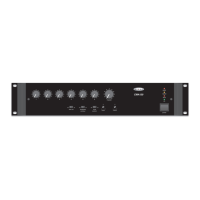
MCA 8050 front panel
signal
peak
Channel 1
temp
fault
signal
peak
Channel 2
temp
fault
signal
peak
Channel 3
temp
fault
signal
peak
Channel 4
temp
fault
signal
peak
Channel 5
temp
fault
signal
peak
Channel 6
temp
fault
signal
peak
Channel 7
temp
fault
signal
peak
Channel 8
temp
fault on
MCA 8050
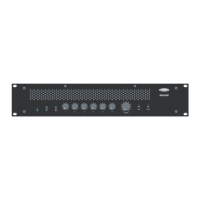
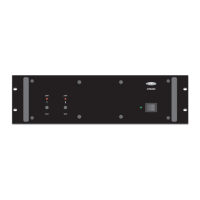
MCA 8150 front panel
signal
peak
Channel 1
temp
fault
signal
peak
Channel 2
temp
fault
signal
peak
Channel 3
temp
fault
signal
peak
Channel 4
temp
fault
signal
peak
Channel 5
temp
fault
signal
peak
Channel 6
temp
fault
signal
peak
Channel 7
temp
fault
signal
peak
Channel 8
temp
fault on
MCA 8150
Signal / Peak Indicators: These 2-color LEDs indicate the signal
level for each channel. When an LED is green, that channel has
signal (above -30dB). When an LED is red, that channel signal is
clipping (max. power). CAUTION: Signal levels should be
adjusted to avoid clipping. Clipping can cause severe distortion,
over-temperature conditions, and even loudspeaker damage.
NOTE: Signal / Peak indicators will turn off during Temp / Fault
conditions (see Temp / Fault Indicators below).
Temp / Fault Indicators: These red LEDs indicate over-
temperature and output fault conditions for each channel. When
an LED remains lit, that channel has an over-temperature
condition. When an LED is flashing, that channel has an output
fault condition. Either condition will temporarily de-activate the
channel, causing the Signal / Peak LED to turn off as well. The
channel will attempt to self-reset once the over-temperature or
output fault condition is resolved.
On Indicator: This green LED remains lit when AC power is
applied to the unit.


 To Next Page