EasyManua.ls Logo

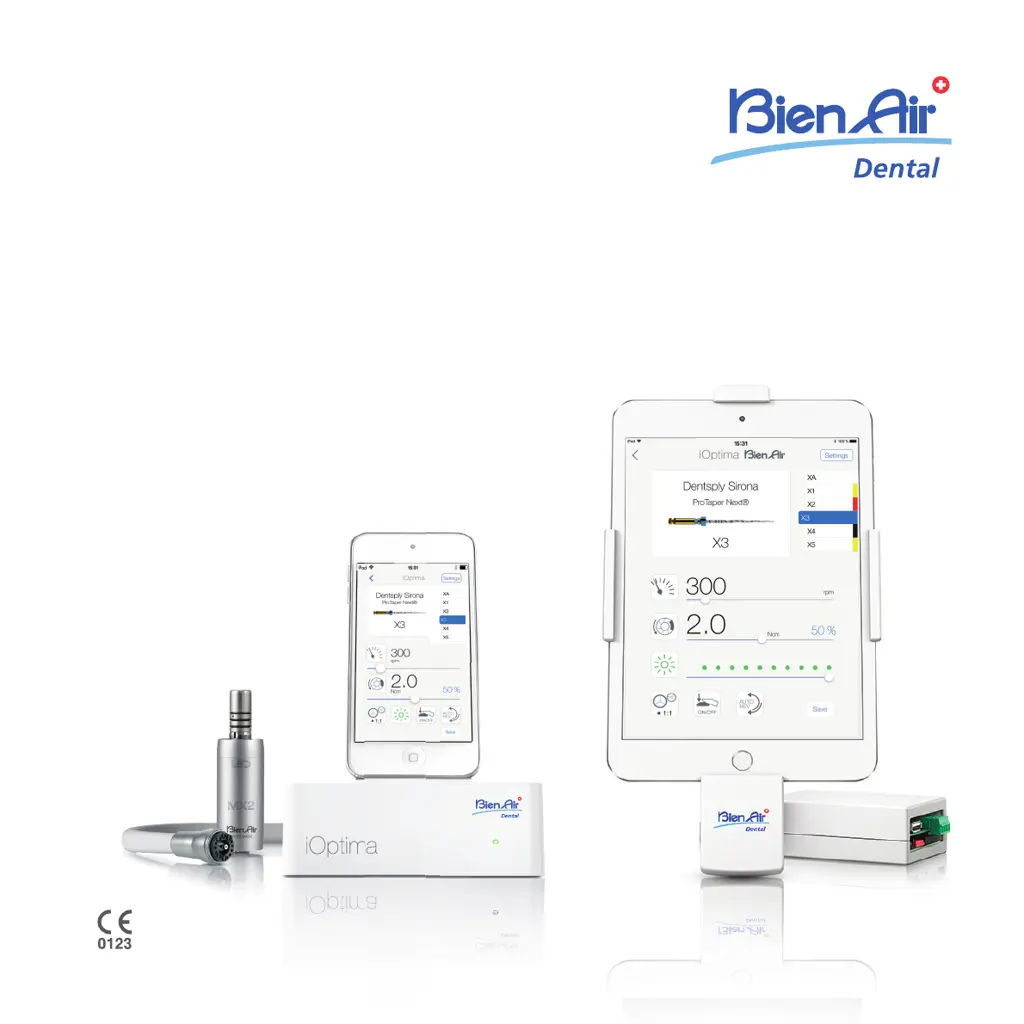
Bien Air iOptima - User Manual

Bien Air iOptima
84 pages
Print Icon
To Next Page IconTo Next Page
Loading...
Rx Only
R
EF 2100279-0012/2022.03
iOptima
iOptima
INT
ENG INSTRUCTIONS FOR USE.
Other languages available on www.bienair.com/ifu

Table of Contents

Other manuals for Bien Air iOptima

Questions and Answers

Summary

Identification, Intended use and Notation

2.1 Identification

Identifies the iOptima unit and its electronic control features.

2.2 Intended use

Specifies the professional dental applications for the iOptima system.

User and Patient safety: Warnings & Precautions for Use

Installation

5.1 Install the iOptima app

Guides on downloading and installing the iOptima application on a mobile device.

11.1 Install the iOptima app

Guides on downloading and installing the iOptima application for iOptimaINT.

5.2 Install the iOptima system

Details the physical installation of the iOptima system hardware.

11.2 Install the iOptimaINT system

Refers to the manual for installing the iOptimaINT system hardware.

Interface overview

6.3 iPod touch and iOptima connection; disconnection conditions

Covers proper connection and disconnection procedures for the mobile device.

12.3 iPod touch;iPad mini and iOptimaINT connection; disconnection conditions

Covers connection and disconnection procedures for mobile devices with iOptimaINT.

Identification, Intended use and Notation

8.1 Identification

Identifies the iOptimaINT unit and its integrated functions.

8.2 Intended use

Specifies the professional dental applications for the iOptimaINT system.

Getting started

13.3 Launch iOptima app

Guides users on how to launch the iOptima application.

Operation - Restorative mode

14.1 Enter Restorative mode

Guides users to enter and select restorative operations.

14.2 Operative screen description

Describes the operative screen elements and settings for restorative mode.

14.4 Customize default operations

Details how to customize and save operation settings for restorative mode.

14.5 Create new operations (user-defined)

Guides on creating and saving custom operations for restorative mode.

Operation - Endodontics mode

15.1 Enter Endodontics mode

Guides users to enter and select endodontics operations.

15.2 Operative screen description

Describes the operative screen elements and settings for endodontics.

15.4 Customize settings

Details how to customize default and system settings for endodontics.

15.8 CA ENDO; Reciproc option

Explains the CA ENDO mode, activation, and operative screen.

Operation - Surgery mode

16.1 Enter Surgery mode

Guides users to enter and select surgery operations.

16.2 Operative screen description

Describes the operative screen elements and settings for surgery mode.

Operation - Piezo scaling mode

17.1 Enter Piezo scaling mode

Guides users to enter and select piezo scaling operations.

List of errors & Troubleshooting

18.1 Alert messages (operating)

Lists operating alert messages, their causes, and required actions.

18.2 Device operating error

Details device operating errors, their causes, and troubleshooting steps.

Bien Air iOptima Specifications

General IconGeneral
BrandBien Air
ModeliOptima
CategoryDental equipment
LanguageEnglish

Related product manuals