Caution:
For safety reasons, please make sure that there are neither obstacles nor
persons in the rough travel direction and do always stay in close proximity
to the caddy. It is possible that the caddy suddenly and entirely changes
direction, for example when running over bumps or concealed objects such as
golf balls! Although we but the most effort in the quality there can be misalignments from
the ideal straight direction line due to tolerances in the manufacture process
2.6.Turning the Caddy ON (Turn Poti System)
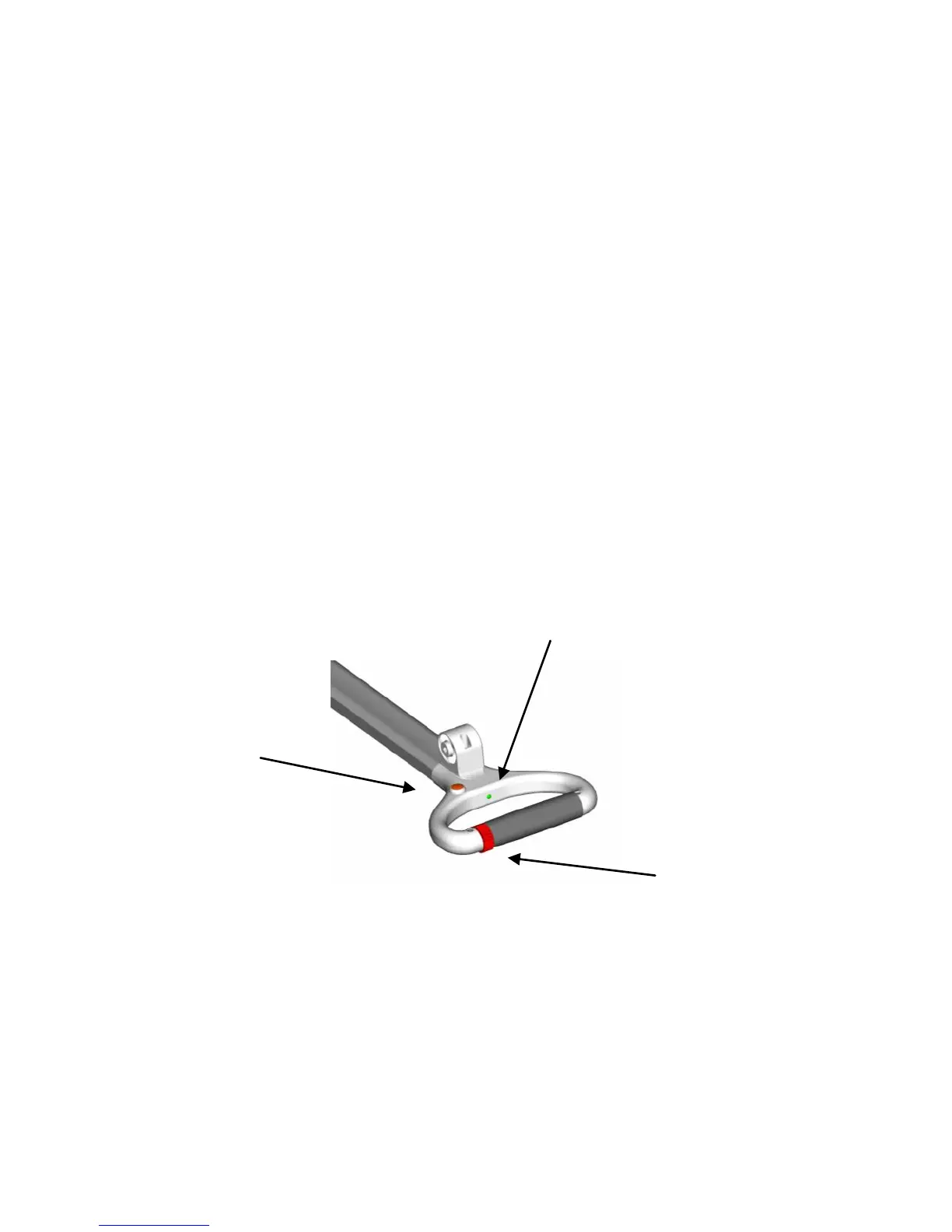
Before turning the Caddy on make sure that the speed control is in
neutral postion. This is the case when the neutral postion of the speed control is
angaged with the internal spring loaded pin.
By pressing gently on the indicator light (LED), you switch ON the Caddy. The Caddy will
be in the standby mode. The LED will always indicate that the Caddy is turned on. The
color of the LED will also tell you about the battery status of the Caddy. A flashing LED
indicates a fault.
Green means that the rechargeable battery is full.
Yellow means that the rechargeable battery has delivered its largest part of the energy.
Red means the rechargeable battery is almost empty.
A blinking light gives you further information. See error messages in the supplement.
2.7. Operating the Caddy
Grasp the rubber part of the handle bar loosely with your hand.
By turning the speed control in forward direction the Caddy will move in the forward
direction. If you want to stop you, you have to turn the speed control into its neutral
postion. By turning the speed control in backwards direction the Caddy will move in
the backward direction until you turn it back into its neutral postion



 To Next Page