VI. Appendix BigRep
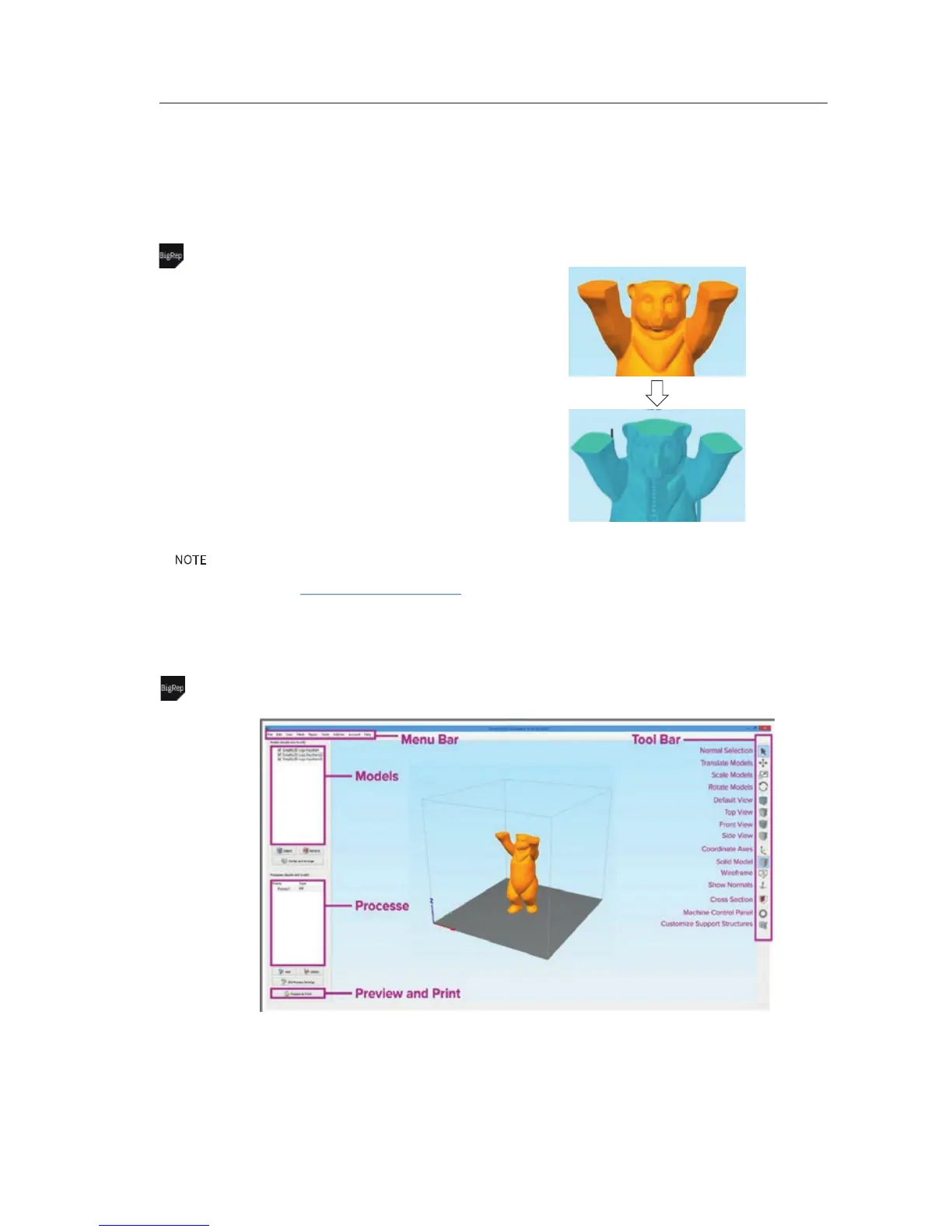
VI-D Getting Started Simplify3D
Slicing (creating G-Code) is a fully automatic process
– BUT settings used are crucial.
We do recommend and provide you with needed
presetting's for simplify3d. How to prepare:
1. Hardware: Make sure you have at least 8 GB ram
2. Install Simplify3D from simplify3d.com
3. Buy a Simplify3D license
4. Download the BigRep factory file from your
customer portal
5. Double click the BigRep factory file - presetting's
will be loaded automatically
Intro
NOTE: This is a quick start guide, especially made for using simplify3d with your BigRep. You will find the most
important settings and descriptions to get started. For in depth knowledge about the software and each single setting,
we recommend to visit www.simplify3d.com/support.
Overview
VI-E 1/7



 To Next Page