Fixed Wireless/Wired IP Camera
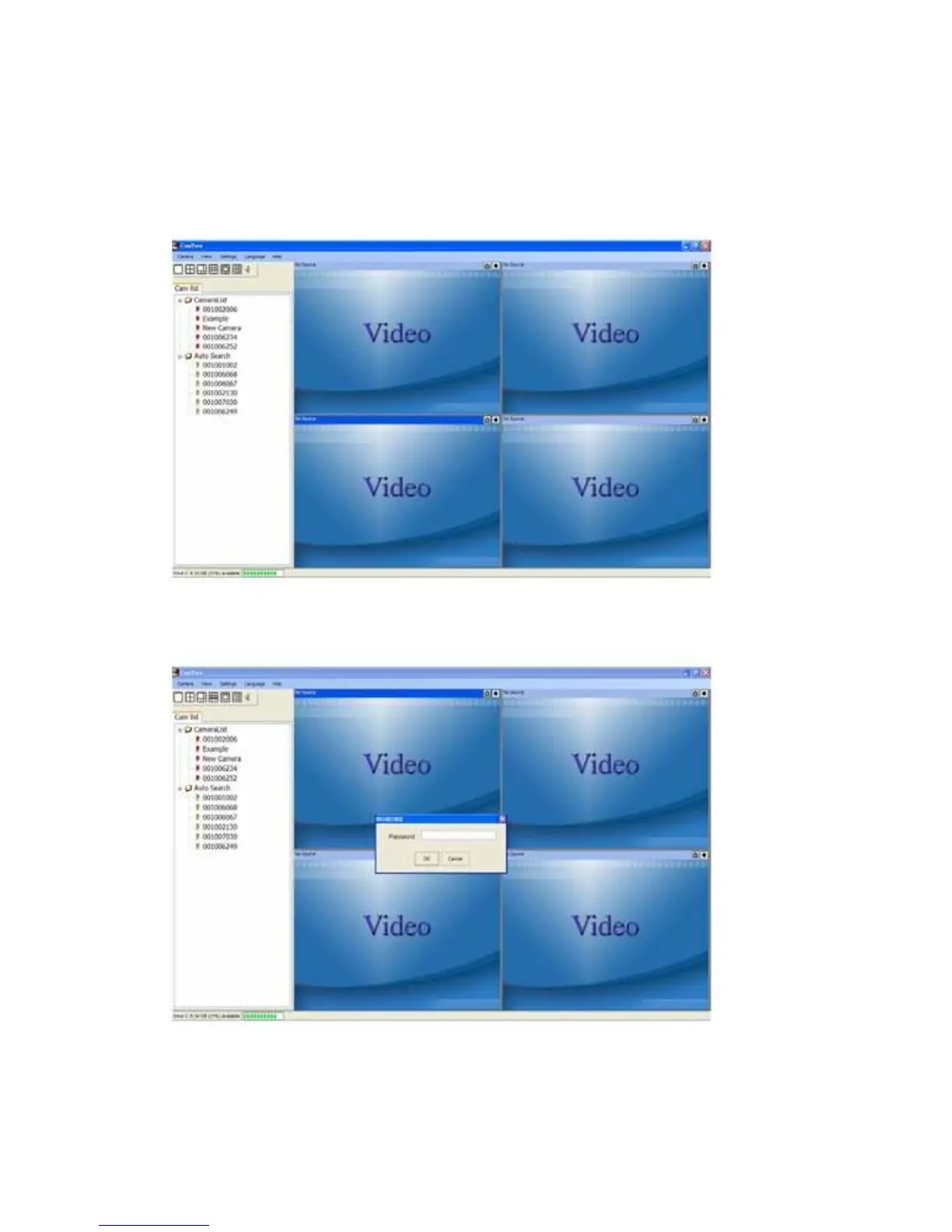
you need to do is add a camera item in the “CameraList” folder of the CamView
software, key in the IP CAM ID and Password(from the ID/Password card). And then
double click this camera item. You will then see the Camera video immediately. No
further NAT/router setting modifications are needed.
Figure 2-7: Running window of CamView program
Figure 2-8: Pop-up play-video password window
11


 To Next Page