Fixed Wireless/Wired IP Camera
3.15. Set to factory default
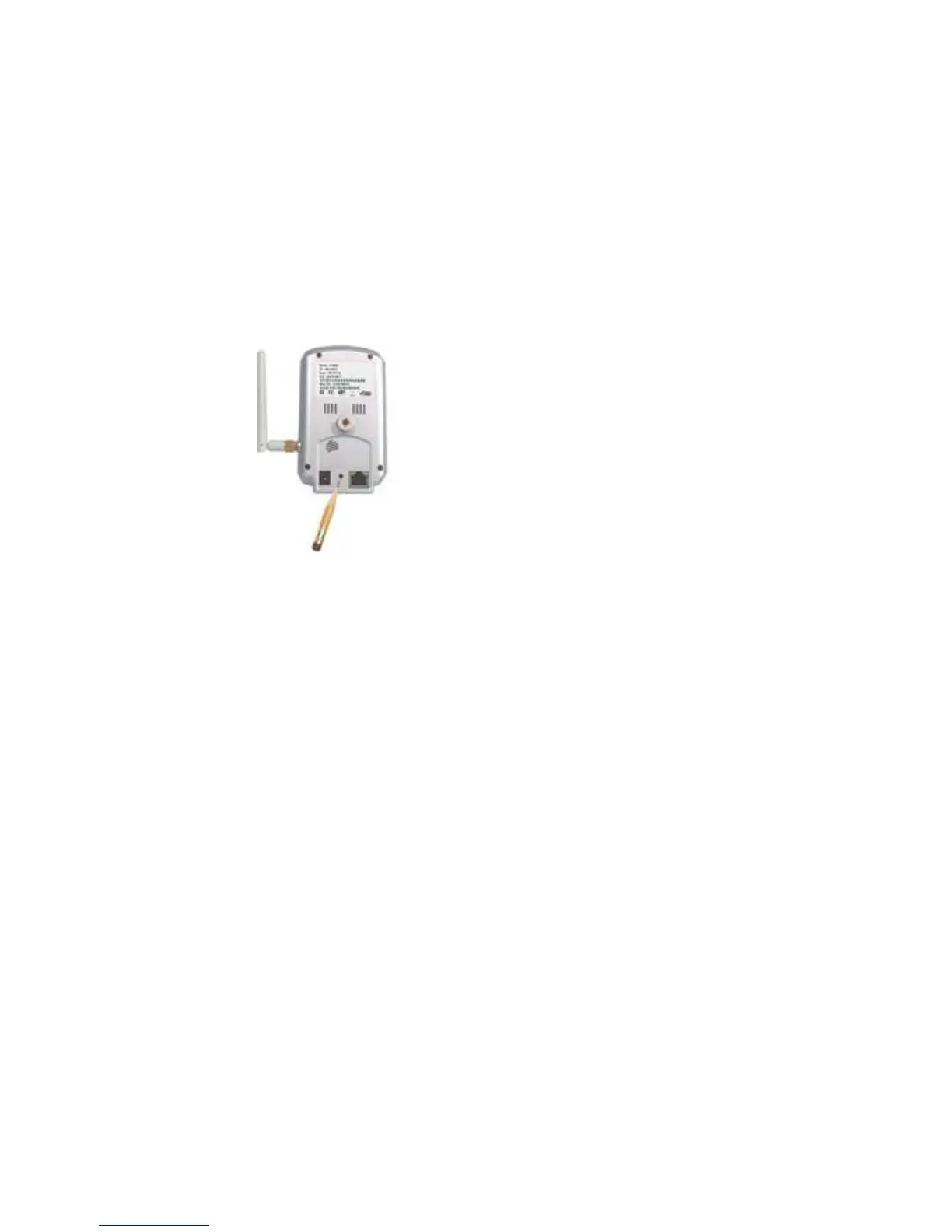
For some reason, for example you forgot the web login password, you may want to
set the IP CAM to the factory default settings. The only thing you need to do is
using a stick to press the “reset” button on the back of the IP CAM body for more than
3
seconds
and release it, do this when the IP CAM is powered on. The IP CAM will reset to
the factory default settings and restart automatically.
The web login account will be “admin” (no password), the play-video password
will be “ipcam” after reset to factory default.
Figure 3-22: Stick on the reset button to set to the factory default
33


 To Next Page