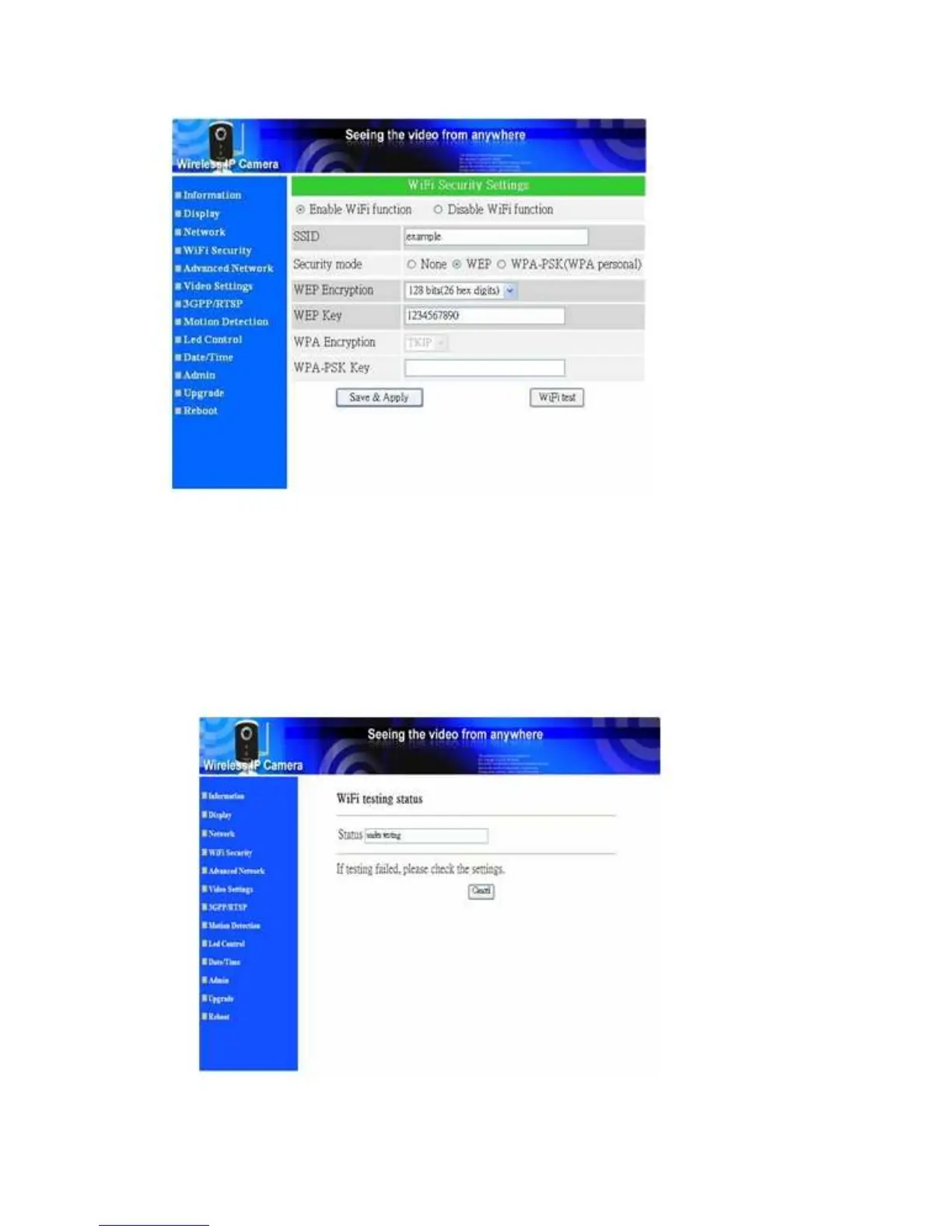
Fixed Wireless/Wired IP Camera
Figure 3-8: WiFi security enabled page
You can also click the “WiFi test” button to check if the IP CAM can connect to the
wireless network for these settings. You will need to unplug the Ethernet cable to enable
the wireless connection after the “WiFi test” is successful.
After the setting and “Save&Apply”, do not need to restart the IP CAM to let the
WiFi work, only need to unplug the Ethernet cable.
The default setting is “Disable WiFi Function”.
Figure 3-9: WiFi testing page
20


 To Next Page