Binatone Help Line - 0845 345 9677
Calls are charged at Local Call rate.
9
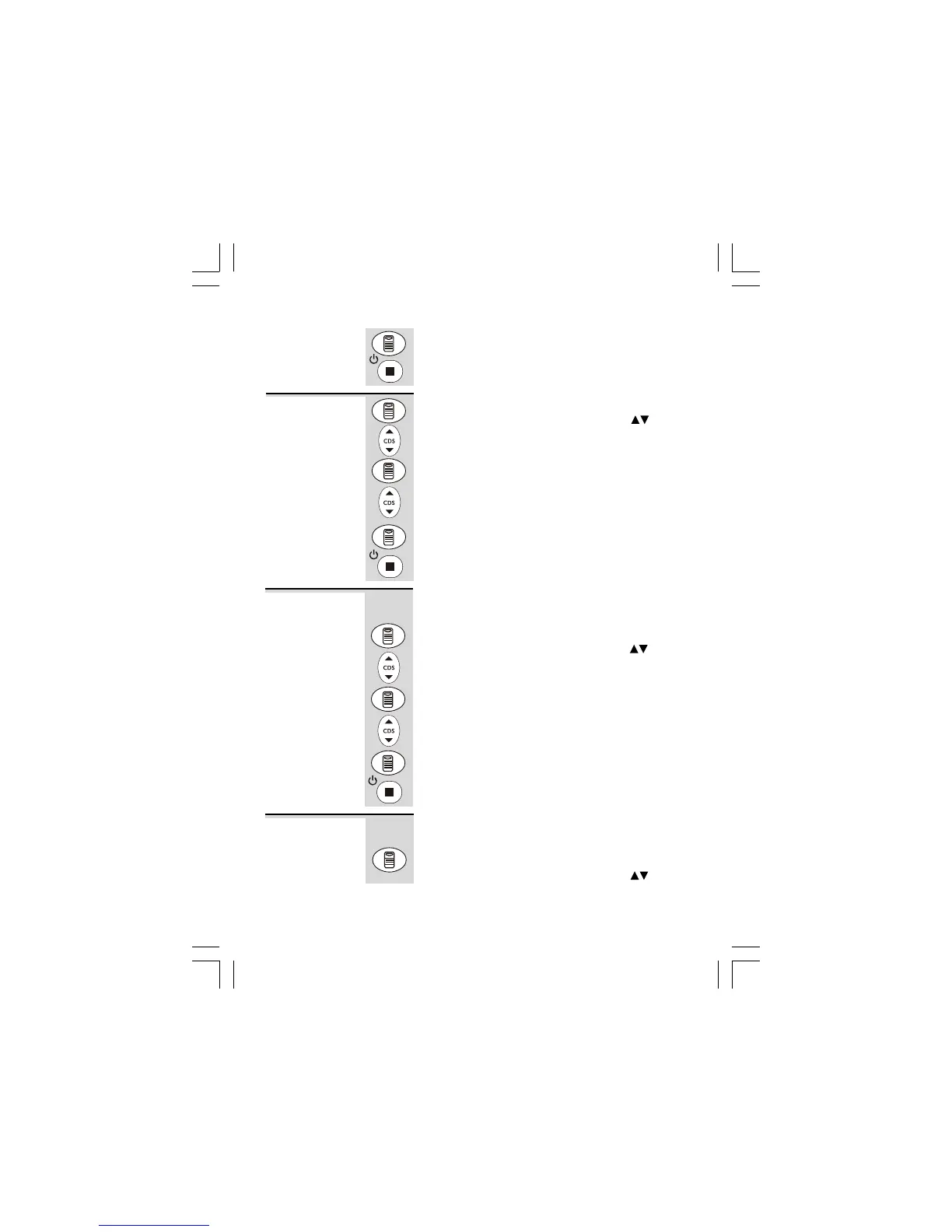
5 Press MENU button to confirm.
6 Continue with programming, or press EXIT
button to return to standby mode.
1 Press MENU button.
Ö The display shows
OPTIONS MENUOPTIONS MENU
OPTIONS MENUOPTIONS MENU
OPTIONS MENU
.
2 Press UP or DOWN button until the display
shows
LCD CONTRASTLCD CONTRAST
LCD CONTRASTLCD CONTRAST
LCD CONTRAST
.
3 Press MENU button to confirm.
4 Press UP or DOWN button to select your
comfortable display viewing level (1~5). The
default setting is 3.
5 Press MENU button to confirm.
6 Continue with programming, or press EXIT
button to return to standby mode.
To set the maximum recording time for each incoming
message or memo message on the Answering Machine.
1 Press MENU button.
Ö The display shows
OPTIONS MENUOPTIONS MENU
OPTIONS MENUOPTIONS MENU
OPTIONS MENU
.
2 Press UP or DOWN button until the display
shows
MESSAGE LENGTHMESSAGE LENGTH
MESSAGE LENGTHMESSAGE LENGTH
MESSAGE LENGTH
.
3 Press MENU button to confirm.
4 Press UP or DOWN button to select 1 or 2
minutes. The default setting is 2 minutes.
5 Press MENU button to confirm the MESSAGE
LENGTH setting.
6 Continue with programming, or press EXIT
button to return to standby mode.
Setting up continue...
LCD
CONTRAST
MESSAGE
LENGTH
To set the number of rings before the machine
answers a call;
1 Press MENU button.
Ö The display shows
OPTIONS MENUOPTIONS MENU
OPTIONS MENUOPTIONS MENU
OPTIONS MENU
.
RINGS TO
ANSWER












 To Next Page