GETTING STARTED
14 Binatone Helpline: 0845 345 9677 in UK, 0818762092 in Eire
(Local call rate)
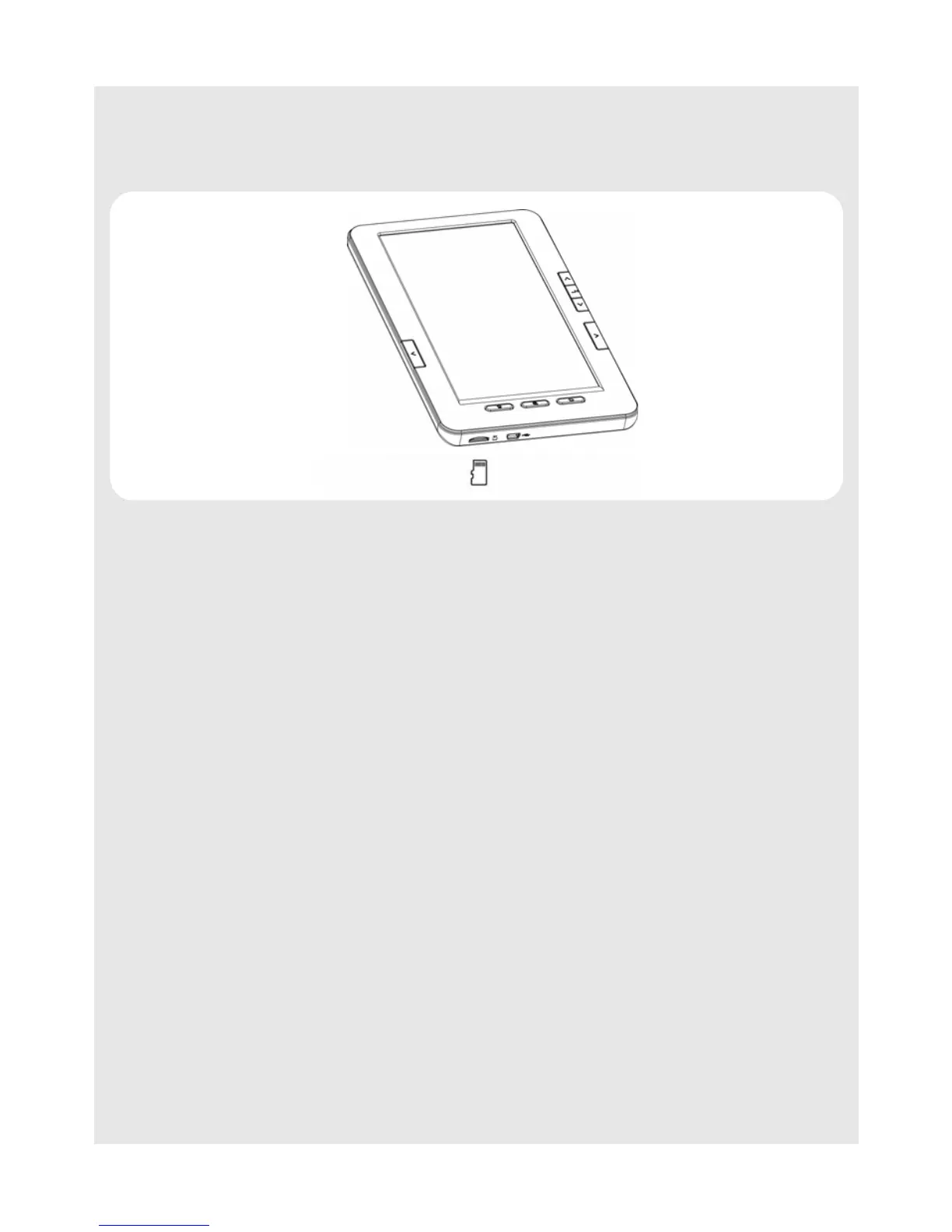
7.2 Inserting a memory card
The eBook Reader has a slot for Micro SD memory card, of up to 16GB.
Insert the memory card into the card slot with its label side up until it clicks into place.
Note
Do not insert an incompatible memory card as it may cause the Reader to malfunction.
7.3 Removing a memory card
Push in the memory card. The memory card will pop out from its slot.
Note
Do not insert or remove the memory card when the Reader is reading from the card or
writing data to the card, as this may cause data corruption.
7.4 Switching the eBook Reader On/Off
7.4.1 Switching On
Press and hold 4.
The eBook Reader enters the main menu automatically.
7.4.2 Switching Off
Press and hold 4.


 To Next Page