Need help?
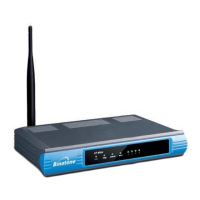
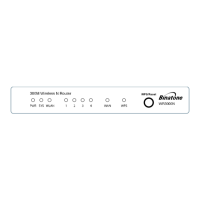
Do you have a question about the Binatone WR1505N3 and is the answer not in the manual?
Configures the router for direct internet connection via modem or wired network for wired and wireless access.
Extends the range of an existing wireless signal by connecting to an AP or wireless router.
Enables multiple users to share an Internet connection from a WISP, using the wireless port as WAN.
Guides through configuring the router for internet access using various WAN connection types like Auto-Detect, Dynamic IP, and PPPoE.
Details the steps for setting up the router to extend wireless network range by connecting to an existing AP.
Explains how to configure the router for WISP client functionality, including selecting WAN type and connecting to an AP.
 General
| Brand | Binatone |
|---|---|
| Model | WR1505N3 |
| Category | Wireless Router |
| Language | English |

 To Next Page