EasyManua.ls Logo

BIO RAD Gel Doc EZ - User Manual

BIO RAD Gel Doc EZ
58 pages
Print Icon
To Next Page IconTo Next Page
Loading...
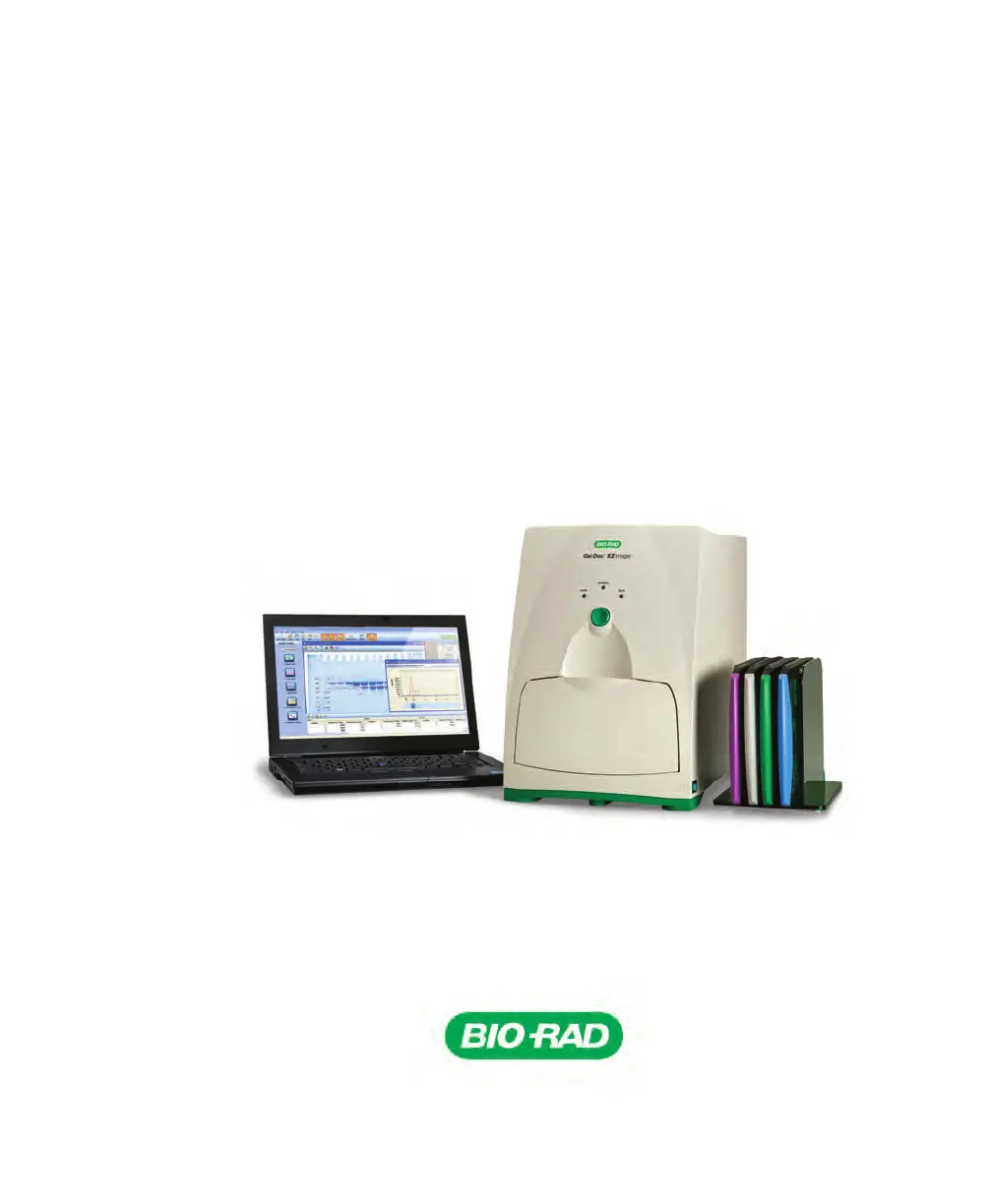
Gel Doc
EZ Imaging System
with Image Lab
Software
Instrument Guide
Version 6.0

Questions and Answers

  • L
    Lisa HobbsAug 2, 2025
    What to do if the red LED is flashing on the front panel of my BIO RAD Laboratory Equipment?
    • N
      Nathan SmithAug 2, 2025
      A flashing red LED on the front panel of your BIO RAD Laboratory Equipment indicates several potential issues. It could mean the sample tray isn't fully inserted—push it in until the magnet engages. Ensure the door is properly closed, as a broken door interlock can cause this. A failed bulb could also be the culprit, requiring replacement of all lamps as per the instructions. Check that the imager power is on, the USB cable is connected to your PC, and try restarting the imager to resolve communication interruptions. If you pressed the green Run button without Image Lab software running, start the software; the red light will stop flashing, and you can press the green Run button again to start imaging.
  • S
    Susan MossAug 17, 2025
    How to fix a BIO RAD Gel Doc EZ Laboratory Equipment with a green LED off?
    • K
      kaylamcguireAug 17, 2025
      The green LED on the front panel of your BIO RAD Laboratory Equipment might be off because the AC power cord isn't properly connected. Ensure the AC power cord is connected to both the imager and a functioning wall socket. Also, check that the power switch is turned on.

Summary

Safety and Regulatory Compliance

Safety Use Specifications and Compliance

Details standards and compliance for the imager.

Alert Icons

Explains hazard symbols used in the manual.

Cautions

Defines caution statements and their implications.

Warnings

Defines warning statements and their implications.

Instrument Safety Warnings

Specific safety warnings related to instrument operation.

Notice

Legal notice regarding publication and liability.

Warranty

Information about the instrument's warranty coverage.

Introduction

Gel Doc EZ Imaging System

Overview of the Gel Doc EZ imager and its components.

Image Lab Software Capabilities

Description of functionalities offered by the Image Lab software.

Gel Documentation

How the system is used for documenting gels and blots.

Molecular Weight Assessment

Use of the system for estimating molecular weights.

Quantitation

Measuring relative or absolute amounts of sample components.

For More Information

Guidance on where to find additional details about the software.

Technical Specifications

Hardware Specifications

Details about the physical components and dimensions of the imager.

Operating Ranges

Specifies the environmental and voltage conditions for operation.

Equipment Ratings

Electrical power and frequency requirements for the instrument.

Automation Capabilities

Features related to automated workflow execution and reproducibility.

Setting Up Gel Doc EZ

Configuring the Imager

Steps to set up the imager and software for initial use.

Initializing an Additional Tray

Procedure for adding and configuring new sample trays.

Recalibrating Flat Field and Dark Image

How to perform flat field and dark image correction.

Acquiring Images

Selecting a Sample Tray

How to choose the correct tray for sample imaging.

Creating a Protocol

Steps to configure and save imaging and analysis protocols.

Configuring Acquisition Settings

Setting up parameters for capturing images.

Configuring Analysis Settings

Defining how images are analyzed after acquisition.

Configuring Output Settings

Specifying how results and images are exported or printed.

Running a Default Protocol

Executing pre-configured protocols for sample imaging.

Running a Protocol

Procedures for executing saved or custom protocols.

Creating a Custom Application

Defining new applications for specific dyes or stains.

Editing a Protocol

Modifying existing protocols and saving them.

Maintenance and Specifications

Cleaning the Sample Trays

Instructions for cleaning the instrument's sample trays.

UV-B Fluorescent Lamp Replacement

Guide for replacing the UV lamps in the imager.

Error Messages

Explanation of common error messages and their solutions.

Troubleshooting

Accessories

Ordering Information

Catalog numbers and descriptions of available parts and accessories.

Using Bio-Rad Stain-Free Technology

Stain-Free Workflow

Steps involved in using stain-free gels in the workflow.

Electrophoresis with Stain-Free Gels

Procedures for performing electrophoresis using stain-free gels.

Imaging Gels

How to image gels using stain-free technology.

Imaging Blots

Procedures for blotting and imaging with stain-free technology.

BIO RAD Gel Doc EZ Specifications

General IconGeneral
Imaging System TypeGel Documentation System
Camera TypeCCD
Camera Resolution1.4 megapixels
Pixel Resolution1392 x 1040
Image Bit Depth16-bit
Computer InterfaceUSB 2.0
ApplicationImaging and analysis of gels and blots
Light SourcesUV, white light, blue light
Supported dyes and stainsEthidium bromide, Coomassie Blue
LensFixed focus
SoftwareImage Lab
DisplayIntegrated touchscreen
Weight13.6 kg
Dimensions (W x D x H)38 x 30 x 45 cm

Related product manuals