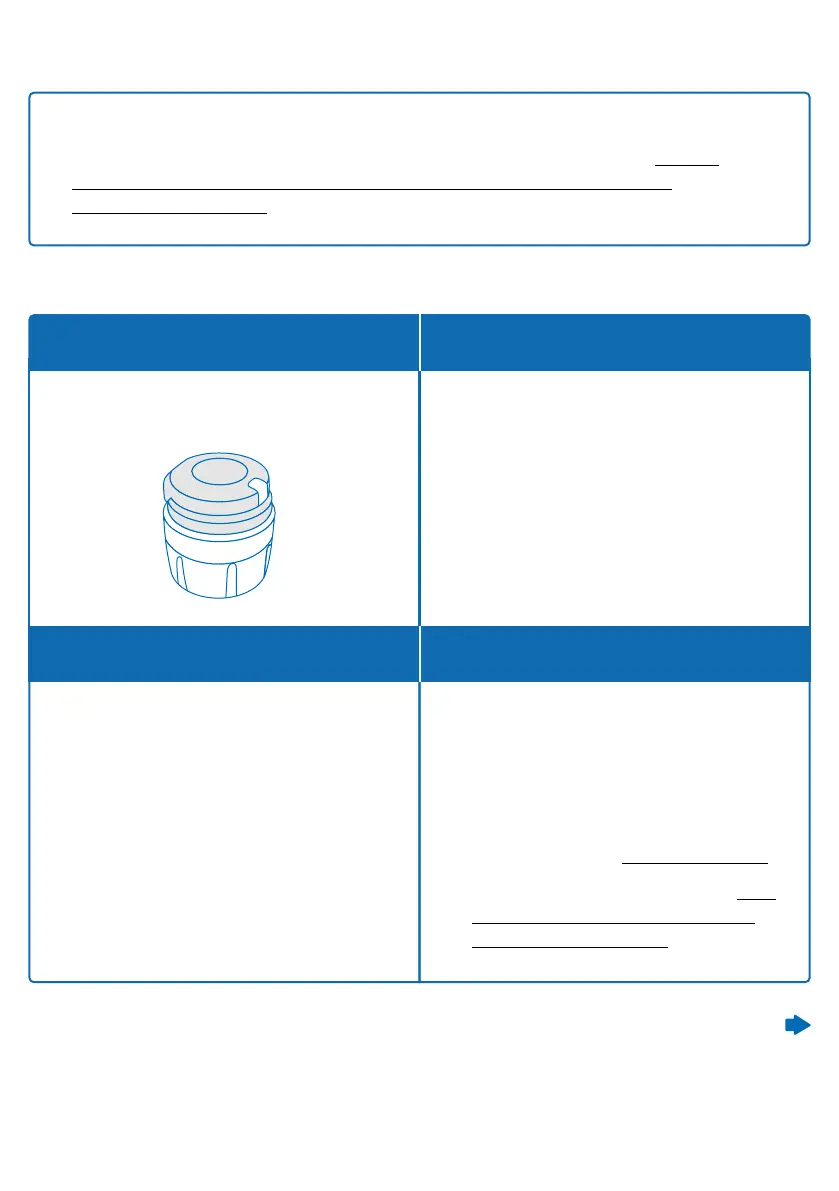
When the button is pressed, and no
light signal appears.
smartdot™ is not switched on.
It hasn’t yet been charged for the
rst time or it has been reset.
What do I see?
What does it mean?
When does this light signal appear?
What should I do?
No signal
Note: If you are charging in a room where the temperature is above 25
o
C,
you must deactivate Smartdot™ and remove it from your pen. See ‘Part 8:
Frequently Asked Questions <C. How do I deactivate and remove the
smartdot™ transmitter’.
1. Switch on the smartdot™
transmitter by plugging and
unplugging it once with the
charging cable, when connected to
an external power supply.
2. See steps C-E in ‘Part 5: Preparing.’
3. Activate your transmitter. See ‘Part
5: Preparing <E. Activating your
smartdot™ transmitter’.
Continued on the next page
Part 9: Troubleshooting guide
22



 To Next Page