34 Biodex Medical Systems, Inc. © 2018
The sensors in the medBike will recognize when the user is no longer able to move the
pedal/arm cranks without help. The passive mode mechanism will activate to maintain a
constant rpm level.
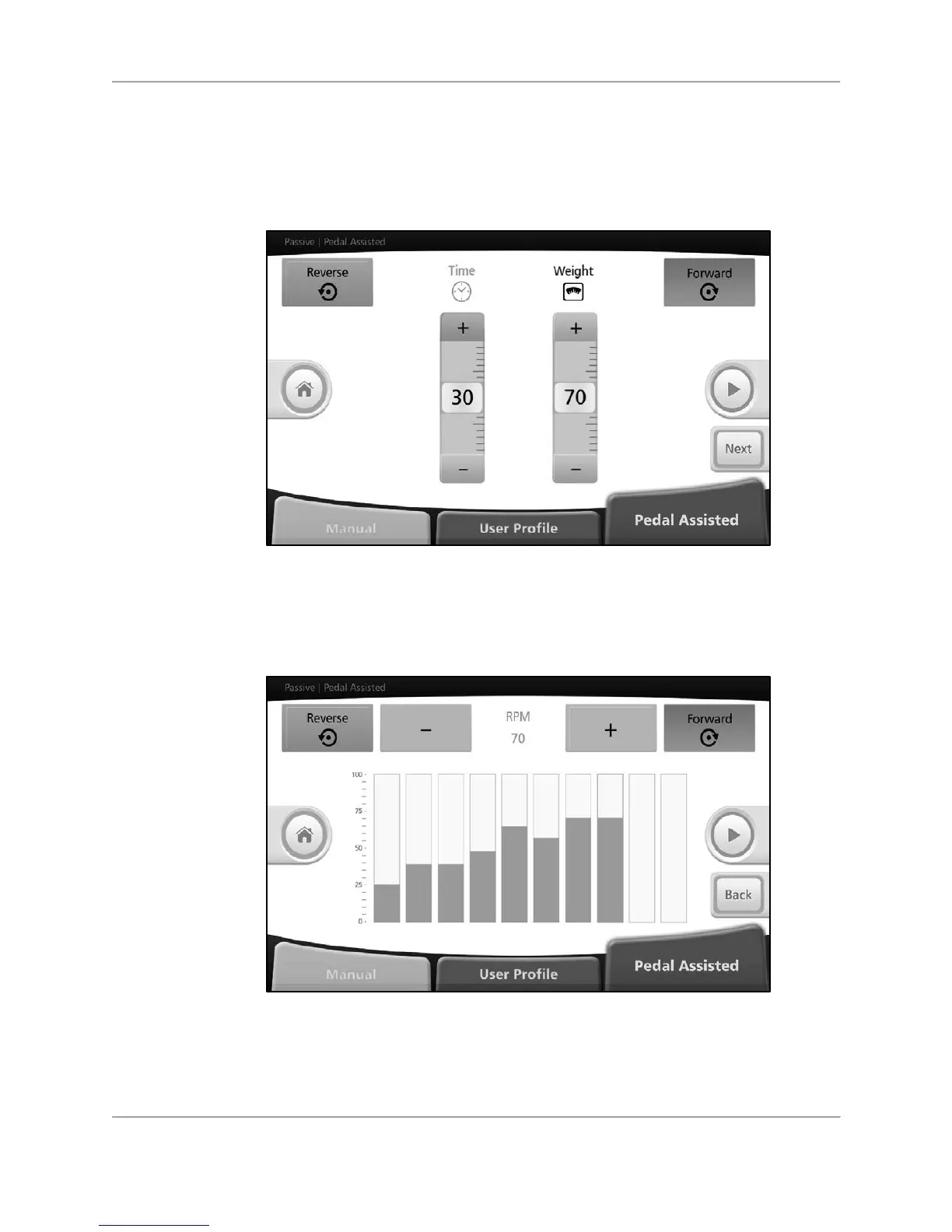
To start a Pedal/Arm Crank Assisted session, select <Pedal/Arm Crank Assisted> from the
passive modes menu.
Figure 5.11. Passive Pedal/Arm Crank Assisted Mode— settings screen.
Set total exercise time and enter user weight and press the <Next> button.
Set desired rpm and pedal/arm cranking direction for each segment. Press the <Green Arrow>.
Figure 5.12. Passive Pedal/Arm Crank Assisted Mode— rpm settings screen (individual
segments).
Start pedal/arm cranking. After 30 seconds, the warmed-up medBike will start sensing and
compare actual rpm to set rpm.



 To Next Page