EasyManua.ls Logo

Bioer GeneExplorer Series - User Manual

Default Icon
35 pages
Print Icon
To Next Page IconTo Next Page
Loading...
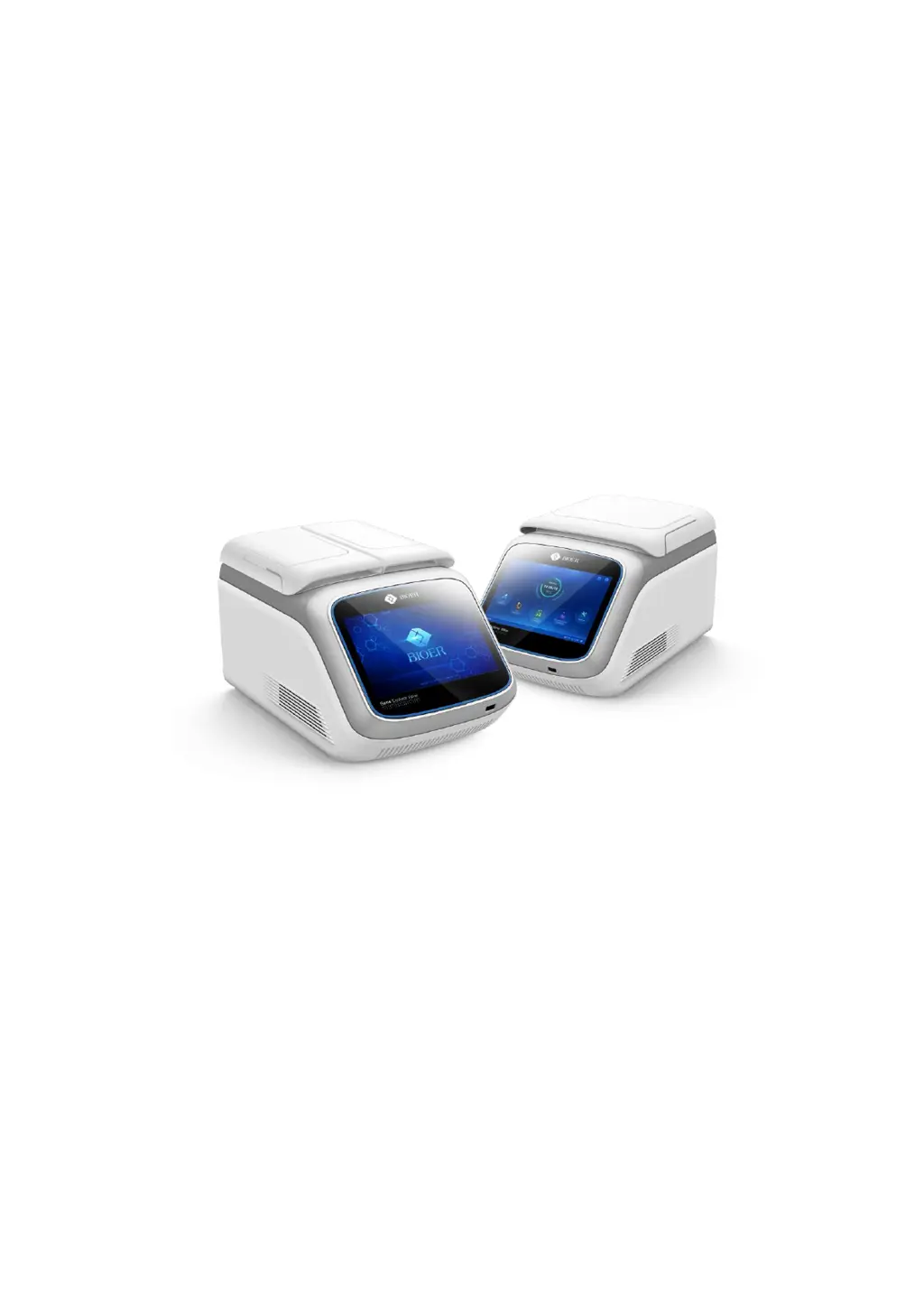
Thermal Cycler
(GeneExplorer Series)
Operation Manual
Hangzhou Bioer Technology Co., Ltd.

Questions and Answers

  • C
    Christopher PhillipsAug 3, 2025
    Why is there reagent evaporation in the reaction tube in my Bioer GeneExplorer?
    • M
      Maria EsparzaAug 3, 2025
      If you're experiencing reagent evaporation in the reaction tube of your Bioer Laboratory Equipment, it might be due to a few reasons. First, check if the hot lid is turned on and set to the correct temperature when setting parameters for running the file. If it is off, switch it on and set a suitable temperature. Also, ensure that the reaction tubes are distributed evenly to maintain symmetry. Finally, make sure the PCR tube caps are tightened properly before placing them in the instrument.
  • M
    Mr. Justin PenaAug 8, 2025
    Why is the module temperature rise rate changing in my Bioer GeneExplorer Laboratory Equipment?
    • C
      cassandrahughesAug 8, 2025
      An evident change in the module temperature rise rate or imprecise temperature control in your Bioer Laboratory Equipment can be caused by a few things. Check if any objects are blocking the ventilation holes and remove them. Also, inspect the connecting line inside the shell and tighten the screw of the terminal block if it's loose.
  • S
    simmonsheatherAug 13, 2025
    How to fix a Bioer GeneExplorer Laboratory Equipment display screen that doesn't work?
    • J
      Jason RodgersAug 13, 2025
      If the display screen of your Bioer Laboratory Equipment doesn't work after turning on the power switch, first, check and ensure the power supply is properly connected. If the issue persists, the fuse might be burned and needs replacement with a 250V 12A ?5x20 fuse. If neither of these solutions work, the switch might be damaged and needs to be replaced.
  • J
    Joshua ThompsonAug 18, 2025
    What to do if the module temperature fall rate is slowing in Bioer GeneExplorer Laboratory Equipment?
    • C
      carlsonshelbyAug 18, 2025
      If the module temperature fall rate is evidently slowing or failing to fall below ambient temperature in your Bioer Laboratory Equipment, it may be because the ambient temperature or humidity is too high, exceeding the instrument's operating conditions. Adjust the ambient temperature and humidity accordingly.
  • T
    Tina MillsAug 23, 2025
    Why does the hot lid turn off automatically on Bioer GeneExplorer?
    • B
      Brad AndersonAug 23, 2025
      If the temperature control time on the file editing interface is set as “--:--”, it can lead to the hot lid turning off automatically. To resolve this, set the temperature control time in a digital format.
  • A
    Alyssa BrownAug 28, 2025
    Why does the module fail to heat in my Bioer GeneExplorer Laboratory Equipment?
    • L
      laurie66Aug 28, 2025
      If the module fails to heat in your Bioer Laboratory Equipment, check the system parameter settings. If the hot lid status is set to “OFF”, change it to a specific temperature value.

Summary

Chapter Three Preparations

Instrument Power-On Procedure

Details the steps for turning on the instrument and initiating the self-test sequence.

Chapter Four Operation Instructions

Instrument Power On and Main Interface

Guides on powering on the instrument, its self-test, and navigating the main interface and its core functions.

PCR Program Editing and Configuration

Covers creating, editing, setting parameters (temp, time, loops), and saving PCR experimental programs.

Running and Monitoring Experiments

Explains how to run experiments, monitor progress, and understand different temperature control modes.

Chapter Five Fault Analysis and Troubleshooting

Fault Analysis and Troubleshooting Guide

Presents common instrument faults, their likely causes, and recommended troubleshooting steps.

Bioer GeneExplorer Series Specifications

General IconGeneral
BrandBioer
ModelGeneExplorer Series
CategoryLaboratory Equipment
LanguageEnglish

Related product manuals