EasyManua.ls Logo

Bionaire BCH9210 - User Manual

Bionaire BCH9210
26 pages
Print Icon
To Next Page IconTo Next Page
Loading...
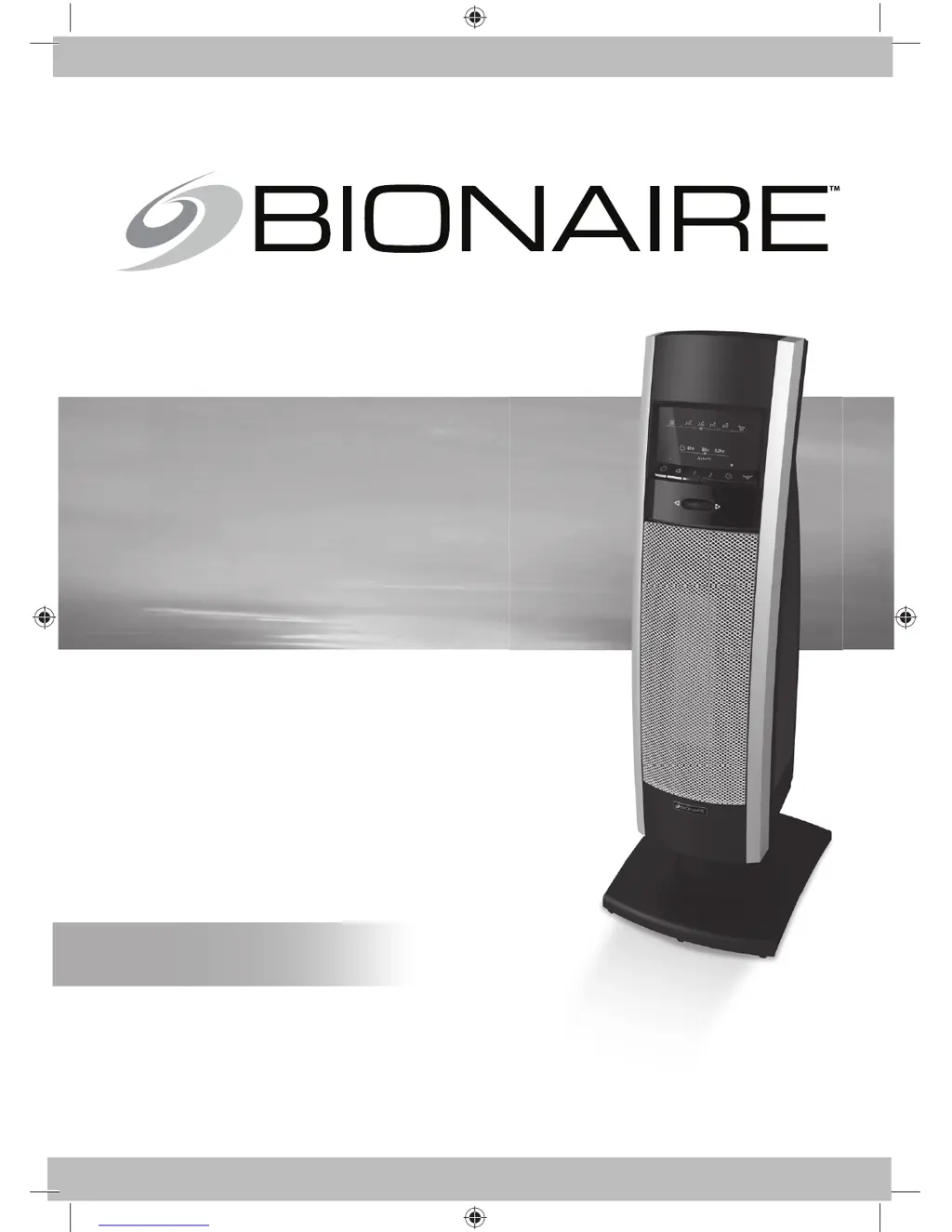
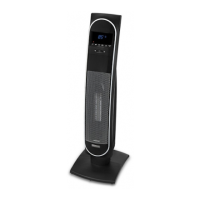
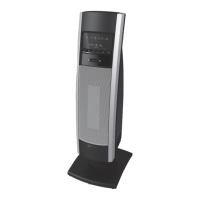
MINI TOWER
CERAMIC HEATER
WITH LED DISPLAY
MINI COLONNE
CHAUFFAGE CERAMIQUE
AVEC ECRAN LED
CALEFACTOR CERÁMICO
TIPO MINI-TORRE CON
PANTALLA LED
AQUECEDOR DE CERÂMICA
TIPO MINI TORRE COM
PAINEL LED
INSTRUCTION MANUAL
MANUEL D’INSTRUCTIONS
MANUAL DE INSTRUCCIONES
MANUAL DE INSTRUÇÕES
MODEL/MODÉLE/MODELO:
BCH9210
NOTE: A Phillips screwdriver is required for assembly.
REMARQUE : Un tournevis à pointe cruciforme (Phillips) est
nécessaire pour l’assemblage.
NOTA: Se requiere un desarmador Phillips para el montaje.
NOTA: É necessária uma chave Phillips para a montagem.
BCH9210-LA_10MLM1.indd 1BCH9210-LA_10MLM1.indd 1 6/24/10 8:17 AM6/24/10 8:17 AM

Questions and Answers

  • H
    Heather TaylorAug 11, 2025
    Why is the power light flashing on my Bionaire BCH9210?
    • M
      Mark AndrewsAug 11, 2025
      If the power light on your Bionaire Heater is flashing, or if it turns on at max heat and then shuts off quickly, it could be due to these reasons: * The auto safety shut-off system may be activated due to potential overheating. Follow the auto safety shut-off instructions to reset the heater and allow it to cool down before plugging it in again. * The tip-over switch might be engaged. Make sure to set the heater upright on a level surface.
  • D
    Denise HernandezAug 22, 2025
    How to increase the heat on my Bionaire BCH9210 Heater?
    • S
      Sarah MclaughlinAug 22, 2025
      If your Bionaire Heater is not producing enough heat, consider the following: * The heater might be set to Low (1) or Fan Only. Change the setting to Max Heat (2). * The thermostat could be set too low. Adjust the Dial Wheel to the highest temperature setting.
  • J
    jacobtrevinoOct 31, 2025
    What to do if my Bionaire BCH9210 Heater does not turn on?
    • E
      Emily SilvaOct 31, 2025
      If your Bionaire Heater doesn't turn on, there are several potential causes: * The timer might be activated. Press the Power Button to turn on the Heater. * The tip-over switch may be engaged. Set the heater upright on a level surface. * The manual user reset could be activated. Follow the reset instructions in this manual. * It might not be plugged in properly. Ensure the plug is fully inserted. * The electrical outlet may not hold the plug securely. Have the outlet replaced by a licensed electrician. * The thermostat might be set too low. Turn the Dial Wheel to the highest temperature setting. * An obstruction might be preventing operation. Unplug the heater, remove any obstructions, and position it 0.9m (36") away from objects. * The circuit breaker could be tripping. E...

Summary

Important Safeguards

General Safety Precautions

Basic safety precautions for using electrical appliances to reduce fire, shock, and injury risks.

Usage Restrictions and Warnings

Prohibits specific uses like in bathrooms and warns about hazards like blocking air intakes.

Operating Instructions

Mode and Heat Settings

Selecting fan-only, low heat (750W), and high heat (1500W) modes.

Thermostat and Temperature Control

Using the dial wheel to set a precise comfort level via digital thermostat.

Auto Safety Shut-off System

Overheat Protection and Reset

How the system shuts off during overheat and the procedure to reset the unit.

Tip Over Safety Feature

How the unit shuts off when tipped and the simple reset procedure.

Troubleshooting Guide

Bionaire BCH9210 Specifications

General IconGeneral
ModelBCH9210
CategoryHeater
BrandBionaire
TypeCeramic Tower Heater
Power1500 Watts
ThermostatYes
OscillationYes
Remote ControlYes
Safety FeaturesOverheat Protection, Tip-over Switch
Heat Settings2 (High, Low)
TimerUp to 8 hours
DesignTower

Related product manuals