EasyManua.ls Logo

Bionaire BCH9212 - User Manual

Bionaire BCH9212
29 pages
Print Icon
To Next Page IconTo Next Page
Loading...
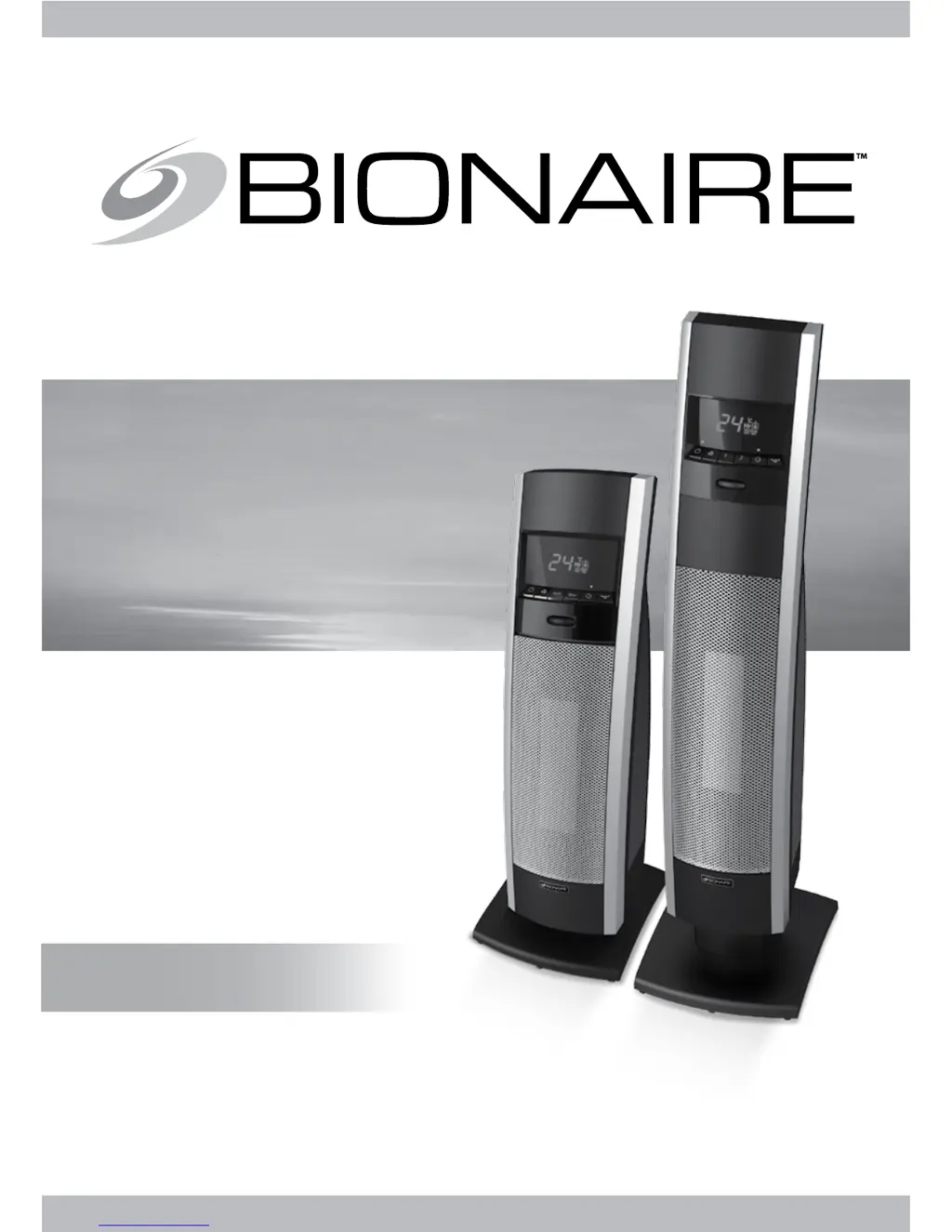
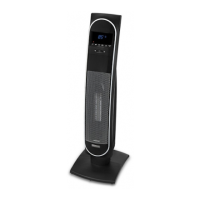
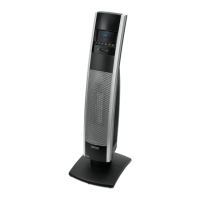
MINI/FULL TOWER
CERAMIC HEATER
WITH LCD DISPLAY
COLONNE DE
CHAUFFAGE CERAMIQUE
AVEC ECRAN LCD
CALEFACTOR CERÁMICO
TIPO TORRE CON
PANTALLA LCD
AQUECEDOR DE CERâMICA
DE TORRE PEqUENO E
gRANDE CON VISOR DE LCD
INSTRUCTION MANUAL
MANUEL D’INSTRUCTIONS
MANUAL DE INSTRUCCIONES
MANUAL DE INSTRUÇÕES
MODELS/MODÉLES/MODELOS:
BCH9212/BCH9221

Other manuals for Bionaire BCH9212

Questions and Answers

  • R
    Roy ChambersSep 7, 2025
    Why is my Bionaire BCH9212 making noise?
    • K
      Kelly IngramSep 7, 2025
      If you hear a popping or crackling sound as your Bionaire heater heats up, it is normal. If the noise persists, please contact your local authorized distributor for Bionaire appliances.
  • J
    Jeremy ReynoldsNov 23, 2025
    Why does my Bionaire Heater not turn on?
    • D
      donald31Nov 23, 2025
      There are several reasons why your Bionaire Heater might not be turning on. It could be due to the timer being activated, so try pressing the Power Button to turn the heater on. Another possibility is that the tip-over switch is engaged, in which case you should set the heater upright on a level surface. Also, ensure that the heater is properly plugged into the electrical outlet. If the electrical outlet does not hold the plug securely, have it replaced by a licensed electrician. Check if the thermostat is set too low and turn the Dial Wheel to the highest temperature setting. Make sure there are no obstructions and unplug the heater to remove them. Finally, if the circuit breaker trips, ensure no other high wattage appliances are operating on the same circuit and reset the breaker if need...
  • J
    Jean WilliamsonNov 19, 2025
    How to fix a Bionaire BCH9212 Heater that does not turn on?
    • S
      Scott FlowersNov 20, 2025
      If your Bionaire Heater isn't turning on, there might be several reasons. First, ensure it's properly plugged into a working electrical outlet. If the outlet doesn't hold the plug securely, have it replaced by a licensed electrician. Check if the timer is activated (on models with a timer) and press the power button to turn the heater on. Also, make sure that the tip-over switch isn't engaged by setting the heater upright on a level surface (only applicable on models with Tip-over protection). If none of these work, unplug the heater and remove any obstructions, positioning it at least 0.9m (36") away from objects. If the thermostat is set too low, turn the dial wheel to the highest temperature setting. Also, check if the circuit breaker trips and reset it if needed, ensuring no other high...
  • X
    xrobbinsSep 18, 2025
    Why does my Bionaire BCH9212 Heater have an unexpected smell?
    • L
      Luke GregorySep 18, 2025
      Your Bionaire Heater may have an odor or vapor coming from it the first time you use it, or after prolonged or seasonal storage. Make sure the heater is in a well-ventilated area and continue running it until the odor or vapor goes away.
  • J
    James JacksonSep 16, 2025
    Why does my Bionaire BCH9212 make an unexpected noise?
    • C
      Christian TorresSep 16, 2025
      You may hear a popping or crackling sound as your Bionaire Heater heats up. This is normal and safe operation. If the noise persists, please contact your local authorized distributor for Bionaire appliances.
  • K
    Kenneth Gray MDSep 14, 2025
    Why does the fan speed on my Bionaire BCH9212 Heater not change?
    • J
      Jared SnyderSep 14, 2025
      The fan speed on your Bionaire Heater doesn't change because the Max/2 and Auto settings control the heat output, not the fan speed. To get maximum heat output, run the heater in Max/2 mode.
  • E
    emilyhamiltonSep 12, 2025
    What to do if my Bionaire BCH9212 power light is flashing?
    • C
      Cody RubioSep 12, 2025
      If the power light on your Bionaire Heater is flashing, or if the heater turns on at the Max/2 setting but shuts off after 2 seconds with the power light flashing, it indicates that the Auto Safety Shut-off system has been activated due to a potential overheat. Follow the Auto Safety Shut-off instructions to reset the heater and allow sufficient time for it to cool down before plugging it in again. Also, check if the tip-over switch is engaged and set the heater upright on a level surface.
  • E
    Emily GloverSep 12, 2025
    Why does my Bionaire BCH9212 Heater cycle on and off frequently?
    • S
      shannon76Sep 12, 2025
      Your Bionaire Heater might be cycling on and off frequently because the thermostat automatically turns the heater on and off to maintain the selected comfort level. To reduce how often this happens, turn the Dial Wheel to the highest setting. Also, it is normal for the heater to turn on every 10-15 minutes and run for a minute to accurately maintain the room temperature.
  • M
    Michelle ReyesSep 9, 2025
    What to do if my Bionaire BCH9212 is blowing cold air?
    • M
      Martha ThomasSep 9, 2025
      If your Bionaire Heater is blowing cold air, there are a few possible reasons. First, if the heater is in Thermostat Mode and has reached the set temperature, it will automatically perform a 15-second cool down by blowing cold air to ensure thermostat accuracy. To resolve this, raise the temperature higher or change the setting to Auto or Max/2. Alternatively, the unit might be in the Fan Only setting, in which case you should press the Max/2 or Auto buttons. Finally, check if the Power Button was accidentally pressed to turn off the heater; if so, press the Power Button again to turn it back on.
  • A
    Ashley GonzalezAug 22, 2025
    Why is the power light flashing on my Bionaire BCH9212 Heater?
    • C
      Christina McclureAug 22, 2025
      If the power light on your Bionaire Heater is flashing, or if the heater turns on at the Max/2 setting and then shuts off quickly, it could be due to the auto safety shut-off system being activated because of potential overheating. To resolve this, follow the auto safety shut-off instructions to reset the heater and allow it sufficient time to cool down before plugging it in again. Also, check if the tip-over switch is engaged by setting the heater upright on a level surface (only applicable on models with Tip-over protection).

Summary

IMPORTANT SAFEGUARDS AND INSTRUCTIONS

Important Instructions

Essential safety precautions for using electrical appliances to prevent fire, shock, and injury.

Consumer Safety Information

Information regarding polarized plugs and reducing electric shock risk for 120V appliances.

ASSEMBLY AND OPERATING INSTRUCTIONS

Assembly Instructions

Steps for assembling the heater, including pedestal, base, and remote control setup.

Operating Instructions

Initial steps to operate the heater, including placement and plugging it into an outlet.

Heat Mode Selection

Explains Fan Only, Low, High, and Auto heat settings for optimal comfort and efficiency.

Thermostat and FrostProtect Control

Details on using the digital thermostat for precise temperature and the FrostProtect auto-activation feature.

Oscillation and Timer Functions

How to use the oscillation feature and set the 24-hour auto shut-off timer.

CLEANING AND MAINTENANCE

Cleaning Procedure

How to clean the heater using a soft cloth and mild soap, avoiding harsh chemicals.

Storage Recommendations

Recommendations for storing the heater in a cool, dry location, preferably in its original carton.

SAFETY FEATURES AND TROUBLESHOOTING

Auto Safety Shut-Off Reset

Procedure to follow if the heater shuts off due to overheating, including unplugging and cooling.

Tip Over Protection

Explanation of the tip-over safety feature that automatically shuts off the unit if it falls.

Troubleshooting Guide

Common issues like heater not turning on, power light flashing, or insufficient heat with solutions.

Heater Operation Issues

Addresses frequent cycling, remote control problems, blowing cold air, and fan speed issues.

Bionaire BCH9212 Specifications

General IconGeneral
Heater TypeCeramic
Power1500W
Voltage120V
Heat Settings2
ThermostatAdjustable
OscillationYes
Cool Touch ExteriorYes
Safety FeaturesOverheat protection

Related product manuals