40
41
Error messages and Trouble shooting
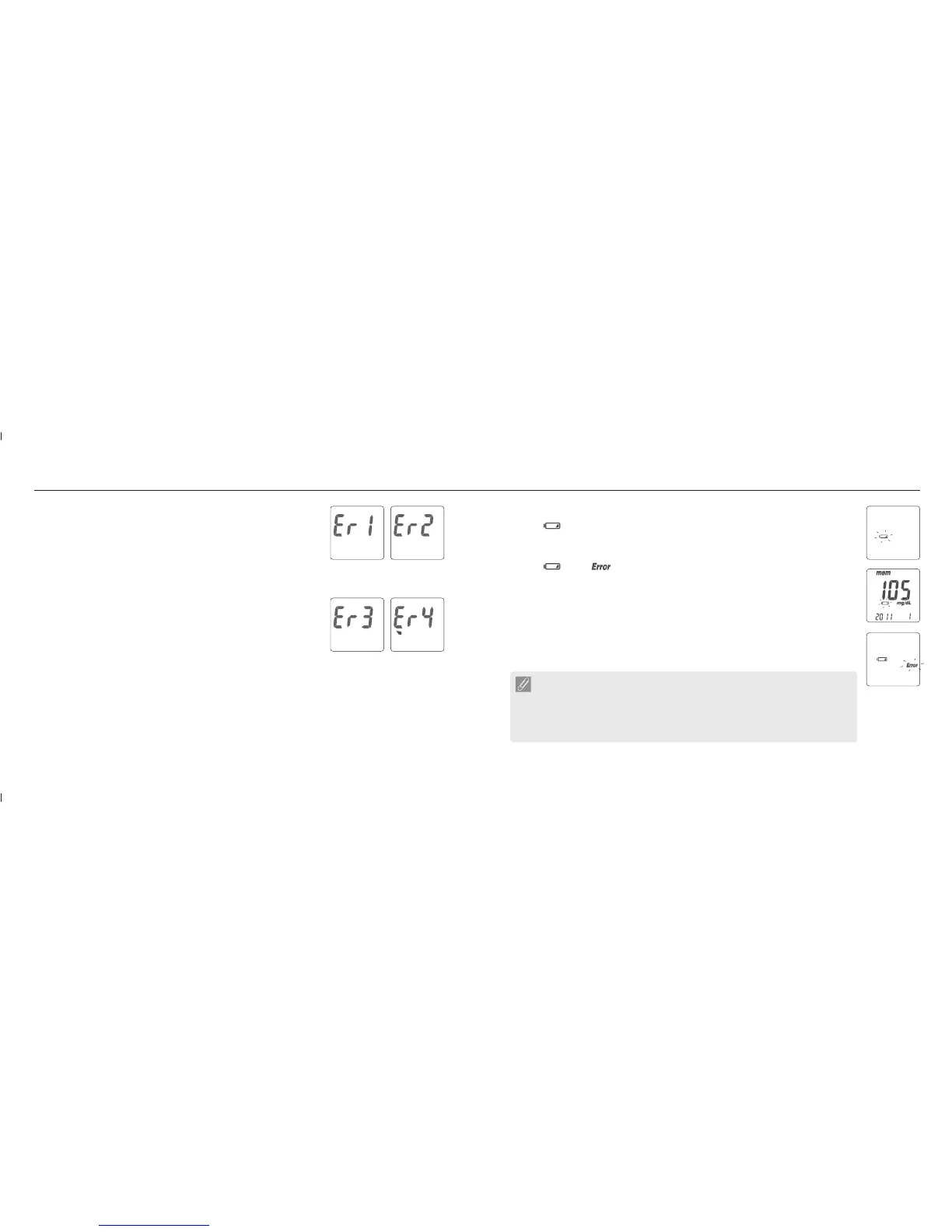
Er1 - The inserted test strip has been used or damaged. Please use a
new test strip from vial.
Er2 - Meter has malfunctioned. Do the Quality Control Test or reinstall
the batteries to check if the meter works properly.
Er3 - Signal transmission is disrupted, repeat the test.
Er4 - Applied blood volume is insufficient, please repeat the test with a
new test strip.
Above, if error screen still appears contact your local Bionime Customer Service.
Battery Error
1. The " symbol is blinking when the battery power is low. Please change the
meter battery as soon as you can. You can still do the test.
2. The " " and " " symbols are blinking when the battery is too low. Meter
can not do the strip test. Please change the battery immediately.
"
meter
1a
1b
2
Error messages and Trouble shooting
NOTE
- When meter backlight has no function, you cannot see the backilght, please
change your backlight battery.
- When the backlight battery is runnign out of power, your meter still works
properly but without backlight function.














 To Next Page