58
Error Messages and Troubleshooting
CAUTION
A blood sample should ONLY be applied to the test strip after the test strip has been
inserted correctly and the Meter's screen is showing the image of the test strip and a blood
drop flashing symbol. If the blood drop flashing symbol is NOT showing on the screen, do
not apply a sample to the test strip. Please re-insert the unused test strip correctly. The
screen MUST show the image of the test strip accompanied by the blood drop symbol
flashing (this symbol take 3 seconds to show after correctly inserting the test strip) in order
for a sample to be applied. Please consult your User Manual and/or contact Customer
Service for support on how to correctly insert a RIGHTEST Max Blood Glucose Test Strip.
Error Messages and Troubleshooting
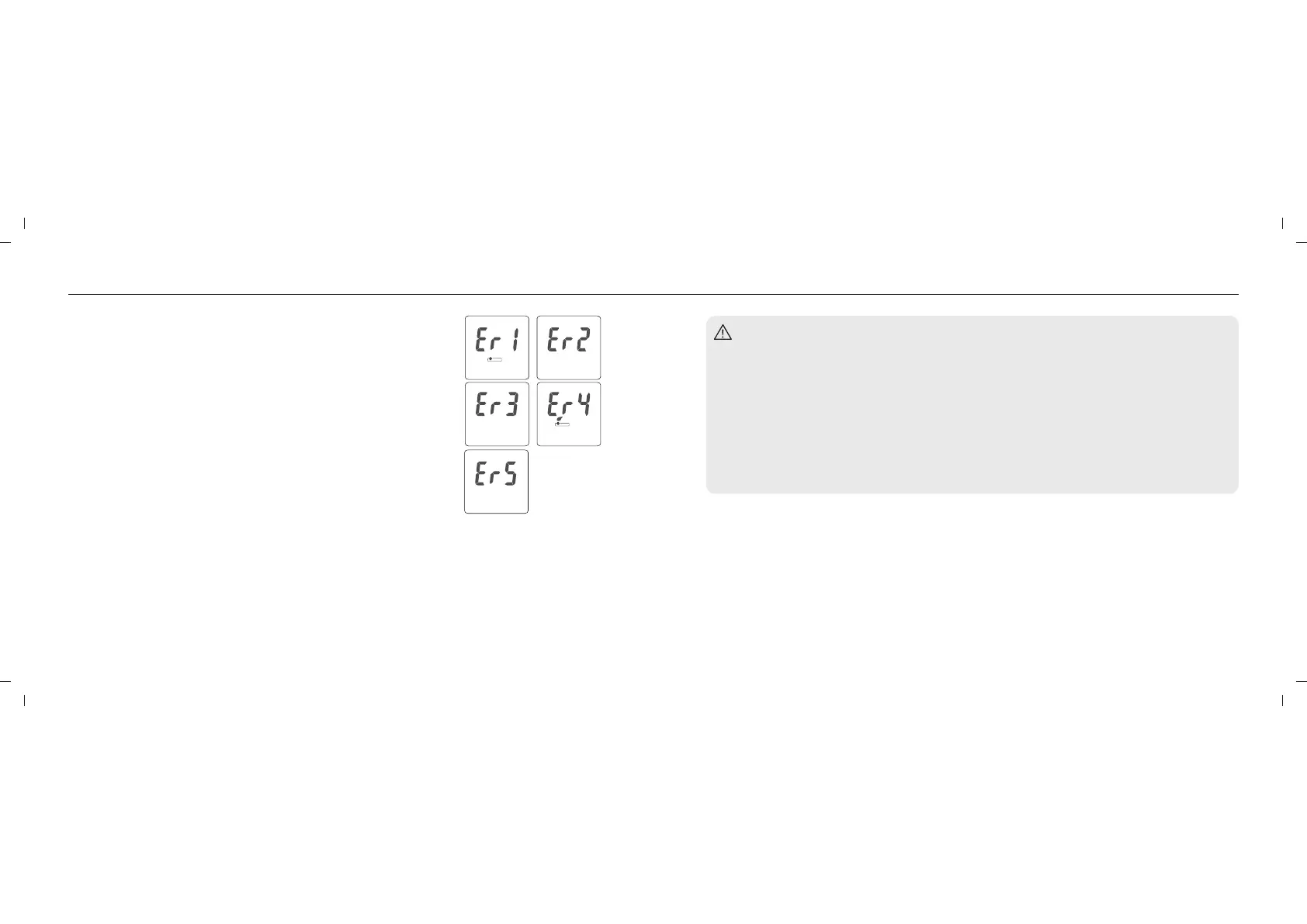
Er1 - The inserted test strip has been used or damaged. Please use a new
test strip.
Er2 - The meter has malfunctioned. Do a Quality Control Test or reinstall the
battery to check if the meter works properly.
Er3 - The signal transmission is disrupted. Repeat the test using a new test
strip.
Er4 - The blood sample volume is insufficient. Repeat the test using a new test
strip.
Er5 - An issue calibrating the Meter has occurred. Please follow the steps
below:
(1) Remove the test strip from the meter.
(2) Turn off the meter (press and hold the Main button for 3 seconds).
(3) Press the main button to turn ON the meter.
If after turning on the Meter, you do not see Er5, your meter is functioning
properly and able to perform a test.
Meter Malfunction
If RIGHTEST Blood Glucose Meter will not turn on, please follow the steps below:
1. Open the battery cover and remove the battery.
2. Wait for 5 minutes and reinsert the battery as described as instructed on page 18, (Meter Activation and
Changing the Battery).
The meter should work normally after finishing the above steps. If the meter still does not work, please
contact Bionime customer service (printed on manual coverback).
59














 To Next Page