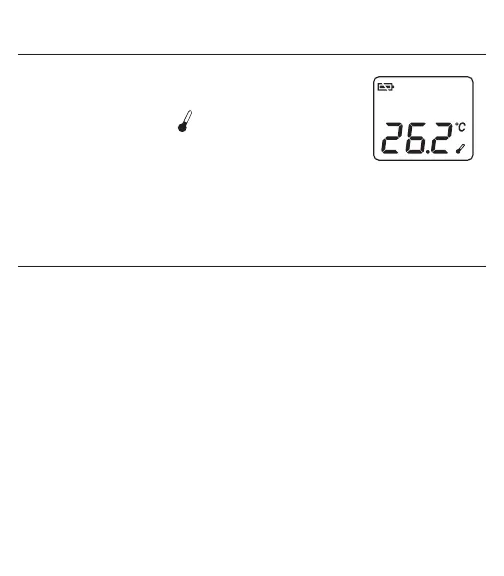
8. MEASURING THE ROOM TEMPERATURE
The room temperature is continuously displayed when the
unit has been left idle for more than 1 minute. It is shown on
the display screen with the icon.
The temperature will be updated every 15 minutes.
For a more accurate room temperature reading, the
thermometer should be placed on a table and away from direct sunlight or air
conditioner flow.
9. CHANGING FROM CELSIUS TO FAHRENHEIT
1. In ‘Room Temperature’ mode (The LCD only shows the room
temperature and battery icon). Press and hold the SCAN button, then
immediately press and release the ON/MEM button. After 3 seconds
the °C icon will be replaced with the °F icon.
2. Repeat steps to switch back and forth between Celsius and Fahrenheit.


 To Next Page