10. CARE AND CLEANING
• After each use, use an alcohol swab or cotton swab moistened
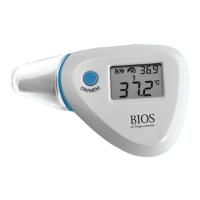
with alcohol (70% Isopropyl) to clean and disinfect the probes and
thermometer casing.
• Keep the unit dry and away from any liquids and direct sunlight.
• Storage temperature range -20°C to 50°C (-4°F to 122°F).
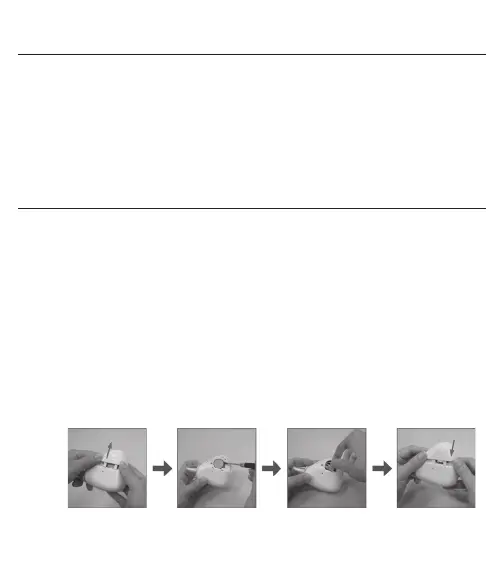
11. BATTERY REPLACEMENT
1. Slide and remove the battery cover located on the back of the
thermometer.
2. Hold the device and insert a small screwdriver or pen to remove the
existing battery.
3. Insert the new battery under the metal hook on the left side and press
the battery down until you hear a click.
4. Replace the battery cover.


 To Next Page