3. DIRECTIONS FOR USE - INSERTING THE BATTERY
1. Slide and remove the battery cover located on the back of the
thermometer.
2. Insert the battery (included) under the metal hook on the top and press
the battery down until you hear a click. Insert the battery with the “+”
side facing up.
3. Once the battery has been inserted, the thermometer will turn on and
beep twice.
4. Replace the battery cover.
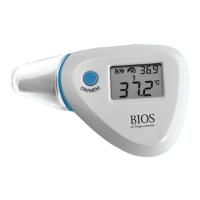
4. EAR MODE
1. If the thermometer is not turned on, press the
ON/MEM button. The thermometer is ready for
use after hearing two beeping sounds and the
icon appears on the screen. The unit is now ready
for measuring ear temperature.
2. Gently pull the ear back to straighten the ear canal and carefully insert
the probe snuggly into the ear canal facing the direction of the eardrum
(see “How to Measure Ear Temperature Accurately” below).


 To Next Page