5. Care and Maintenance
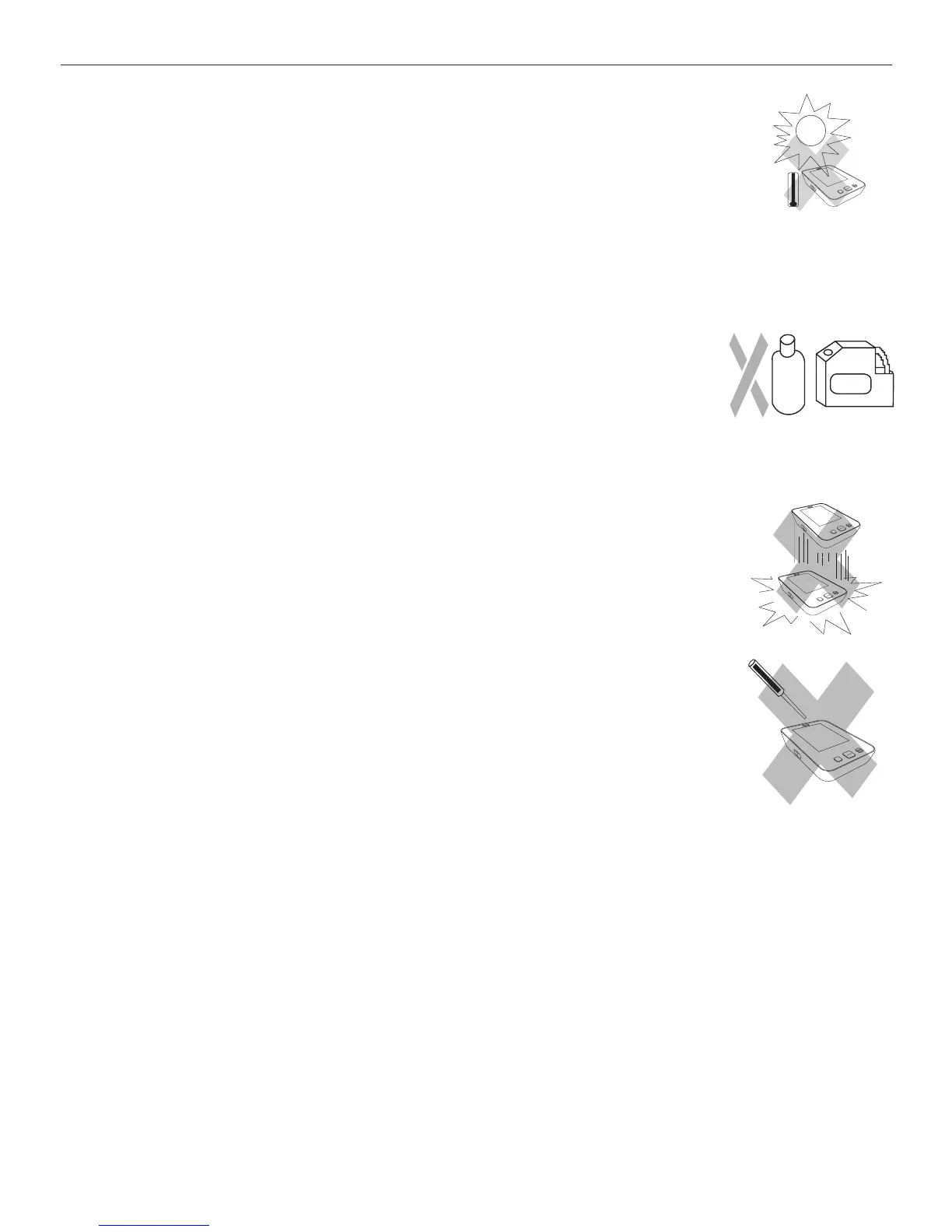
a) Do not expose the device to either extreme temperatures, humidity, dust or direct
sunlight.
L®Ê/iÊVÕvvÊVÌ>ÃÊ>ÊÃiÃÌÛiÊ>ÀÌ}ÌÊLÕLLi°Ê>`iÊÌÃÊV>ÀivÕÞÊ>`Ê>Û`Ê>Ê
types of stress through twisting or buckling.
c) Clean the device with a soft, dry cloth. Do not use gas, thinners or similar
solvents. Spots on the cuff can be removed carefully with a damp cloth and
soapsuds. /iÊVÕvvÊÜÌÊL>``iÀÊÕÃÌÊÌÊLiÊÜ>Ãi`ÊÊ>Ê`ÃÜ>ÃiÀ]Ê
VÌiÃÊÜ>ÃiÀ]ÊÀÊÃÕLiÀ}i`ÊÊÜ>ÌiÀ°
d) Handle the tube carefully. Do not pull on it. Do not allow the tubing to kink and
keep it away from sharp edges.
e) Do not drop the monitor or treat it roughly in any way. Avoid strong vibrations.
f) Never open the monitor. This invalidates the manufacturer’s warrantee.
g) Batteries and electronic instruments must be disposed of in accordance with the locally applicable
regulations, not with domestic waste.
M
START
STOP
M
START
S
TOP
M
S
TA
RT
ST
O
P
M
S
TA
RT
ST
O
P



 To Next Page