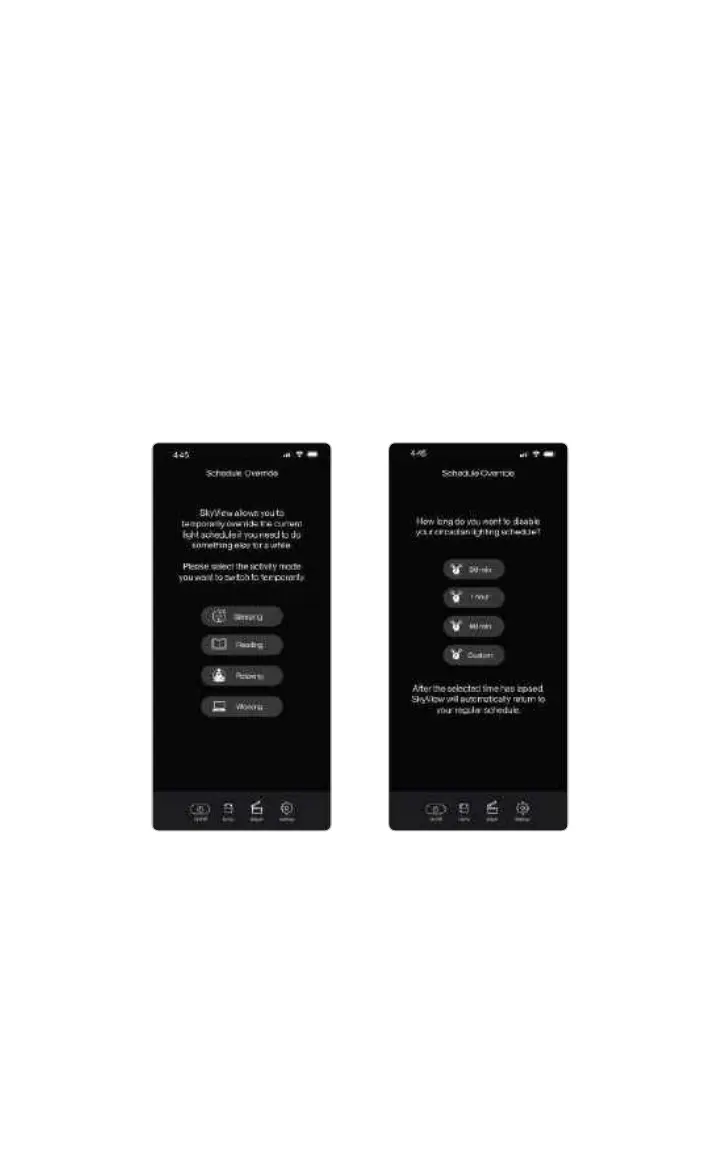
Override Your Schedule with Quick Modes
Within the app, you can override the established wellness lighting schedule.
Simply tap the Adjust icon on the navigation bar, located at the bottom of the app
screen.
•Sleeping mode: This mode will provide a red night light suitable for moving
through your space without disrupting your circadian rhythm.
•Reading mode: Reading mode is a crisp white light designed to give you a little
more comfort when reading.
•Relaxing mode: This mode will provide a calm warm colored light for
decompressing and setting a calming ambiance.
•Working mode: This mode brings the daytime working mode back to give you
that boost to need at the end of the day.
Once the selected time has elapsed, it will return to the established
lighting schedule.
10



 To Next Page