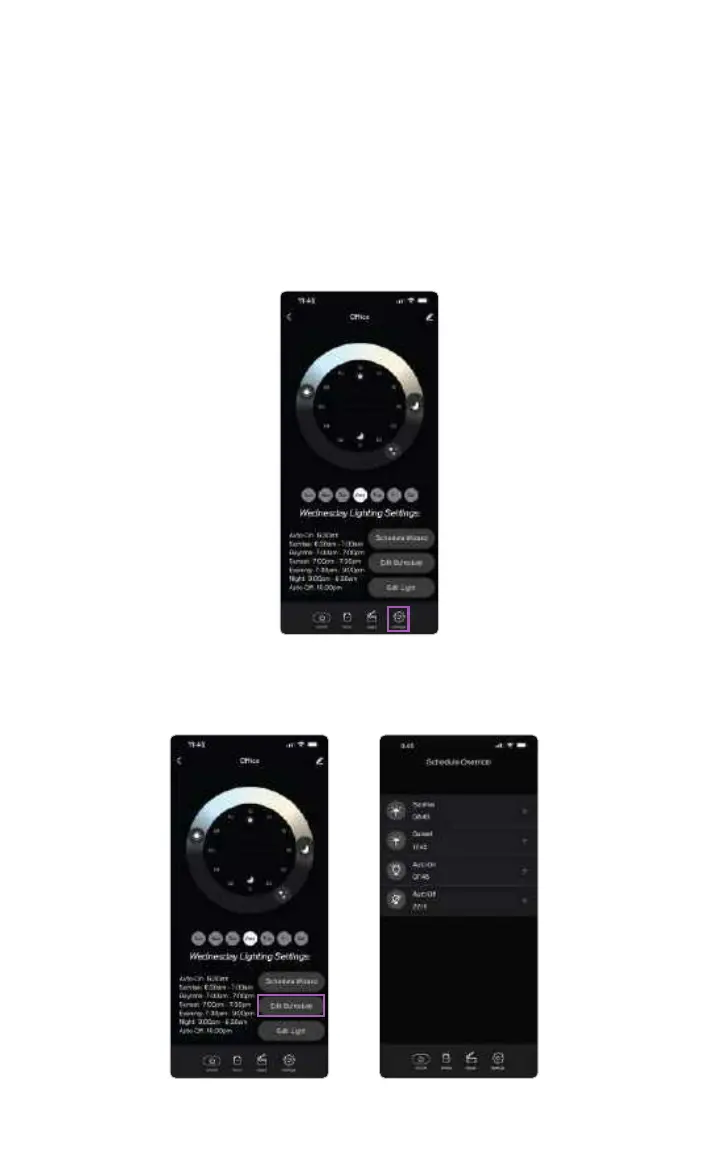
Change Your Weekly Schedule and Adjust Settings
In the app, you can change the settings you’ve made to the schedule and add or
delete the auto-on and auto-o functions of the lamp. You can navigate to the
settings window by tapping on the settings button from the bottom ribbon.
Once in the settings window, you have three basic functions you do:
1. Re-do the schedule wizard
2. Edit the schedule
3. Edit light
In order to edit the schedule, tap the “Edit Schedule” button. Here you’ll be able to
adjust the timing of the sunrise, sunset, night, auto-on and auto-o.
11
SkyView™ is a registered trademark ©2023 of Biological Innovation and Optimization Systems, LLC. | Skyviewlight.com



 To Next Page