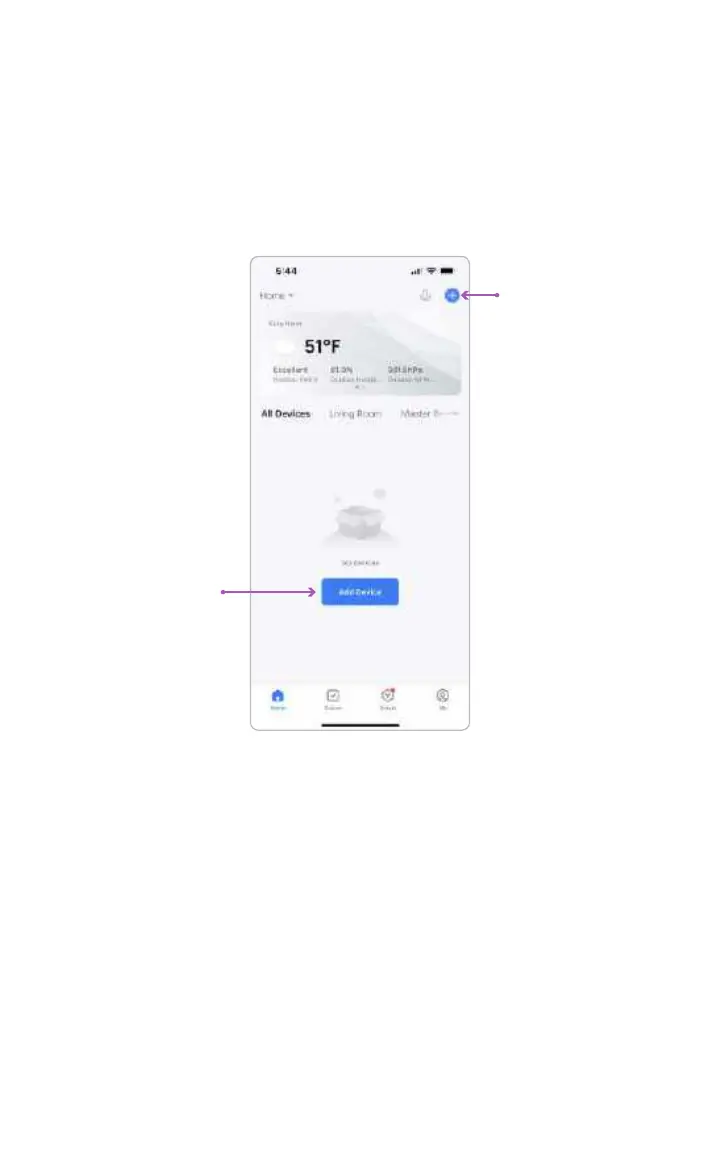
STEP 4 Pairing SKYVIEW with Your Mobile Device
When the lamp is in pairing mode; you will be able to add and connect your
mobile device.
Tap Add Device or the plus icon (+) in the top right corner on the Home page to
go to the device adding page.
To automatically add devices, the app must be granted Wi-Fi and Bluetooth
permissions.
When SKYVIEW is in pairing mode, the app should automatically detect the
lamp and you should see a device image appear in the app.
05
SkyView™ is a registered trademark ©2023 of Biological Innovation and Optimization Systems, LLC. | Skyviewlight.com



 To Next Page