EasyManua.ls Logo

Biostar A740G M2+ - Page 19

Biostar A740G M2+
Print Icon
To Next Page IconTo Next Page
To Previous Page IconTo Previous Page
Loading...
A740G M2+
17
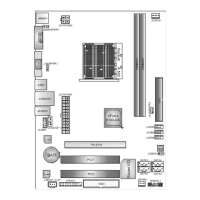
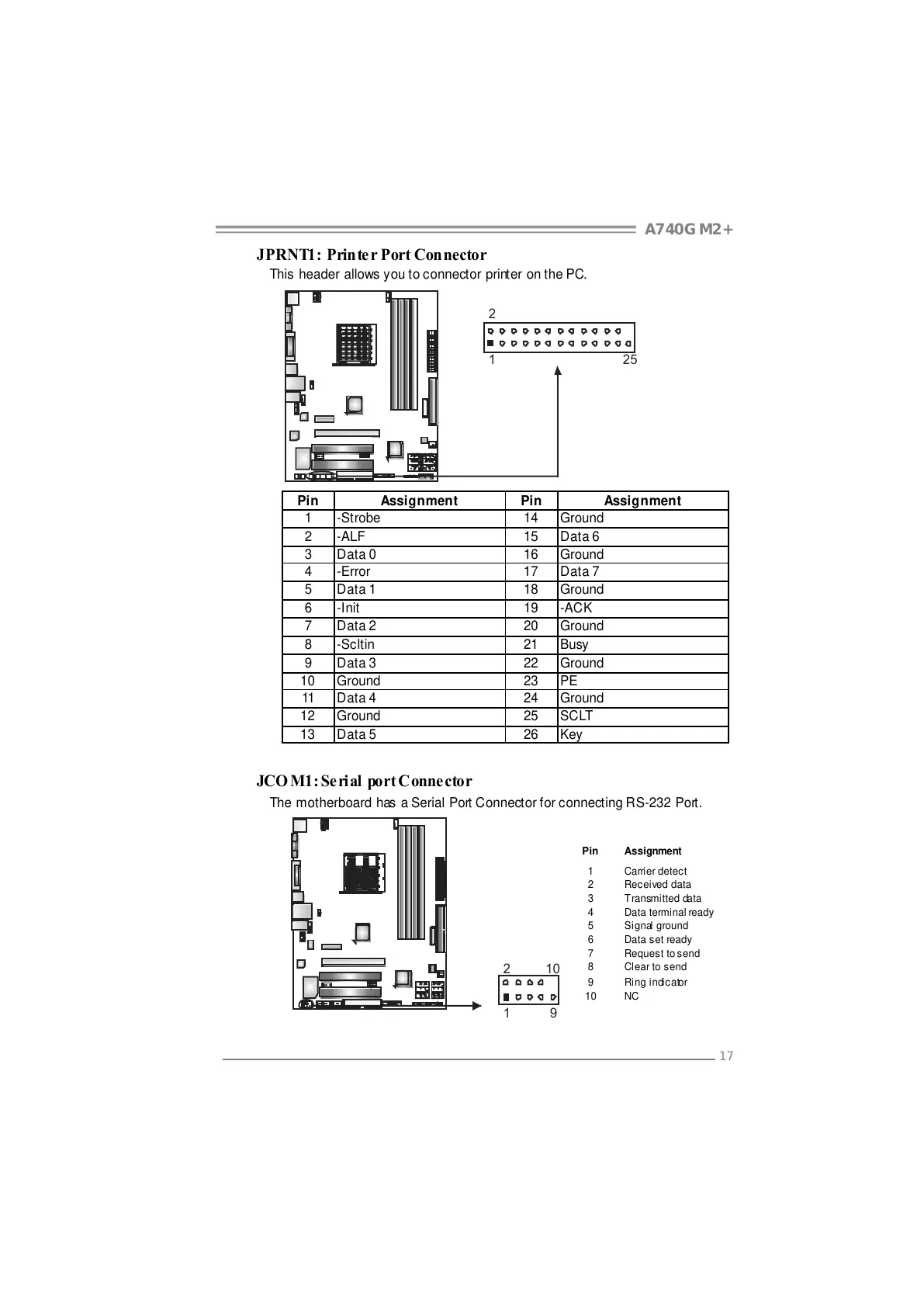
JPRNT1: Printer Port Connector
This header allows you to connector printer on the PC.
125
2
Pin Assignment Pin Assignment
1 -Strobe 14 Ground
2 -ALF 15 Data 6
3 Data 0 16 Ground
4 -Error 17 Data 7
5 Data 1 18 Ground
6 -Init 19 -ACK
7 Data 2 20 Ground
8 -Scltin 21 Busy
9 Data 3 22 Ground
10 Ground 23 PE
11 Data 4 24 Ground
12 Ground 25 SCLT
13 Data 5 26 Key
JCO M1: Seri al port Connector
The motherboard has a Serial Port Connector for connecting RS-232 Port.
Pin
Assignment
1 Carrier detect
2 Received data
3 Transmitted data
4 Data terminal ready
5 Signal ground
6 Data set ready
7 Request to send
8 Clear to send
9 Ring indicator
19
210
10 NC
All manuals and user guides at all-guides.com

Related product manuals