Hi-Fi A85W / Hi-Fi A75W UEFI BIOS Manual
27
TRAS
Options: Auto (Default) / 8~42 CLK
TRC
Options: Auto (Default) / 10~58 CLK
TWR
Options: Auto (Default) / 5~8 / 10 / 12 / 14 / 16 / 18 CLK
TRRD
Options: Auto (Default) / 1~9 CLK
TWTR
Options: Auto (Default) / 4~11 CLK
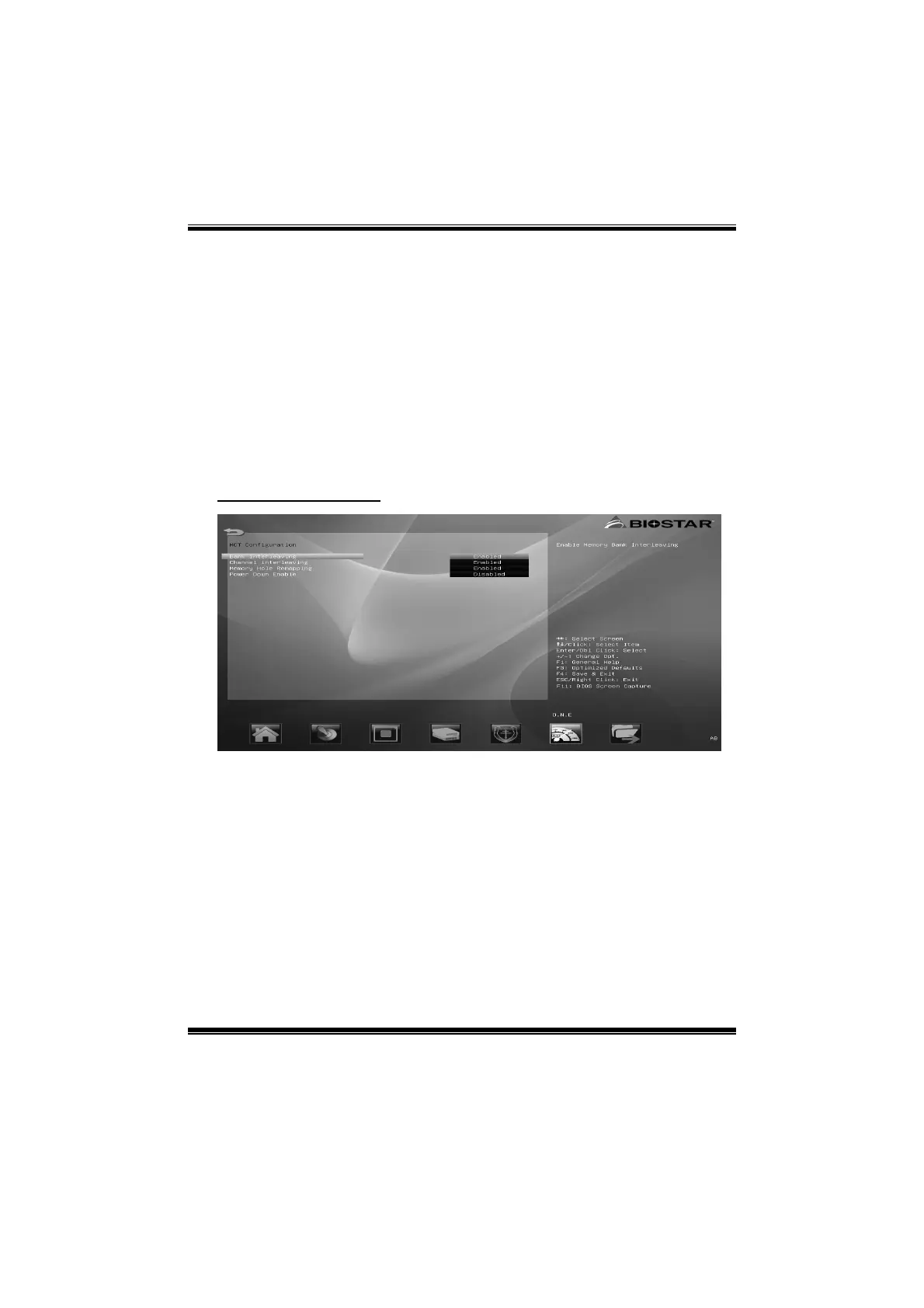
MCT Configuration
Bank Interleaving
This item allows you to enable or disable Memory Bank interleaving.
Options: Enabled (Default) / Disabled
Channel Interleaving
This item allows you to control the Memory Channel interleaving.
Options: Enabled (Default) / Disabled
Memory Hole Remapping
This item allows you to enable or disable the Memory Remapping Around
Memory Hole
Options: Enabled (Default) / Disable Link


 To Next Page
 Loading...