N68S3+ BIOS Manual
23
4 Boot Menu
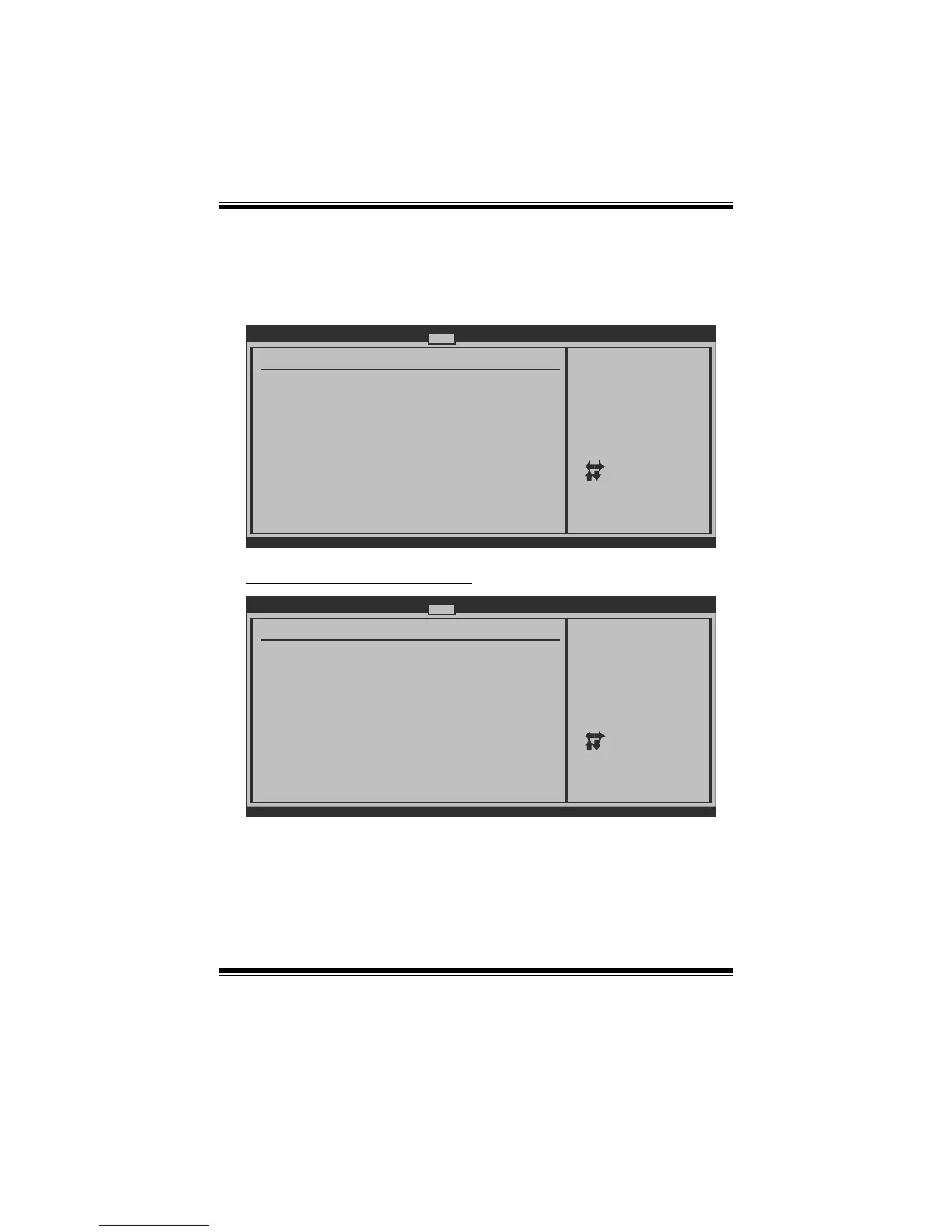
This menu allows you to setup the system boot options.
BIOS SETUP UTILITY
Main Advanced PCIPnP Boot Chipset Performance
vxx.xx (C)Copyright 1985-200x, American Megatrends, Inc.
Select Screen
Select Item
Go to Sub Screen
General Help
Save and Exit
Exit
Enter
F1
F10
ESC
Configure Settings
during System Boot.
Boot Settings
> Boot Device Priority
> Hard Disk Drives
> Removable Drives
> CD/DVD Drives
> Boot Settings Configuration
Exit
Boot Settings Configuration
BIOS SETUP UTILITY
Boot
vxx.xx (C)Copyright 1985-200x, American Megatrends, Inc.
Select Screen
Select Item
Change Option
General Help
Save and Exit
Exit
+-
F1
F10
ESC
Allows BIOS to skip
certain tests while
booting. This will
decrease the time
needed to boot the
system.
Boot Settings Configuration
Full Screen LOGO Show [Enabled]
AddOn ROM Display Mode [Force BIOS]
Bootup Num-Lock [ON]
Interrupt 19 Capture [Disabled]
BOOT SUCCESS BEEP [Enabled]
Ignore Memory Error Messages [Disabled]
Quick Boot [Enabled]
Quick Boot
Enabling this option will cause an ab ridged version o f the Power On Sel f-T est
(POST) to execute after you power up the computer.
Options: Enabled (Default) / Disabled









 To Next Page