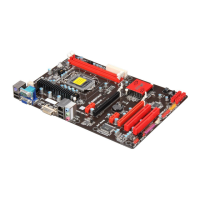
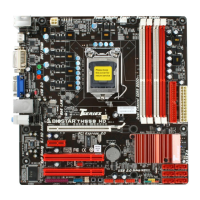
Motherboard Manual
20
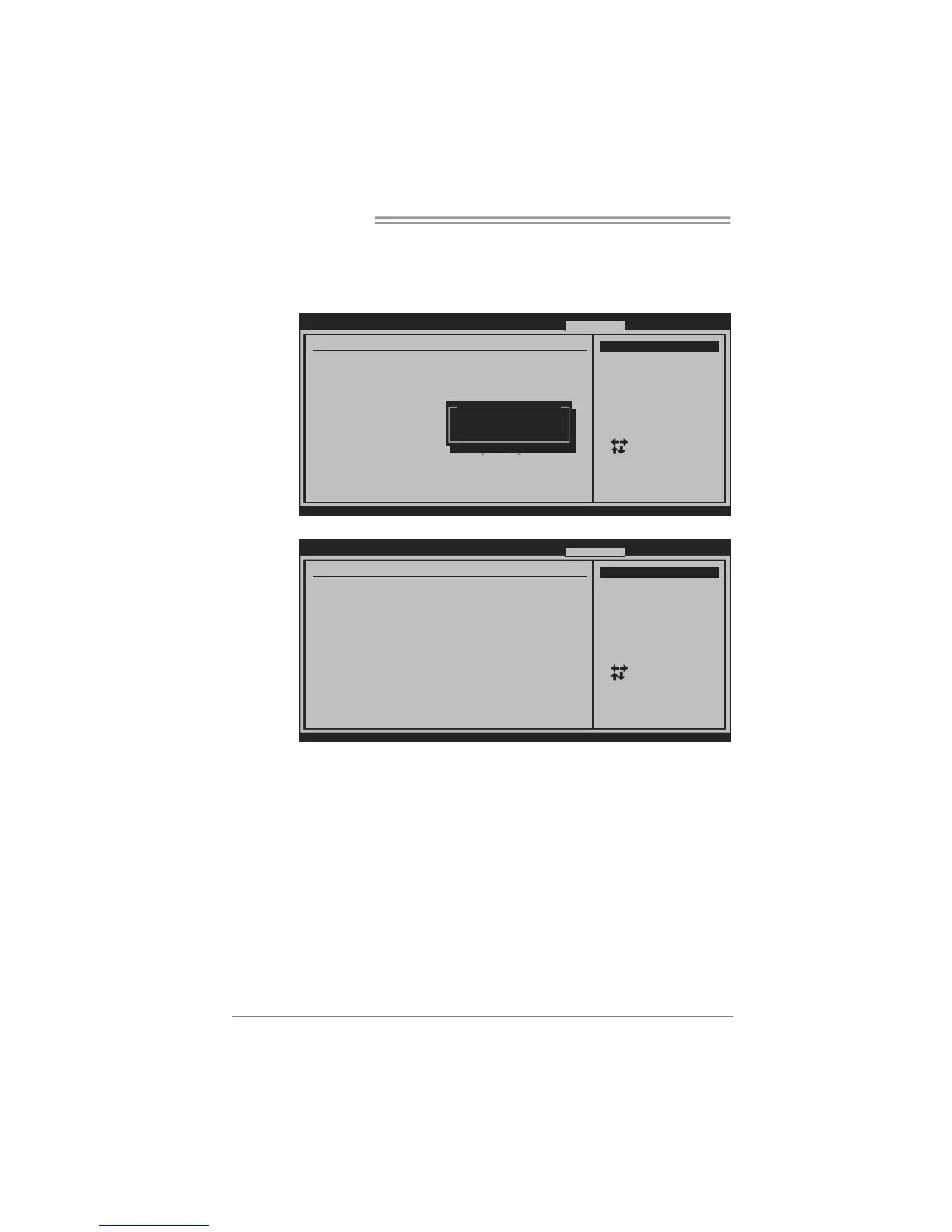
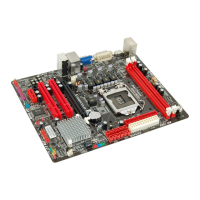
Manual Overclock System (M.O.S.)
MOS is designed for experienced overclock users.
It allows users to customize personal overclock settings.
BIOS SETUP UTILITY
Main Advance d
PCIPnP Boot
Chipset O.N.E
vxx.xx (C)Copyright 19 85-200x, America n Megatrends, Inc.
Select Screen
Select Item
Go to Sub Screen
General Help
Save and Exit
Exit
Enter
F1
F10
ESC
Over-Clocking Navigator Setting
=========== Automate OverClock Syste m ===========
============ Manual Ove rClock System ===== =======
Notice:Please Clear CMOS if system n o display
after overclo cking.
Over-Clocking Naviga tor [Norm al]
Auto OverClock Syste m [V6-T ech Engine]
Current CPU Frequenc y :
Current Memory Frequ ency :
Current UNCORE Frequ ency :
Current QPI Frequenc y :
Over Clock Retry Cou nt [1]
Intel(R) SpeedStep(t m) tech [Enab led]
CPU Ratio Setting [ x25 .0]
CPU Frequency Settin g [133]
QPI Frequency [Auto ]
DRAM Frequency [Auto ]
> DRAM Timing Configuratio n
> Clock Gen Configur ation
> Voltage Control
Exit
Options
Normal
Automate OverClock
Manual OverClock
Options
Normal
Automate OverClock
Manual OverClock
↓
BIOS SETUP UTILITY
Main Advance d
PCIPnP Boot
Chipset O.N.E
vxx.xx (C)Copyright 19 85-200x, America n Megatrends, Inc.
Select Screen
Select Item
Go to Sub Screen
General Help
Save and Exit
Exit
Enter
F1
F10
ESC
Over-Clocking Navigator Setting
=========== Automate OverClock Syste m ===========
============ Manual Ove rClock System ===== =======
Notice:Please Clear CMOS if system n o display
after overclo cking.
Over Clock Retry Cou nt [1]
Intel(R) SpeedStep(t m) tech [Enab led]
CPU Frequency Settin g [133]
QPI Frequency [Auto ]
DRAM Frequency [Auto ]
> DRAM Timing Configuratio n
> Clock Gen Configur ation
> Voltage Control
Over-Clocking Naviga tor [Manu al OverClock]
Auto OverClock Syste m [V6-T ech Engine]
Current CPU Frequenc y :
Current Memory Frequ ency :
Current UNCORE Frequ ency :
Current QPI Frequenc y :
CPU Ratio Setting [ x24 .0]
Exit
Options
Normal
Automate OverClock
Manual OverClock
Over Clock Retry Count
This item allows you to set the overclock fail retry times.
Intel(R) SpeedStep(tm) Tech
This item allows you to enable SpeedStep technology for better power
saving. SpeedStep is a technology built into some Intel processors that
allows the clock speed of the processor to be dynamically changed by
software.
CPU Ratio Setting
This item allows you to set the CPU ratio frequency. This item is adjustable
only when SpeedStep Tech is set to Disabled
CPU Fre que ncy Se tting
This item allows you to select the CPU Frequency.
QPI Fre que ncy
This item allows you to select the QPI Frequency.


 To Next Page