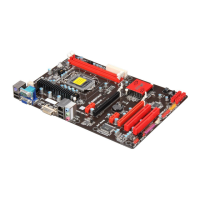
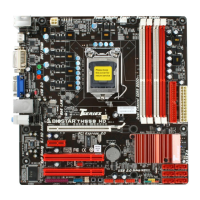
TH55B HD
5
CHAPTER 2: HARDWARE INSTALLATION
2.1 I
NSTALLING CENTRAL PROCESSING UNIT (CPU)
Special Notice:
Please remove Pin Cap vertically before installing CPU so as not to
touch the pin legs. When CPU is removed, please cover the Pin
Cap with right direction on the empty socket.
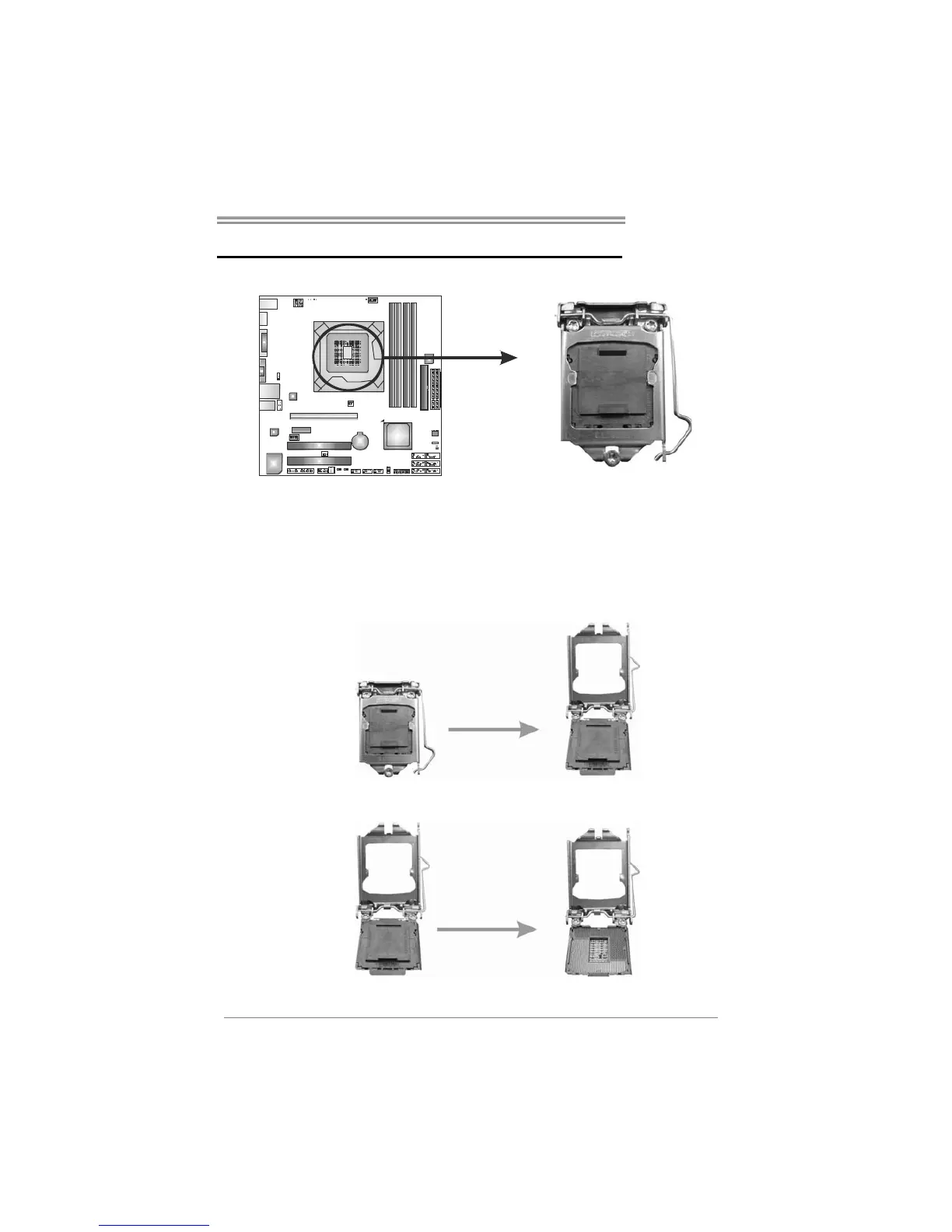
Step 1: Pull the socket locking lever out from the socket and then raise
the lever up.
Step 2: Remove the Pin Cap.


 To Next Page