AT-500 Antenna Tester
32
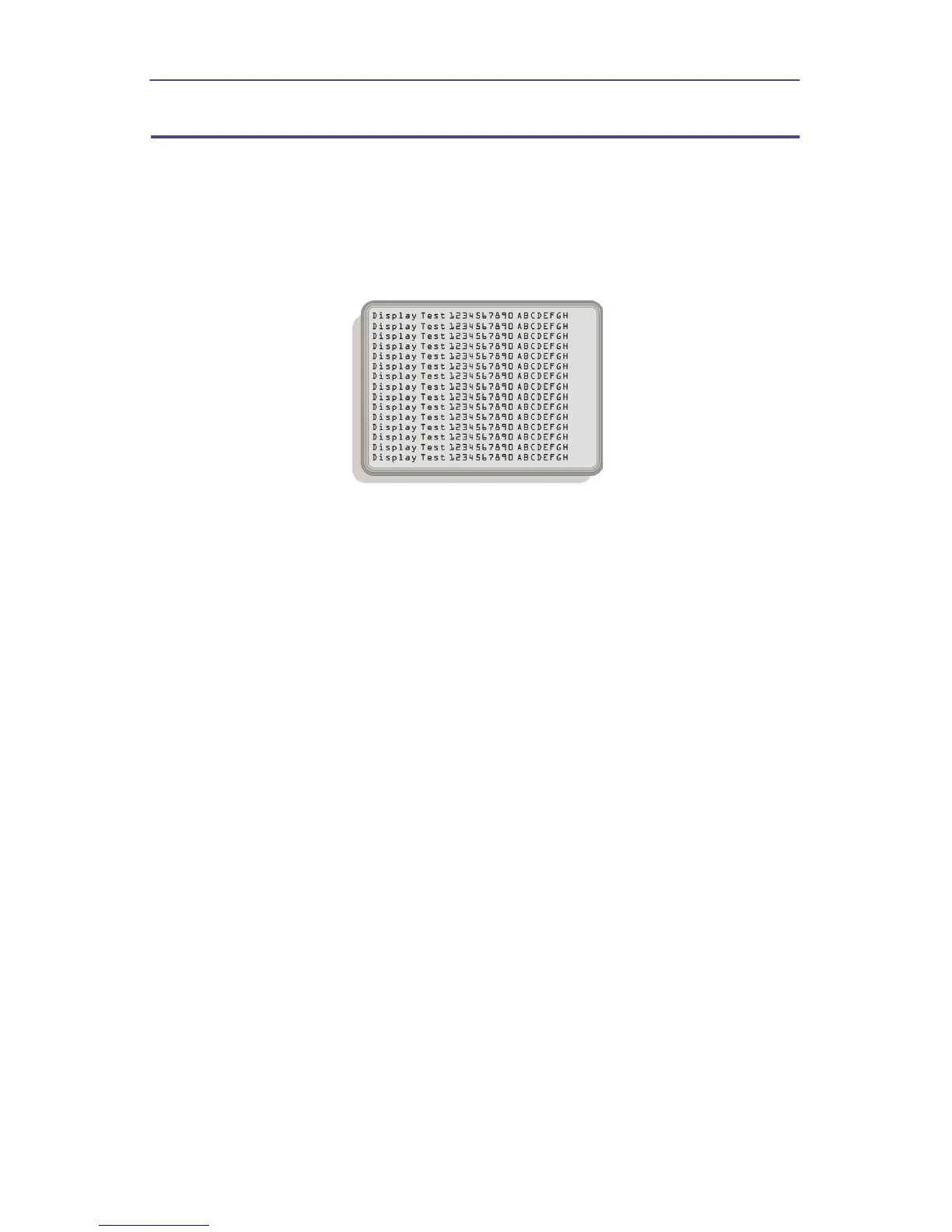
Display Test
The display test is used to be sure that each area of the display is functional.
When the test is started the display is filled with various characters. Each pixel
then changes state, either from black to white or white to black. If there is any
area that is not functional return the tester to Bird Electronic for repair.
Figure 15 Display Test
1. Press the MENU key.
2. Press the TEST key.
3. Press the DISP TEST key.
4. The test is started.
5. Press the ESC key to end the test.


 To Next Page