EasyManua.ls Logo

Bissell CLEANVIEW COMPACT 3508 Series - User Manual

Bissell CLEANVIEW COMPACT 3508 Series
16 pages
Print Icon
To Next Page IconTo Next Page
Loading...
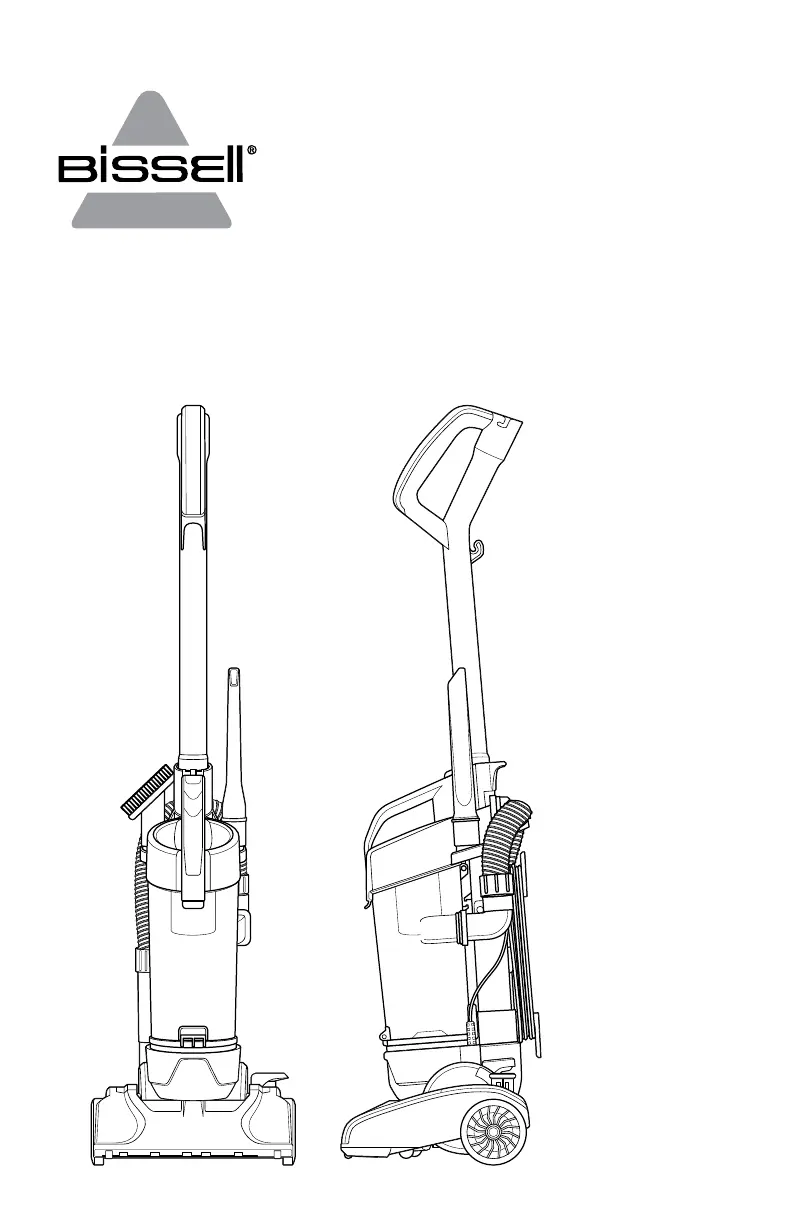
CLEANVIEW® COMPACT
UPRIGHT VACUUM
3508 SERIES

Questions and Answers

  • J
    Jasmine JohnsonAug 2, 2025
    Why is my Bissell CLEANVIEW COMPACT 3508 Vacuum Cleaner not picking up dirt?
    • J
      John SilvaAug 2, 2025
      If your Bissell Vacuum Cleaner won't pick up dirt, the dirt tank might be full. Empty it to resolve this. Also, check if the filter is dirty; clean or remove any debris. Ensure the hose and dirt tank are securely in place. A clogged vacuum path could also be the culprit; check for and carefully remove any obstructions in the air passageway, hose inlet, and hose.
  • L
    Lisa BrownAug 7, 2025
    What to do if Bissell CLEANVIEW COMPACT 3508 Vacuum Cleaner floor brush bristles worn?
    • R
      Ronald EdwardsAug 7, 2025
      If your Bissell Vacuum Cleaner isn't picking up dirt, the floor brush bristles might be worn. Consider replacing the floor brush.
  • R
    richardzunigaAug 10, 2025
    What to do if Bissell Vacuum Cleaner floor brush jammed?
    • M
      melissafigueroaAug 11, 2025
      If your Bissell Vacuum Cleaner isn't picking up dirt, the floor brush might be jammed. Remove the floor brush and clean any debris from the brush and its ends. Also, check the drive belt for damage.
  • E
    Erin HoodAug 15, 2025
    What to do if my Bissell CLEANVIEW COMPACT 3508 won’t run?
    • D
      David KleinAug 15, 2025
      If your Bissell Vacuum Cleaner won't run, start by checking the electrical plug to ensure the power cord is properly plugged in. Also, inspect the fuse or breaker; replace the fuse or reset the breaker if necessary.
  • J
    Justin KimAug 19, 2025
    What to do if Bissell CLEANVIEW COMPACT 3508 Vacuum Cleaner dirt tank is not in place?
    • K
      kellyrogersAug 19, 2025
      If your Bissell Vacuum Cleaner won't pick up dirt, make sure the dirt tank is completely inserted and snapped into place.
  • J
    Jeffrey OliverAug 25, 2025
    How to fix Bissell CLEANVIEW COMPACT 3508 if rotating power brush drive belt broken?
    • C
      Casey WardAug 25, 2025
      If your Bissell Vacuum Cleaner isn't picking up dirt and you suspect the rotating power brush, examine the drive belt area for obstructions. If the drive belt is stretched or broken, replace it.
  • R
    Robert SmithAug 28, 2025
    How to check Bissell CLEANVIEW COMPACT 3508 hose is not secure?
    • B
      beardsethAug 28, 2025
      If your Bissell Vacuum Cleaner isn't picking up dirt, ensure that the hose is snapped into place at both ends.

Summary

Important Safety Instructions

General Safety Warnings

Crucial safety precautions to prevent fire, electric shock, and injury during appliance use.

Save These Instructions

Instruction to retain the safety guidelines for future reference.

Polarized Plug Information

Details on the appliance's polarized plug and its proper use to reduce electric shock risk.

Product View

Vacuum Cleaner Components

Identifies and labels all parts of the BISSELL CleanView Compact Upright Vacuum.

Assembly

Handle Attachment

Guidance on how to attach the vacuum cleaner handle to the base.

Cord Wrapping

Instructions for wrapping the power cord around the designated wraps.

Tool Attachment

Steps for attaching included tools to their holders on the vacuum.

Using Your Vacuum

Cord Management

Procedure for quickly removing the power cord using the quick release wrap.

Connecting to Power

Instructions for plugging the vacuum cleaner into a polarized outlet.

Powering On;Off

How to turn the vacuum cleaner on and off using the power switch pedal.

Handle Recline Positions

Explanation of the three handle positions for different cleaning needs.

Above Floor Cleaning

Preparing for Above Floor Use

Steps to prepare the vacuum for above floor cleaning by raising the handle and detaching the hose.

Connecting Hose and Wand

Guidance on connecting the hose to the extension wand for extended reach.

Attaching Cleaning Tools

Instructions on attaching crevice tool and dusting brush to hose or wand.

Storing the Power Cord

Cord Wrap Procedure

Steps for storing the power cord neatly on the vacuum's cord wraps.

Emptying the Dirt Tank

Removing the Dirt Tank

How to detach the dirt tank from the vacuum cleaner using the release button.

Disposing of Dirt

Procedure for emptying the dirt tank into a garbage bin.

Cleaning the Dirt Tank

Removing Dirt Tank and Lid

Steps to remove the dirt tank and open its lid for cleaning.

Washing Dirt Tank Components

Instructions for washing the dirt tank container and primary separator.

Cleaning the Hose Inlet

How to clean the hose and check its inlet for blockages before reassembling.

Cleaning the Filter

Filter Removal

Procedure to remove the filter from the dirt tank lid.

Washing the Filter

Instructions for washing the filter by hand with mild detergent.

Reinstalling the Filter

Guidance on correctly placing the filter back into the dirt tank lid.

Cleaning the Brush Roll

Accessing the Brush Roll

Steps to remove screws and brush cover to access the brush roll.

Cleaning Debris and Airway

Instructions for cleaning debris from the brush roll, motor pulley, and checking air passageways.

Clearing Hose Clogs

How to detach and clear clogs from the hose connected to the wand base.

Realigning Brush and Belt

Procedure for aligning the brush roll and drive belt after cleaning.

Reassembling Brush Cover

Instructions for replacing the brush cover and screws.

Replacing the Drive Belt

Accessing and Inspecting Belt

Steps to access the drive belt, remove the cover, and inspect it for wear.

Drive Belt Replacement and Alignment

Instructions for replacing the drive belt and ensuring proper alignment.

Reattaching Brush Cover

Instructions for replacing the brush cover and screws.

Cleaning the Hose and Foot

Checking Stretch Hose

How to check the stretch hose and its elbow connection for debris.

Clearing Foot Hose Clogs

Procedure to remove screws, clear clogs in the foot hose, and reattach.

Troubleshooting

Vacuum Cleaner Wont Run

Addresses issues and solutions when the vacuum cleaner fails to operate.

Vacuum Cleaner Wont Pick Up Dirt

Provides causes and remedies for the vacuum's loss of suction or cleaning power.

Warranty

Limited One-Year Warranty

Details on the terms, exclusions, and duration of the product's limited warranty.

Warranty Exclusions

Information on specific conditions or parts not covered by the warranty.

Service

Product Service and Support

Guidance on obtaining maintenance, authorized service centers, and contacting support.

Register Your Product

Benefits of Registration

Outlines advantages like rewards points, faster service, and alerts from registration.

Parts & Supplies

Ordering Replacement Parts

Information on how to find and order replacement parts and supplies online.

Bissell CLEANVIEW COMPACT 3508 Series Specifications

General IconGeneral
BrandBissell
ModelCLEANVIEW COMPACT 3508 Series
CategoryVacuum Cleaner
LanguageEnglish

Related product manuals