EasyManua.ls Logo

Bissell ICONpet 22883 - User Manual

Bissell ICONpet 22883
12 pages
Print Icon
To Next Page IconTo Next Page
Loading...
Go online for a comprehensive walkthrough
of your product!
This guide has everything you need to get ready for first use,
including setting up, using and maintaining your machine,
but online you’ll find additional resources like tips and
troubleshooting, videos, product registration, parts and more.
Go to support.BISSELL.com.
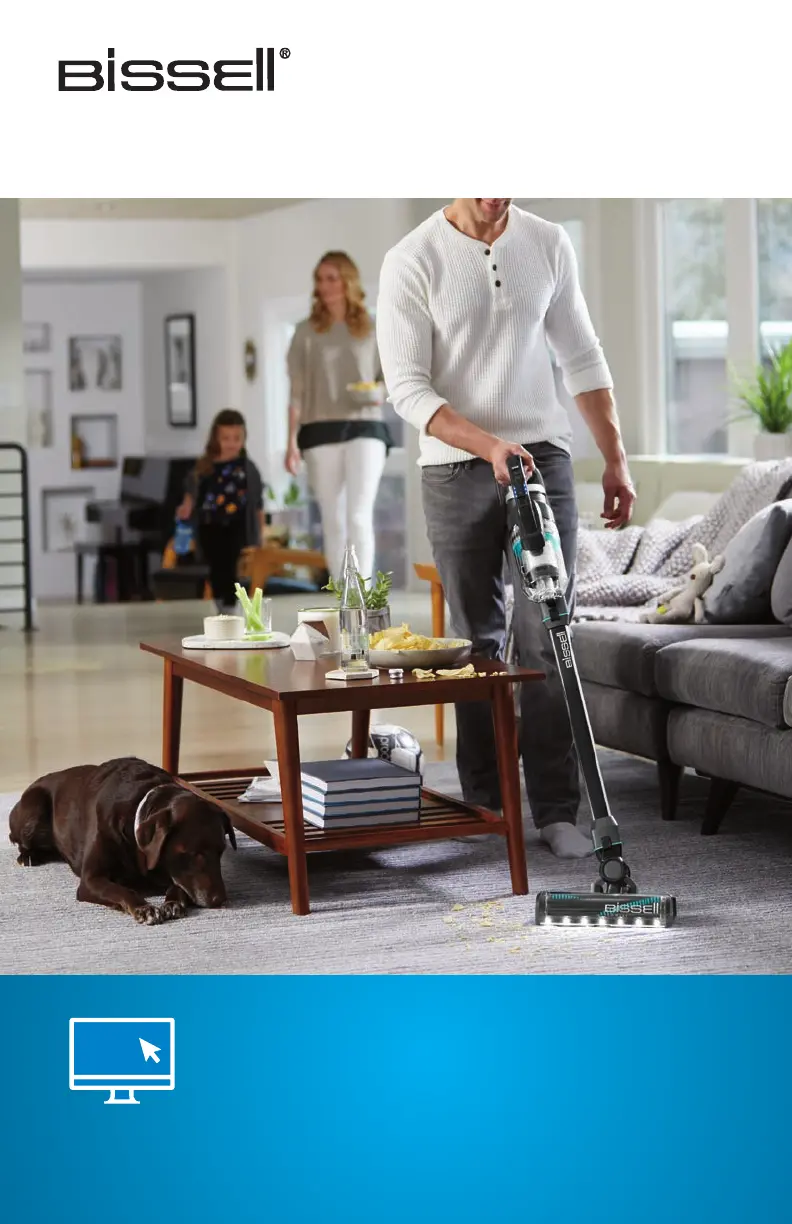
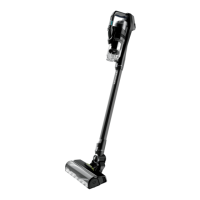
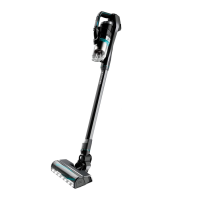
ICONpet CORDLESS VACUUM
MODEL 22883

Questions and Answers

  • J
    jason06Aug 3, 2025
    Why Bissell ICONpet 22883 Vacuum Cleaner won’t pick up dirt?
    • J
      janetallenAug 3, 2025
      Your Bissell Vacuum Cleaner may not be picking up dirt due to several reasons. First, the filters might be dirty. Remove and rinse the Pre-Motor Filters, and allow them sufficient time to dry before reinserting. Also, remove and dust off the post-motor filter. Second, there might be a clog in the vacuum. Remove the foot and extension wand from the hand vacuum and check for debris buildup or clogs. Clear any obstructions before reassembling. Finally, the dirt tank might not be seated correctly. Remove the tank and reseat it properly.
  • P
    Paul MyersAug 13, 2025
    What to do if dirt is escaping from Bissell ICONpet 22883 Vacuum Cleaner?
    • T
      Todd MillerAug 14, 2025
      If dirt is escaping from your Bissell Vacuum Cleaner, there are a few potential causes. The dirt tank might be full, so empty it. Also, the filters might be missing or dirty; check to see if the Pre-Motor & Post Motor Filters are in place and clean them if necessary. Finally, there might be a clog in the vacuum. Remove the foot and extension wand from the hand vacuum, check for debris buildup or clogs, and clear any obstructions before reassembling.
  • D
    David GarciaAug 23, 2025
    How to fix Bissell Vacuum Cleaner that won’t charge?
    • V
      Virginia ClarkAug 23, 2025
      If your Bissell Vacuum Cleaner isn’t charging, ensure you are using the correct charger that came with the machine. Also, make sure the charger is properly plugged into the hand vacuum; try removing and reinstalling the charger.

Summary

Whats in the Box?

Product View

Diagram showing the parts of the vacuum cleaner with numbered labels for identification.

Assembly

Installing the Wall Storage & Charging Station

Instructions for mounting the wall storage and charging unit, including cord management.

Charging the Battery

Charging with the Hand Vacuum

Steps to charge the vacuum directly using the hand vacuum assembly and charger.

Charging with the Wall Storage & Charging Station

Steps to charge the vacuum by hanging it on the installed wall storage station.

Using the Vacuum

Attaching Tools for Hand Vac Use

Guide on connecting various tools to the hand vacuum or extension wand for different cleaning tasks.

Emptying the Dirt Tank

Removing and Changing the Brush Roll

Instructions on how to remove, clean, or replace the vacuum's brush roll.

Cleaning & Replacing the Filters

Pre-Motor Filters

Instructions for cleaning and drying the pre-motor filters after each use for optimal performance.

Post-Motor Filter

Guide on cleaning and drying the post-motor filter to maintain air quality.

Disposing of the Batteries

Troubleshooting

Errors

Specific error indicators and their corresponding causes and recommended remedies.

Warranty

Information regarding the limited warranty period and how to obtain service or support.

Bissell ICONpet 22883 Specifications

General IconGeneral
TypeCordless Stick Vacuum
Battery Life50 minutes
Cord TypeCordless
Power SourceBattery
Charging Time4 hours
Special FeaturesTangle-Free Brush Roll
Surface RecommendationCarpet, Hard Floor
Included AccessoriesCrevice Tool, Dusting Brush
ColorBlack

Related product manuals