Bitfury B8 Open Miner — Quick Start Guide
12
7. Changing passwords
Please change your passwords as soon as possible to prevent unauthorized access to your
OpenMiner!
Web interface (http://[Open Miner IP Address], for example: http://192.168.1.224):
Login: test@example.com
Password: Qw1Qw1Qw1
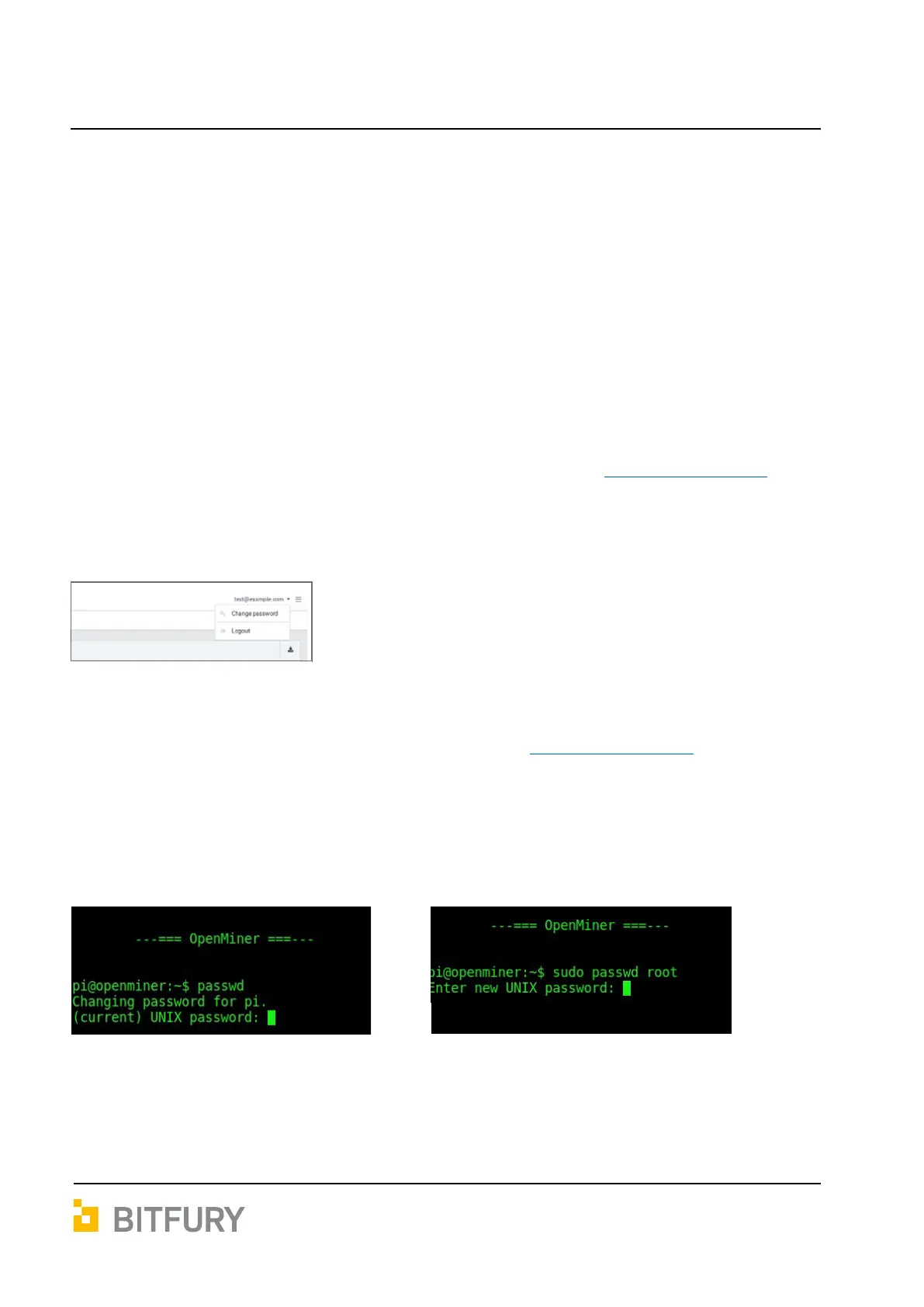
You should change password via web interface:
SSH access (any SSH client to your Open Miner IP address, for example ssh pi@192.168.1.224
replacing 192.168.1.224 with IP address of your Tardis Open Miner):
http://[Tardis Open Miner IP Address], for example: http://192.168.1.224
Login: pi
Password: pi
You should use command passwd.
For user pi. Type current password
and then new password twice.
Changing password for user pi
For user root.
Type new password twice.
Changing password for user root


 To Next Page