which includes your GPS coordinates, inserted by clicking
the Location button. The recipient can click this link
to view your location on the website. It will not notify
anyone of your location while in tracking mode, but will
hour of tracking per credit.
If you are in phone service and not connected to the Bivy
Stick, the Bivy app will share your location much more
frequently.
To track using the Bivy Stick, make sure you are
connected via Bluetooth.
This will take you to the map screen. Push the
large “TRACK” button on the bottom center.
Choose your activity type.
It will ask you if you want to track through Bivy Stick.
Select "Enable Bivy Stick Tracking." It will ask if you want
to share your location. Select "Share with Everyone" or
"Share with Friends" if you want to be visible to others.
To stop tracking, push the “PAUSE” button and
then the Check button. Be sure to turn off your
location sharing if you no longer want to be visible.
Your distance, speed, calories burned, and other stats will
tracks or upload them to the Bivy database for others to
use if you want.
SOS
In case of emergency you can hit the SOS
button on the app and establish 2-Way
communication with Global Rescue. You can
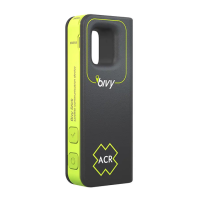
also activate an SOS from the button on the
communication directly with Global Rescue. They will
dispatch and manage all the emergency needs and
resources necessary. This service is available world wide.
Touch the SOS button on the Bivy Stick screen. You will
letters SOS to verify it's not an accidental SOS call.
with your GPS coordinates and location to Global Rescue.
5


 To Next Page
 Loading...