Ver. 1.01
6-2-3 Screen Blink
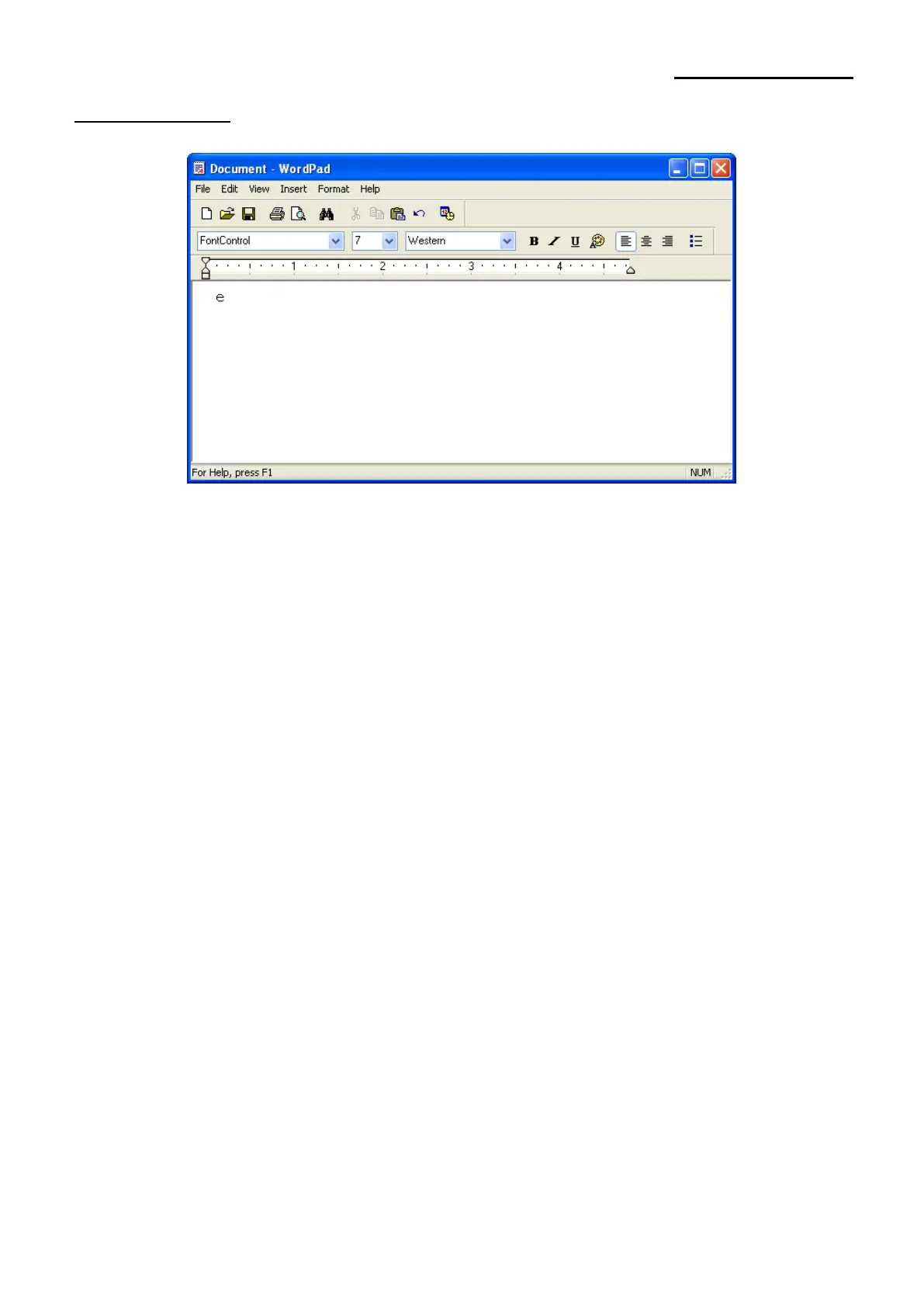
1) Select the font from the font selection box (FontControl).
2) Set the font size to 7.
3) Enter “e” in WordPad.
4) Click the Print button in the toolbar to print.
* Clicking on Print will cause screen to be blinked at 10x50msec intervals. By changing
the character that you input at Step 3, you can select a different interval. Refer to
Section 6.2-2, for a listing of characters and their functions.





 To Next Page